Fast multimodal input
Gemini Omni Flash is built around text, image, video, and audio references, then turns those ingredients into quick video directions.
Gemini Omni Flash brings text, image, video, and audio references into a faster editable AI video workflow. Test ideas with natural instructions, remix scenes quickly, and prepare a flow for rapid creative revision.
Reference Media *
Images: 0, 1, or 3. Video: optional, max 1, at most 10s.
Gemini Omni sample output
Use prompt, images, or one video to generate your own result.
See official examples for scene extension, first-and-last-frame transitions, 360p drafting, video references, and 4K output, paired with the published prompts.
View Gemini Omni 1.1 FlashWhat is Gemini Omni Flash
Gemini Omni Flash focuses the same multimodal creation idea into a faster workflow for testing prompts, remixing scenes, and refining video concepts.
Gemini Omni Flash is built around text, image, video, and audio references, then turns those ingredients into quick video directions.
Instead of rebuilding a scene, Gemini Omni Flash supports fast changes that keep characters, motion, camera intent, and continuity intact.
Gemini Omni Flash uses world knowledge, physics, science, narrative logic, and SynthID transparency to make faster AI video more dependable.
Capabilities
Gemini Omni Flash combines conversational editing, world-grounded creation, and multimodal references for faster iteration. Explore the three core workflows below with real prompts and sample outputs.
Capability 1
Gemini Omni Flash AI Video Generator helps creators revise real video with plain-language direction, keeping each scene coherent while the action, style, subject, or camera changes.
Use Gemini Omni Flash to change the aesthetic, motion, or effect while preserving the input video intent.
Turn ordinary movement into a surprising Gemini Omni Flash video moment without rebuilding the scene.
Guide Gemini Omni Flash edits with reference images for clearer product, character, or environment control.
Input video

Input image
Refine details step by step in Gemini Omni Flash AI Video Generator, from environments to camera angles.
Input video
Ask Gemini Omni Flash to replace characters or objects while maintaining a cohesive scene.
Capability 2
Gemini Omni Flash can help create scenes that follow real-world logic, drawing on history, science, math, and narrative structure to make AI video feel more grounded.
Gemini Omni Flash understands gravity, kinetic energy, and fluid dynamics for more convincing movement.
Use Gemini Omni Flash AI Video Generator for educational, historical, scientific, or concept-driven scenes.
Go beyond static overlays by connecting generated text to action inside the Gemini Omni Flash video.
Capability 3
Reference and combine different ingredients in Gemini Omni Flash AI Video Generator to maintain control, consistency, and creative intent across the final scene.
Apply motion from video or style from image so Gemini Omni Flash can carry the reference language forward.

Input image
Input video
Turn sketches or rough concepts into Gemini Omni Flash video while guiding how details move.
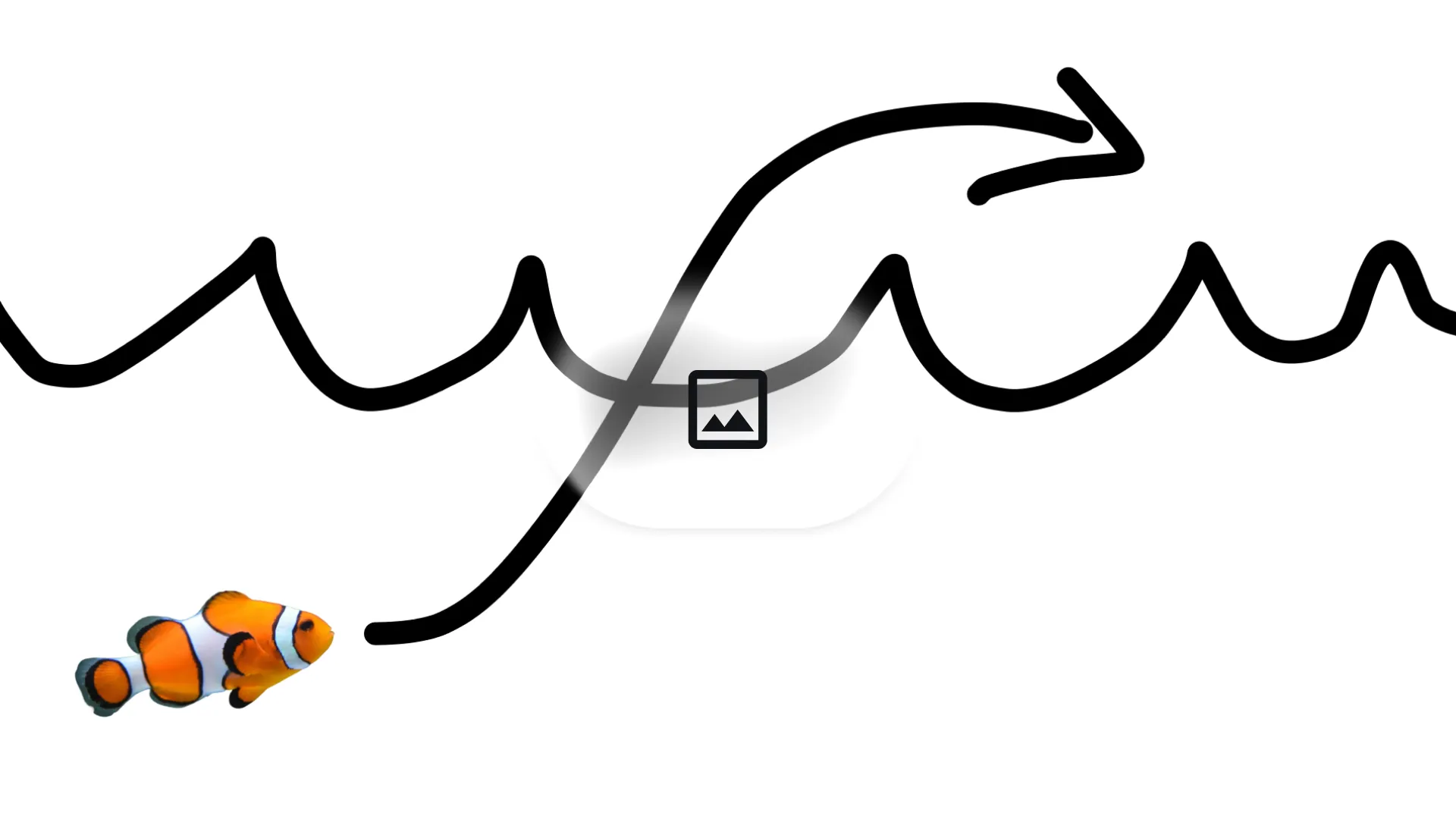
Input image
FAQ
Gemini Omni Flash AI Video Generator is a multimodal AI video experience for generation and conversational editing.
Gemini Omni Flash can help create video from text prompts, image references, video clips, audio cues, and mixed creative ingredients.
Gemini Omni Flash is positioned for creators who want quick video exploration and revision.
Yes. Gemini Omni Flash is positioned for video-to-video workflows, style changes, reference-based edits, object swaps, and multi-turn revisions.
The Gemini Omni Flash AI Video Generator page supports prompt, image, and video reference generation.
Gemini Omni Flash combines conversational editing, multimodal references, world understanding, and creative video generation in one workflow.
Gemini Omni Flash content on this page highlights world knowledge, physical motion, and grounded scene logic for more believable AI video.
Yes. Gemini Omni Flash workflows can use reference images to guide characters, objects, style, motion, and image-to-video results.
Gemini Omni Flash is presented for synchronized onscreen text, where words can appear with action, timing, and visual style.
The page references SynthID-style transparency so AI-generated media can be clearly identified and handled responsibly.
Use faster multimodal prompts, remixing, and transparent AI output.
Generate Video