Nano Banana 2 AI Image Generator
Powerful image generation, advanced intelligence, and enhanced creative precision - with the speed you expect from Flash.
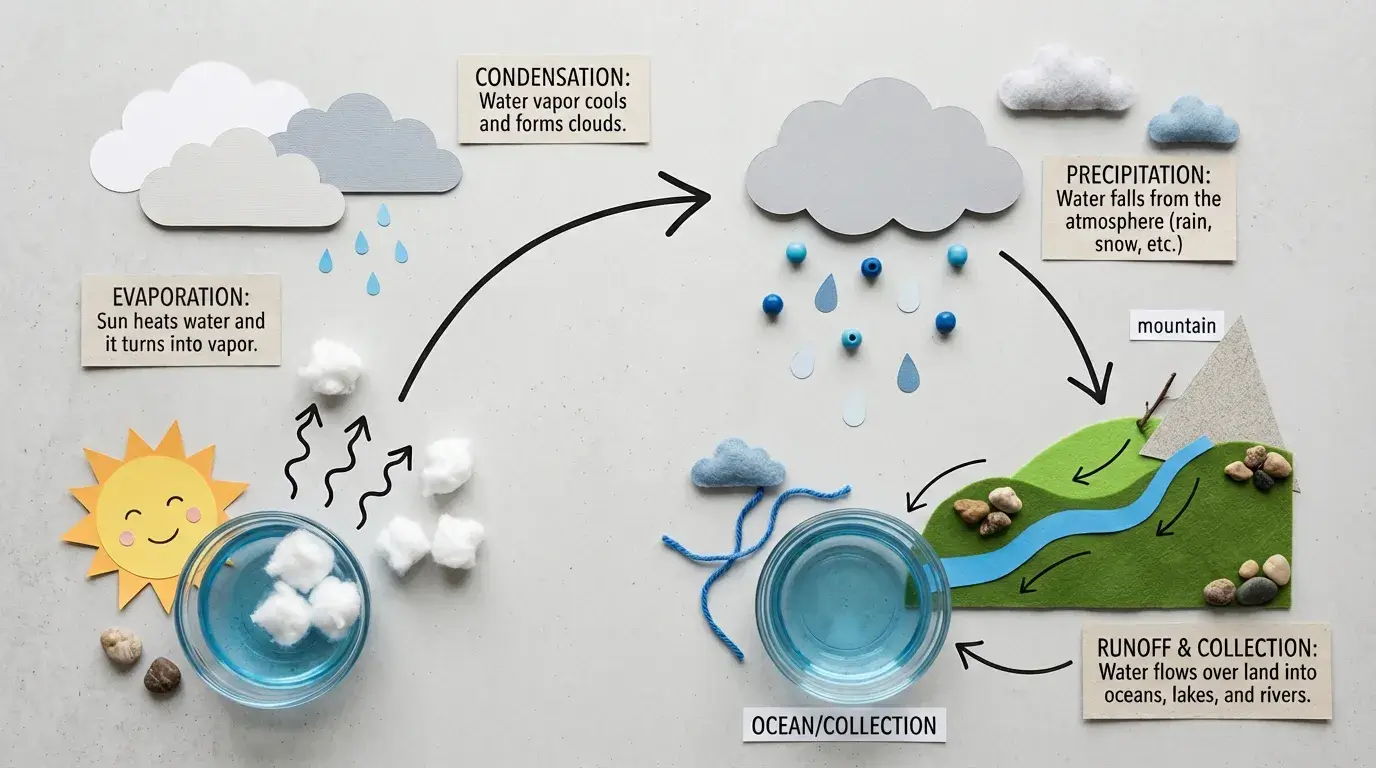
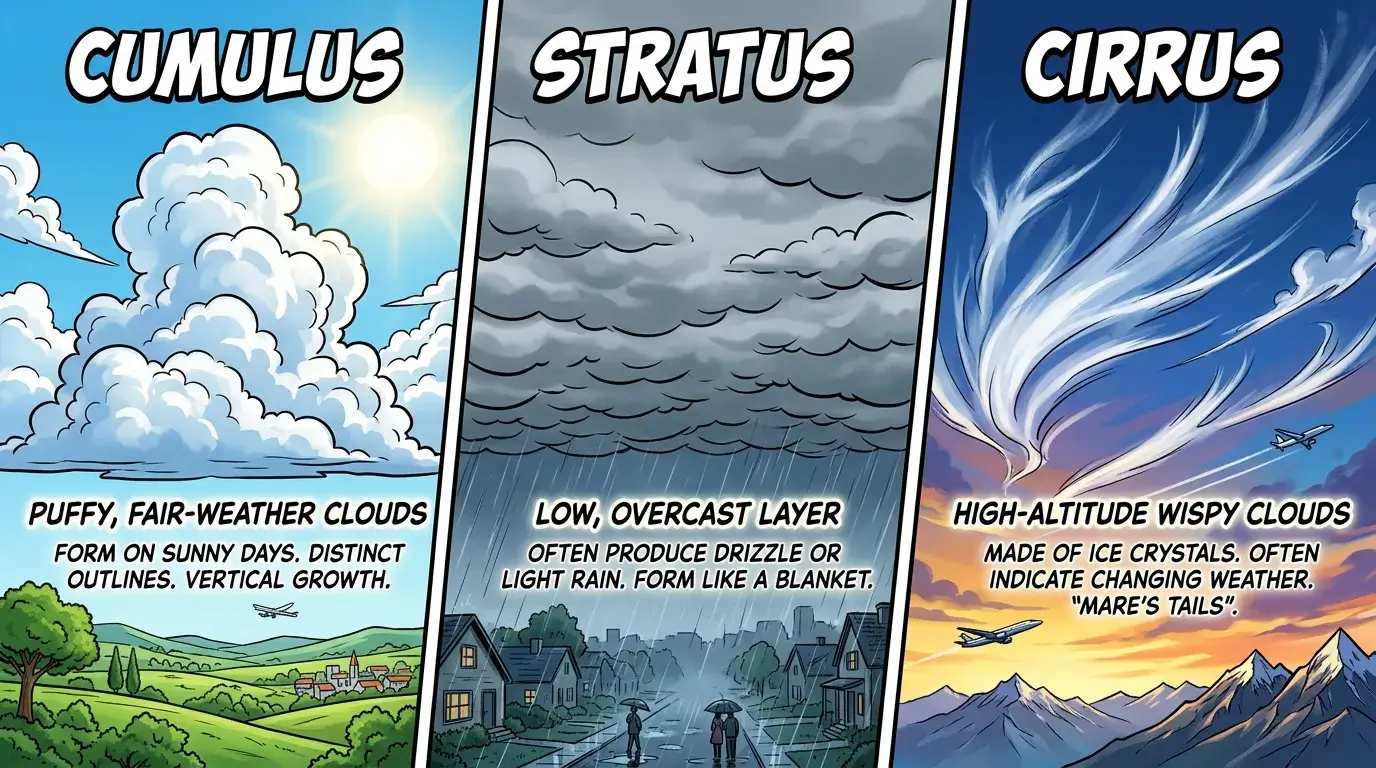
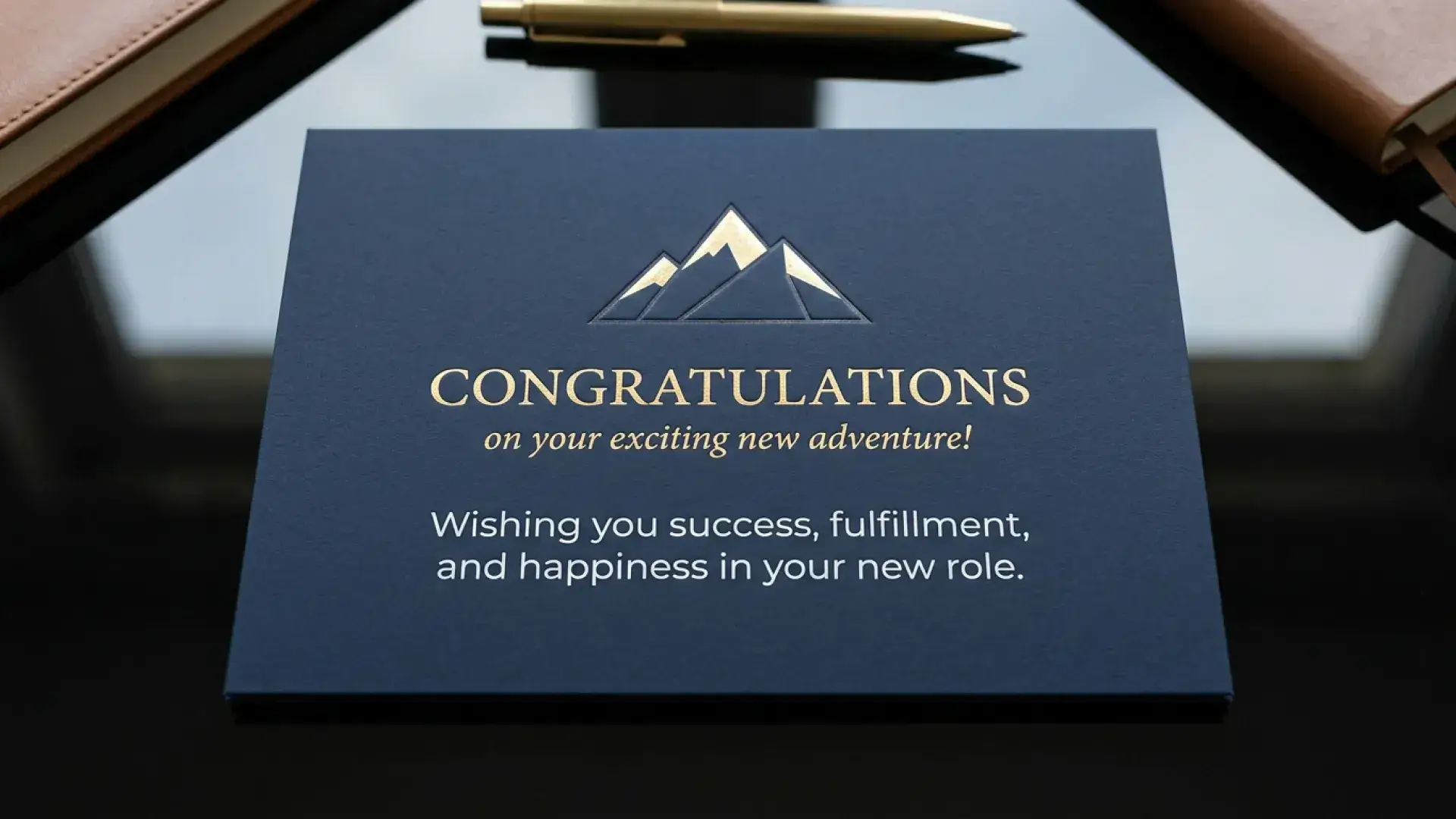
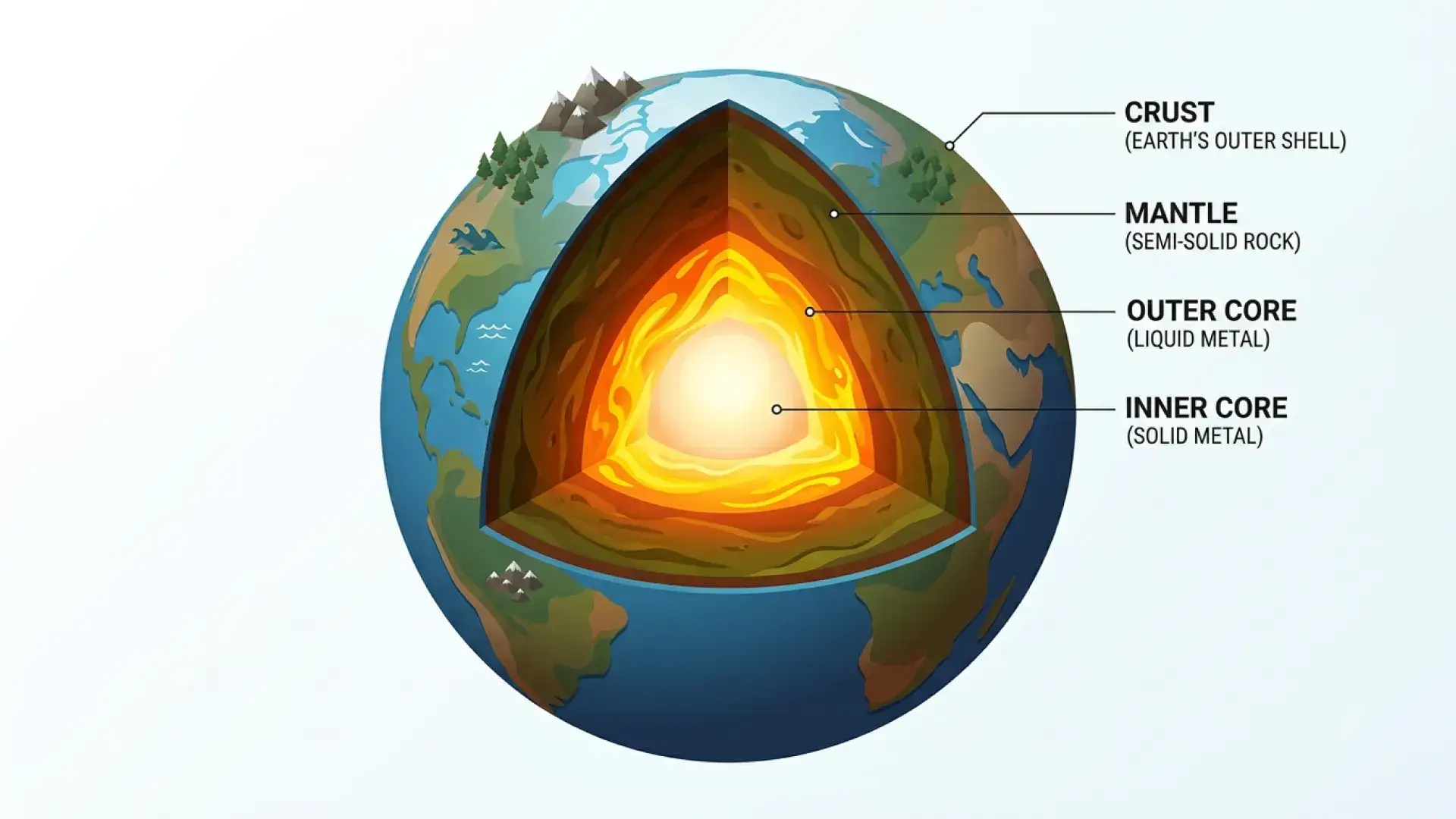
Your next visual direction
Explore Nano Banana 2.1
Create from a prompt or shape an edit with your own references. Choose 1K–4K output and optional Web Search or Image Search in the XMK workspace.
Up to 14 references · PNG or JPG · From 10 credits
Try Nano Banana 2.1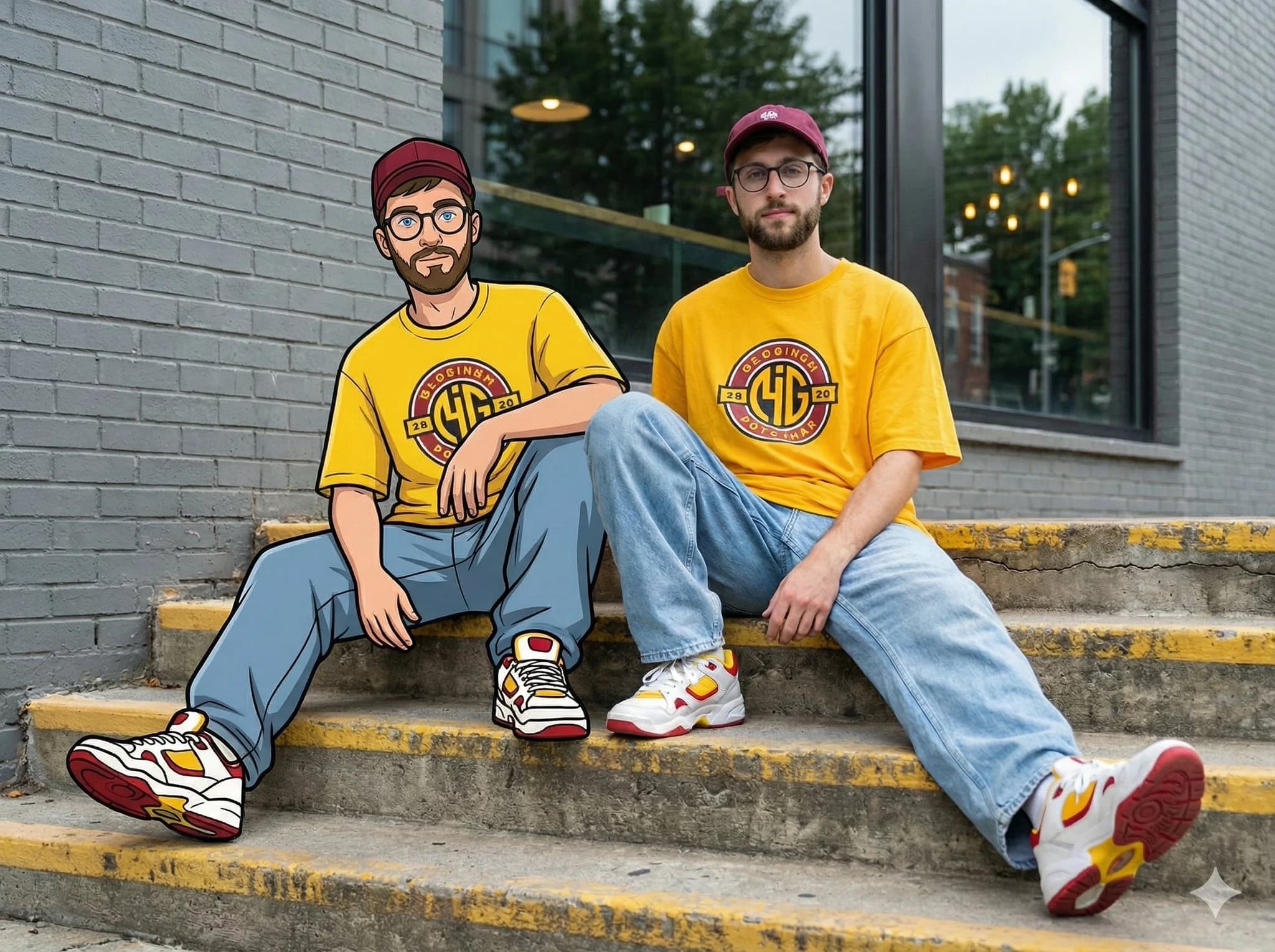
Nano Banana 2 Case Showcase
Explore real examples of Nano Banana 2 in action. See how simple prompts transform images into stunning results.
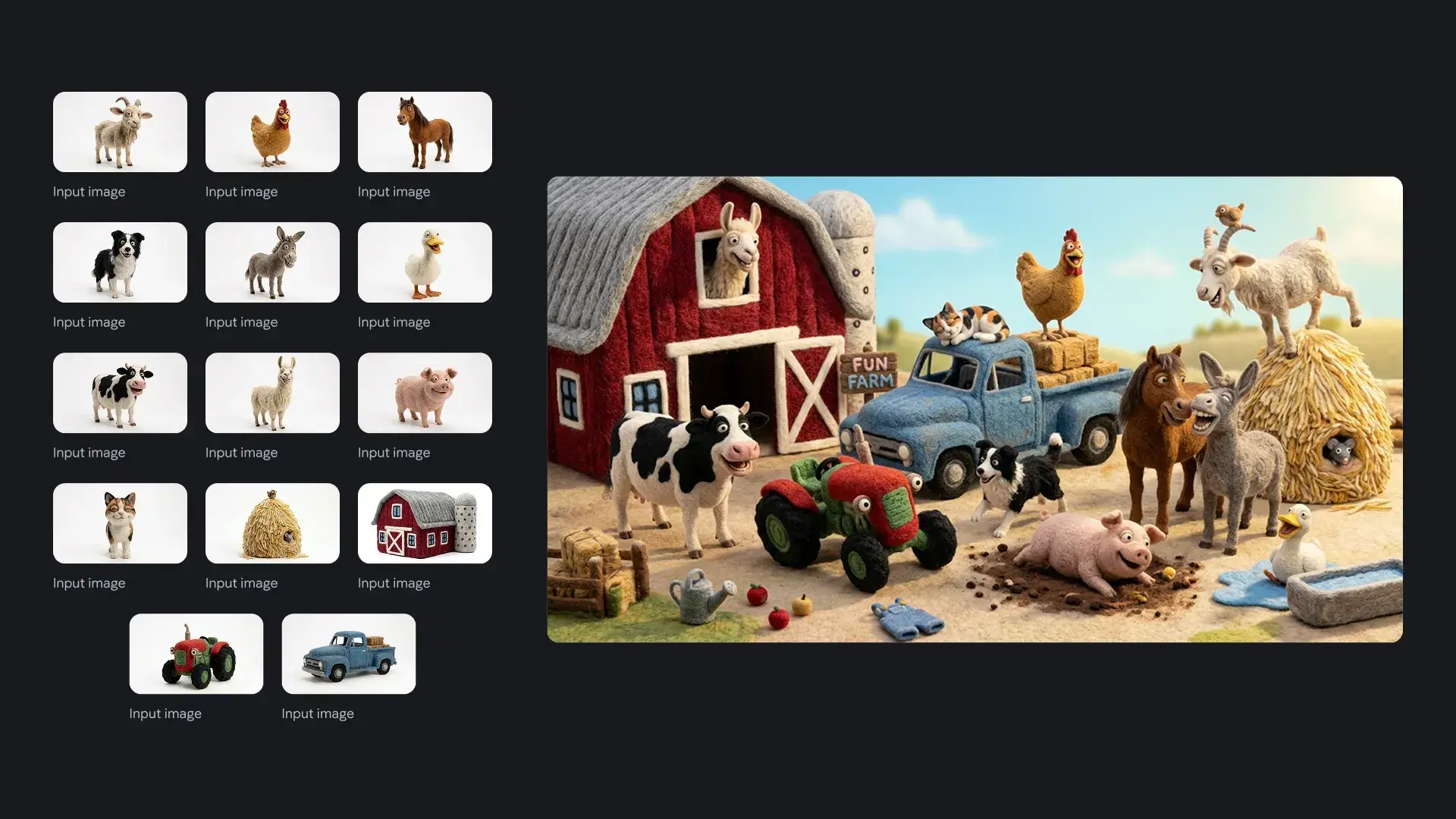
Prompt: Create an image of these 14 characters and items having fun at the farm. Theoverall atmosphere is fun, silly and joyful. It is strictly important to keep identity consistent of all the 14 characters and items.
.webp)
Prompt: The girl walking ahead on the path with her umbrella and her dog trailing behindher with a red ball. The small bird observes the girl from the fence.
.webp)
Prompt: A medium shot of the 14 fluffy characters are on the bleachers, completelycaptivated by the end of a figure skating performance. The overall atmosphere is fun andcheerful. It is strictly important to keep identity and attire consistent of all the 14characters.
.webp)
Prompt: This is a captivating close-up photograph of an intricately designed, mechanicalinsect, reminiscent of a butterfly or dragonfly, perched delicately amidst a soft, etherealfloral arrangement. The photography style is highly detailed and almost macro,showcasing the exquisite craftsmanship of the subject. The camera angle is slightlyelevated, looking down upon the insect and the surrounding elements, creating a senseof intimacy and wonder. The dominant colors are soft whites, creams, and light blues,with striking accents of gold, silver, and vibrant teal and orange on the insect's body. Thelighting is soft and diffused, highlighting the translucent quality of the insect's wings andthe gentle textures of the flowers. There's a subtle glow that suggests either naturaldaylight or a carefully placed artificial light source, creating gentle shadows that adddepth. The main subject is the elaborate mechanical insect, which features translucent,veined wings with delicate gold and silver filigree patterns and embedded jewels. Itsbody is a mosaic of tiny gears, polished metal, and sparkling gemstones, with a segmentof its abdomen adorned in bright teal and orange enamel. Its delicate, jointed legs aremade of polished silver and clear glass-like tubes, and it has fine antennae extendingfrom its head. The insect is resting on a cluster of soft, white, organic-looking forms,some resembling unfurling petals or intricate lace. In the blurred background, out -of-focus white flowers with subtle yellow or red centers add to the dreamy, sereneatmosphere. The overall impression is one of delicate beauty, precision engineering, anda blend of natural and artificial elegance.
How to Use Nano Banana 2 in Your Browser
Follow these simple steps to create stunning images with Nano Banana 2.
Step 1 – Describe or Upload for Nano Banana 2
Type a clear prompt into the Nano Banana 2 prompt box describing the scene, subject, or edit you want. Optionally upload up to four reference images so Nano Banana 2 can match style, layout, or character details more precisely.
Step 2 – Generate and Refine with Nano Banana 2
Click Generate Image and let Nano Banana 2 create a first result. Review the output, then add extra instructions such as "make the lighting warmer" or "keep the same character but change the outfit" to refine results in a few quick rounds.
Step 3 – Save, Download, and Reuse via Nano Banana 2
When you are satisfied, save your favorites, download high-resolution versions, and reuse prior generations as references inside Nano Banana 2. A built-in history lets you return to past images and build complete visual stories over time.
Pro Tip
Begin with simple prompts, then refine with descriptive text like "make it golden hour," "increase depth of field," or "add soft shadows" to get professional-grade results with Nano Banana 2.
Nano Banana 2 Creation Interface
Nano Banana 2 gives you a clean, focused workspace. Type your instructions into the prompt field, upload four reference images if needed, and watch previews update as Nano Banana 2 generates new results. Simple seed and history controls make Nano Banana 2 feel like a creative companion instead of a complex tool.
Nano Banana 2 focuses on clarity, context, and control. Instead of juggling multiple tools, you sketch ideas, iterate quickly, and finalize visuals in one simple interface.
Nano Banana 2 Application Scenarios for Creators and Teams
Discover how creators and teams use Nano Banana 2 across different industries and creative workflows.
Storytelling and Comics with Nano Banana 2
Writers and illustrators use Nano Banana 2 to design recurring characters, locations, and key moments while exploring new outfits, angles, and moods for every chapter.
Game Art and Concept Design via Nano Banana 2
Game studios and solo devs rely on Nano Banana 2 for fast character concepts, environment sketches, and prop ideas, maintaining a coherent universe while still allowing wild experimentation during preproduction.
Marketing, Branding, and Social Content on Nano Banana 2
Marketers and brand teams create campaign visuals, product shots, and social posts directly in Nano Banana 2, localizing visuals, testing layouts, and keeping colors, logos, and characters aligned with your brand.
Product Visualization and E-commerce Using Nano Banana 2
Shop owners and product designers turn to Nano Banana 2 for lifestyle mockups, alternate colorways, and scene variations, achieving high-quality renders without expensive photo shoots.
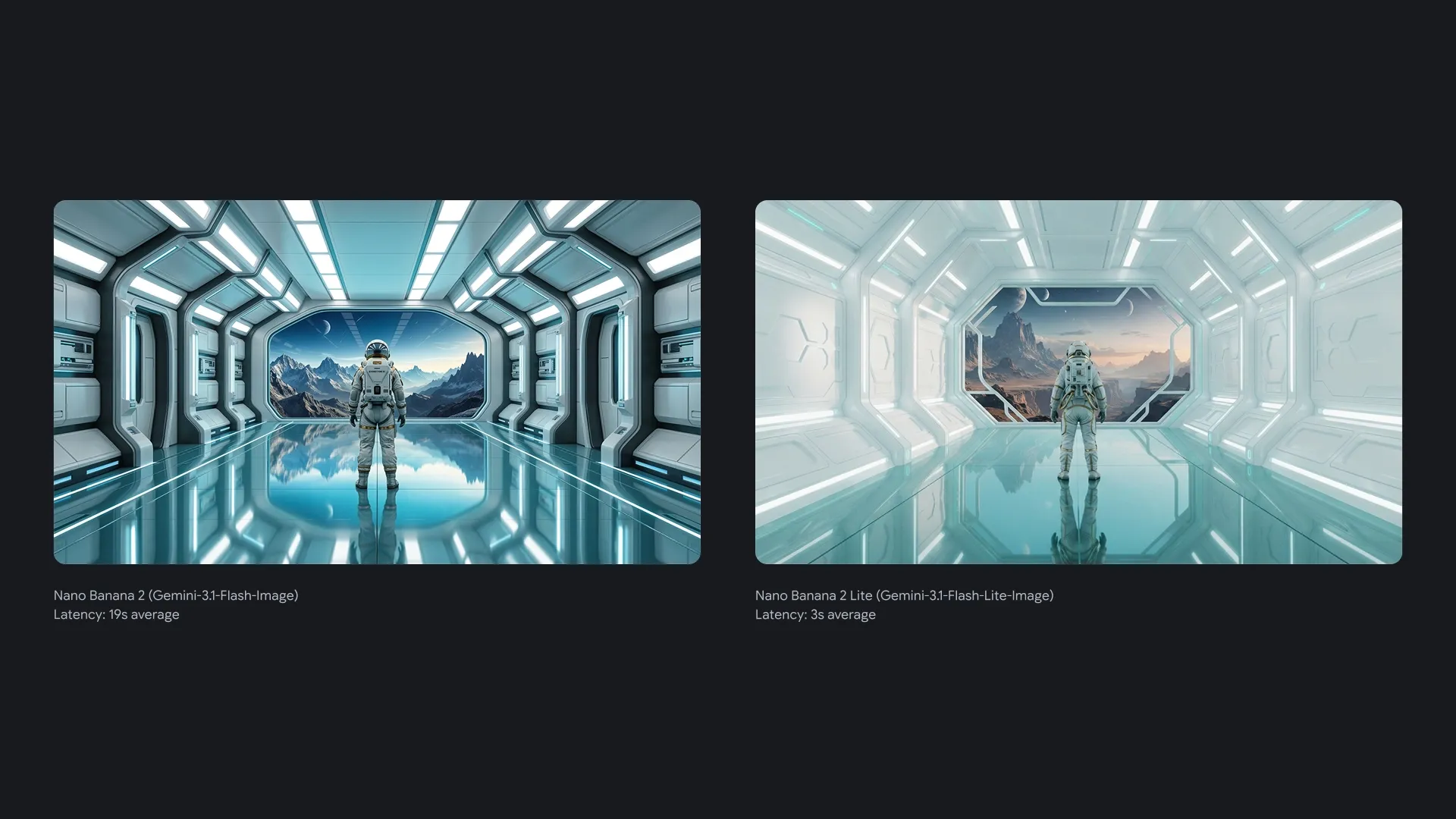
Explore a lighter path with Nano Banana 2 Lite
Use Nano Banana 2 Lite when the job is exploration, not final polish. It gives creators a faster way to test prompts, edit references, and narrow down concepts before moving the best direction into Nano Banana 2.
Move faster on campaign variants, product visuals, and concept boards
Run lightweight image tests for 10 credits per generation
Switch between prompt drafts and reference-image edits in one flow
Nano Banana 2 Key Features for Creative Control
Nano Banana 2 focuses on clarity, context, and control. Instead of juggling multiple tools, you sketch ideas, iterate quickly, and finalize visuals in one simple interface.
Precision text rendering and translation
Nano Banana 2 allows you to generate accurate, legible text for marketing mockups or greeting cards. You can even translate and localize text within an image to share your ideas globally.
Localize your creations
Translate text into different languages, or localize what’s already inside your image. You can even change the environment and context of a photo, like switching the Mumbai coast into Tokyo’s skyline.
Upscale with precision
Upscale images into 2K and 4K in seconds to keep visuals sharp, vibrant, and production-ready.
Resize for any platform
Whether you need a vertical social post or a widescreen backdrop, effortlessly switch aspect ratios from square to portrait to landscape.
Keep subjects consistent
Carry the consistency and resemblance of up to five characters – and the fidelity of up to fourteen objects – across a single workflow. Subjects stay recognizable from scene to scene to build narratives with better visual continuity.
High-speed, high-quality
Get what you ask for – however you ask for it. Prompt your ideas to life with fast, accurate image generation, then fine-tune the details just the way you want them.
Why Choose Nano Banana 2?
Nano Banana 2 is built on a foundation of superior performance, user-centric design, and relentless innovation.
High-Precision Generation
Nano Banana 2 delivers superior quality, accuracy, and prompt adherence for professional-grade results.
Advanced world knowledge
Nano Banana 2 is built on the latest breakthroughs in machine learning, ensuring you work with the most advanced AI technology available.
User-Centric Design
We designed Nano Banana 2 with an intuitive interface that makes sophisticated AI accessible to users of all skill levels, from beginner to expert.
Continuous Innovation
Benefit from regular updates to Nano Banana 2 and feature enhancements. Our dedicated research team ensures you are always at the forefront of AI.
Reliable and Scalable
Whether you're an individual creator or a large enterprise, our robust Nano Banana 2 infrastructure scales to meet your needs with consistent performance.
Community-Driven Platform
Nano Banana 2 evolves based on feedback from a global community of creators, ensuring we solve real-world creative challenges together.
Choose the throughput that matches your workflow
Every plan keeps the same focused interface. You only scale output, speed, and capacity.
Base
- 990 credits one time purchase
- $0.010 per credits
- 1 concurrent generations
- Video Models: Lite, Standard, Seedance Pro, Wan 2.5
- Image Modals: Seedream 3.0, Google Nano Banana
- Image & Video upscaling features
Pro
- 3300 credits one time purchase
- $0.009 per credits
- 3 concurrent generations
- Video Models: Lite, Standard, Seedance Pro, Wan 2.5, Veo 3, Veo 3.1, Sora2
- Image Modals: Seedream 3.0, Google Nano Banana
- Image-editing features
- Start & End Frame control
- Wan Animate, Lipsync Studio
- AI Avatar: Audio‑Driven Video GenerationWithout Limits
- Google Veo 3.1
- Google Veo 3.1 Fast
- Google Nano Banana Pro
- Seedream 4.0, 2K, 4K
- Sora 2
- Save 9.39% Today!
Ultimate
- 5700 credits one time purchase
- $0.008 per credits
- 3 concurrent generations
- Video Models: Lite, Standard, Seedance Pro, Wan 2.5, Veo 3, Veo 3.1, Sora2
- Image Modals: Seedream 3.0, Google Nano Banana
- Image-editing features
- Start & End Frame control
- Wan Animate, Lipsync Studio
- AI Avatar: Audio‑Driven Video GenerationWithout Limits
- Google Veo 3.1
- Google Veo 3.1 Fast
- Google Nano Banana Pro
- Seedream 4.0, 2K, 4K
- Sora 2
- Save 12.46% Today!
Creator
- 13000 credits one time purchase
- $0.007 per credits
- 4 concurrent generations
- Video Models: Lite, Standard, Seedance Pro, Wan 2.5, Veo 3, Veo 3.1, Sora2
- Image Modals: Seedream 3.0, Google Nano Banana
- Image-editing features
- Start & End Frame control
- Wan Animate, Lipsync Studio
- AI Avatar: Audio‑Driven Video GenerationWithout Limits
- Google Veo 3.1
- Google Veo 3.1 Fast
- Google Nano Banana Pro
- Seedream 4.0, 2K, 4K
- Sora 2
- Save 23.15% Today!
Your order will be processed by XMK in accordance with the laws of Hong Kong.
Nano Banana 2 FAQs
Answers to common questions about Nano Banana 2, features, and usage.
What is Nano Banana 2?
Nano Banana 2 is an AI image generator and smart editor that turns text prompts and reference images into high-quality visuals directly in your browser.
How does Nano Banana 2 differ from basic image models?
Basic tools often deliver one-off, non-editable images. Nano Banana 2 is built for context, character consistency, and controllable edits across multiple generations.
Who should use Nano Banana 2?
Nano Banana 2 is designed for artists, designers, marketers, game developers, and anyone who needs fast visuals without mastering complex design software.
Can Nano Banana 2 keep the same character across images?
Yes. Create a character once, then guide Nano Banana 2 with new prompts so the same hero appears in different outfits, poses, and environments.
What can I create with Nano Banana 2?
Use Nano Banana 2 for characters, scenes, products, covers, social graphics, comics, thumbnails, ad creatives, game assets, and quick visual experiments.
How fast is Nano Banana 2 for generation and editing?
The experience is tuned for interactive use. Most Nano Banana 2 generations complete in seconds, so you can compare variations and refine details quickly.
Does Nano Banana 2 support image uploads for editing?
Yes. Upload an existing image and describe the edits you want. Nano Banana 2 adjusts backgrounds, lighting, outfits, and objects while preserving composition.
Do I need design experience to use Nano Banana 2?
No. Plain language prompts are enough to start, while advanced users can push results further with detailed instructions and reference images inside Nano Banana 2.
Can I use Nano Banana 2 for commercial projects?
In many cases, you can use generated images for commercial work, depending on the license attached to your Nano Banana 2 account and applicable policies.
How do I start creating with Nano Banana 2 today?
Sign up, claim your first free generation, open the editor, write a prompt, add references if needed, and generate your first image with Nano Banana 2.