Grok Imagine 1.5 AI Video Generator
Upload a still image, write a motion prompt, and generate short 480p or 720p videos with audio. Animate photos, product frames, and concept art.
Upload image
AI Video Generation Demo - text, image, or reference to video with native audio support.
IMAGE-TO-VIDEO // V1.5
What Is Grok Imagine Video 1.5?
Grok Imagine 1.5 is an image-to-video model that turns still images into short AI videos. Rather than starting with text alone, you begin with a visual reference - a photo, product shot, concept frame, or brand asset - then use a prompt to shape the motion.
That makes Grok Imagine 1.5 practical for creators who already have a visual direction and want to explore movement quickly. Choose lightweight settings for quick drafts or sharper output when you need a cleaner clip for social previews, pitch decks, or proof-of-concept work.
FIRST-FRAME CONTROL
Your source image defines subject, composition, and style.
PROMPT-GUIDED MOTION
Guide camera moves, gestures, lighting, and atmosphere.
AUDIO SUPPORT
Create videos with sound for mood and preview workflows.
Explore
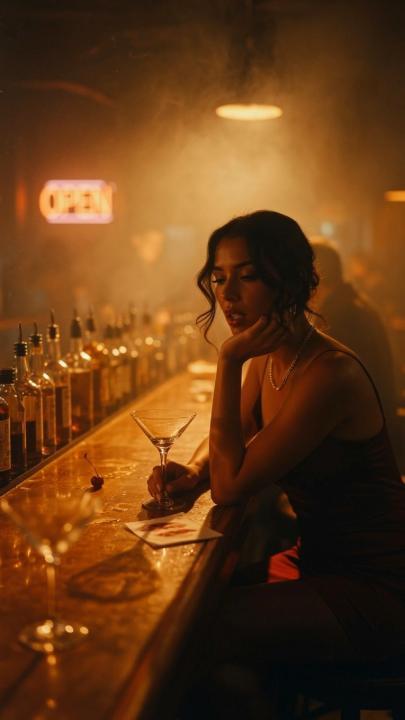
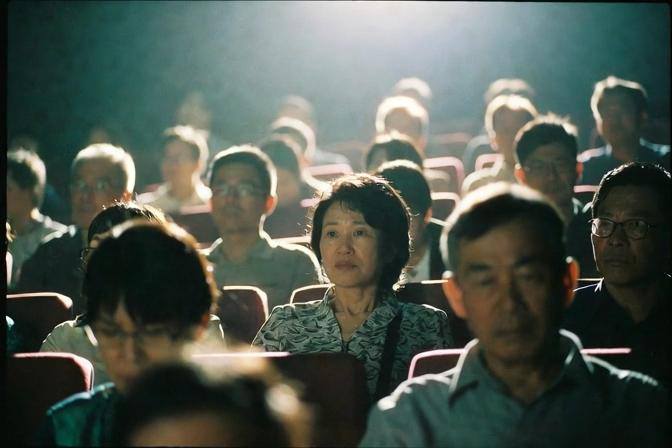
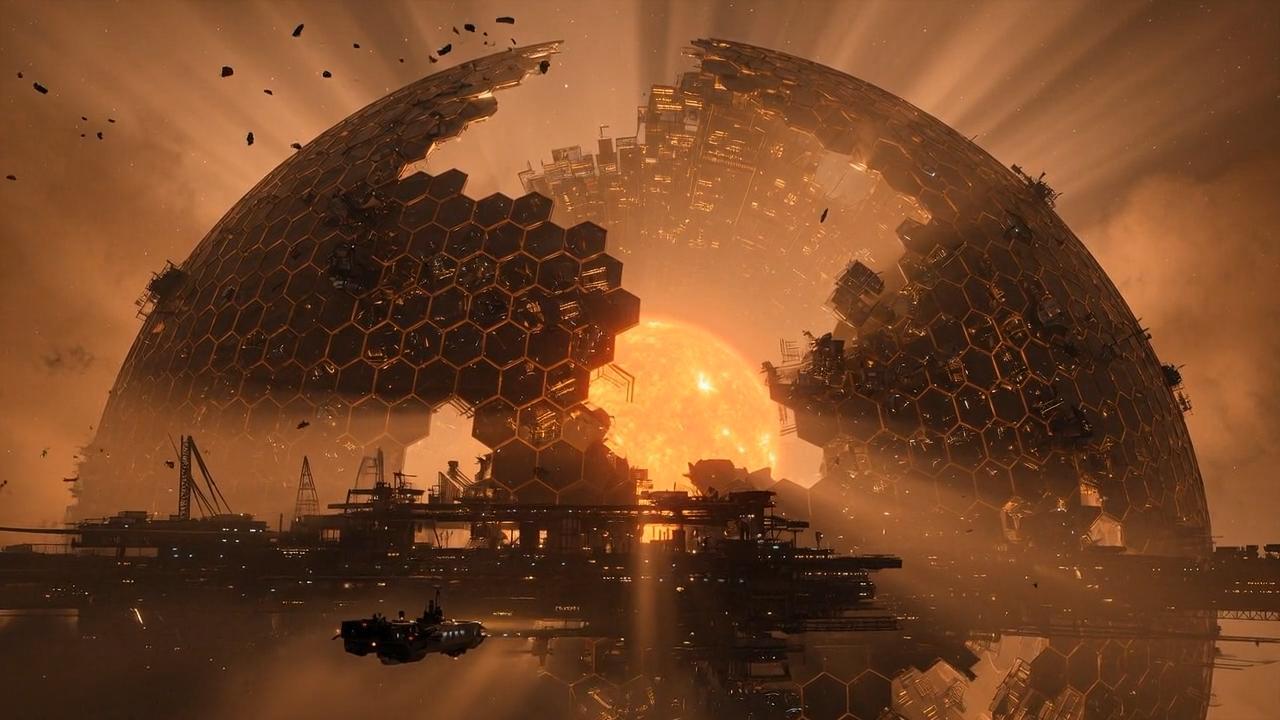
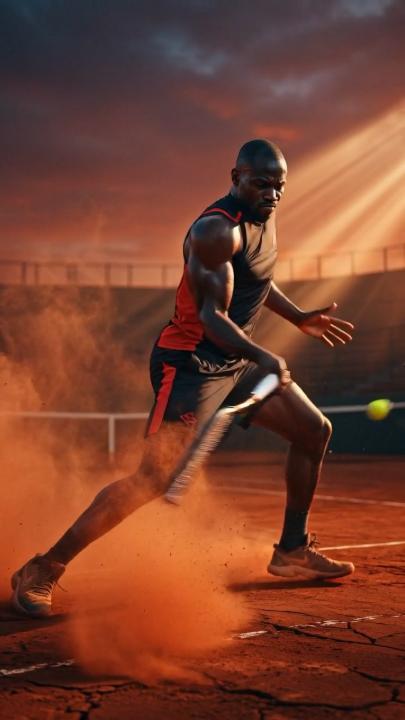
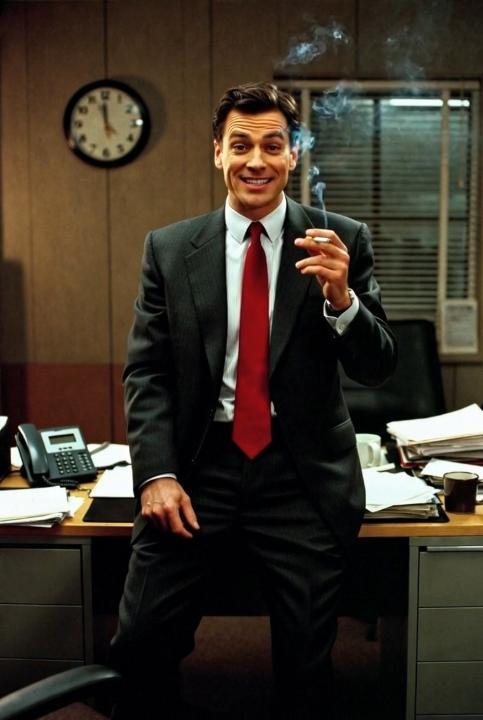
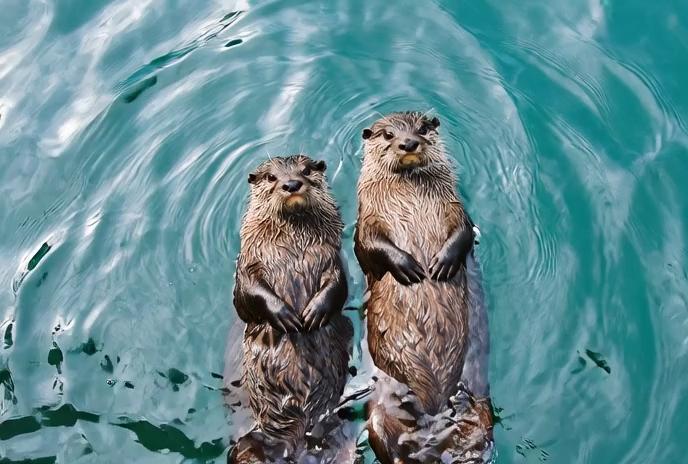
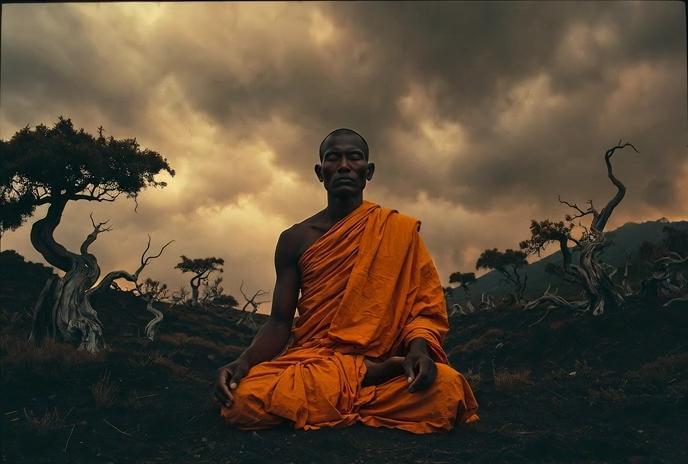
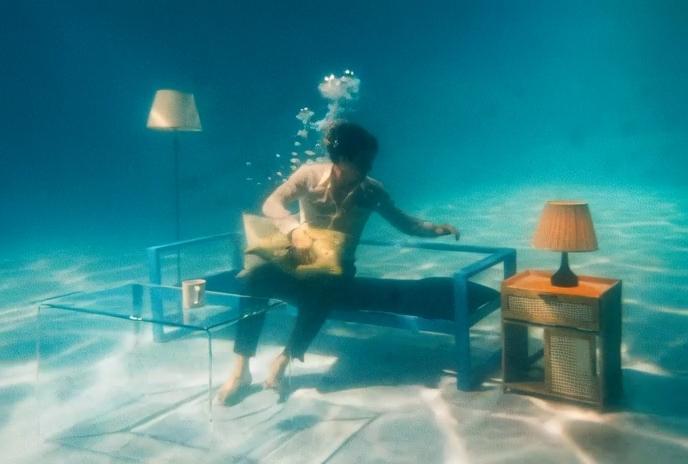
Grok Imagine Video 1.5 Examples in Motion
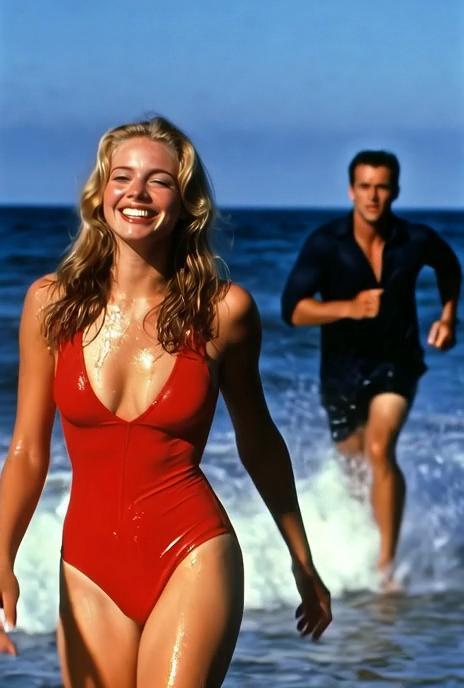
Browse sample clips from the Grok Imagine 1.5 workflow. Compare framing, subject motion, scene rhythm, and prompt direction before generating your own video.




Core Features
Why Creators Use Grok Imagine 1.5
Grok Imagine 1.5 is made for short, controlled image-to-video generation with prompt-guided motion and flexible output options.
Image-to-Video Animation
Upload a still image and guide its movement with a prompt. It works well when you already have a strong visual base - portrait, product shot, illustration, or cinematic still.
480p & 720p Output
Pick lightweight 480p drafts or sharper 720p previews. Keep the workflow simple for testing ideas, comparing prompt directions, and creating short clips for social or client review.
Native Audio Support
Generate video and sound in one workflow instead of pairing every clip with separate audio. Use it for atmosphere, mood, and sound-supported previews.
Flexible Creative Settings
Set duration from 1 to 15 seconds, choose resolution, and steer the prompt so the clip fits the job - product reveals, portrait animation, vertical social drafts, or wide cinematic frames.
Built for Fast Iteration
Use Grok Imagine 1.5 as a quick creative loop. Generate a first pass, review the motion, tune the prompt, then try another version with clearer camera movement or stronger atmosphere.
First-Frame Control
Starting from an image gives you more visual control than a blank prompt. Keep the subject, composition, color palette, and style, then layer motion instructions on top.
Product Line
Grok Imagine 1.0 vs Video 1.5 vs 2.0
See where Grok Imagine 1.5 fits in the product line - more focused than the early 1.0 workflow, faster for image animation, and lighter than the higher-end 2.0 experience.
| Capability | Grok Imagine 1.0 | Grok Imagine 1.5 | Grok Imagine 2.0 |
|---|---|---|---|
| Input | Text / Image | Still image + prompt | Text / Image / References |
| Output | Short video | Short video | Advanced video |
| Resolution | 720p | 480p / 720p | 4K-focused workflow |
| Audio | Synced audio | Videos with audio | Advanced audio workflow |
| Workflow | Early creative generation | Fast image-to-video preview | Higher-end cinematic creation |
| Best For | Early Grok video creation | Animating photos, product frames, concept art, social clips | Longer-form concepts and polished video output |
WORKFLOW
How to Use Grok Imagine Video 1.5
Upload a still image, choose output settings, then generate and refine your clip with prompt-guided motion in Grok Imagine 1.5.
Upload a Still Image
Upload a reference image as the first frame and write a prompt for motion, camera, lighting, and mood. Choose a clear frame with the subject and composition you want to preserve.
Choose Your Video Settings
Select duration from 1 to 15 seconds and resolution (480p or 720p) that fit your use case - from quick drafts to sharper preview clips for social and client review.
Generate, Refine & Download
Create your video, preview the result, then adjust the prompt for better motion or atmosphere. Download the finished MP4 and use it in reels, storyboards, landing pages, or ad concepts.
Use Cases
What Grok Imagine 1.5 Can Create
Sample clips for image animation, prompt-guided motion, quick 480p or 720p drafts, and short creative tests built from a single starting frame.
Product Videos
Turn product renders, campaign stills, and ecommerce images into short moving assets for ads, landing pages, and pitch decks.
Creator Reels
Animate portraits, character concepts, travel shots, and lifestyle images into scroll-ready moments for social platforms.
Marketing Clips
Add camera drift to product renders, test ad concepts quickly, and create mood clips without setting up a full video pipeline.
Previsualization
Use Grok Imagine 1.5 to preview scene movement before a full shoot, edit, or animation pass. Fast motion tests for creative teams.
Choose the throughput that matches your workflow
Every plan keeps the same focused interface. You only scale output, speed, and capacity.
Base
- 990 credits one time purchase
- $0.010 per credits
- 1 concurrent generations
- Video Models: Lite, Standard, Seedance Pro, Wan 2.5
- Image Modals: Seedream 3.0, Google Nano Banana
- Image & Video upscaling features
Pro
- 3300 credits one time purchase
- $0.009 per credits
- 3 concurrent generations
- Video Models: Lite, Standard, Seedance Pro, Wan 2.5, Veo 3, Veo 3.1, Sora2
- Image Modals: Seedream 3.0, Google Nano Banana
- Image-editing features
- Start & End Frame control
- Wan Animate, Lipsync Studio
- AI Avatar: Audio‑Driven Video GenerationWithout Limits
- Google Veo 3.1
- Google Veo 3.1 Fast
- Google Nano Banana Pro
- Seedream 4.0, 2K, 4K
- Sora 2
- Save 9.39% Today!
Ultimate
- 5700 credits one time purchase
- $0.008 per credits
- 3 concurrent generations
- Video Models: Lite, Standard, Seedance Pro, Wan 2.5, Veo 3, Veo 3.1, Sora2
- Image Modals: Seedream 3.0, Google Nano Banana
- Image-editing features
- Start & End Frame control
- Wan Animate, Lipsync Studio
- AI Avatar: Audio‑Driven Video GenerationWithout Limits
- Google Veo 3.1
- Google Veo 3.1 Fast
- Google Nano Banana Pro
- Seedream 4.0, 2K, 4K
- Sora 2
- Save 12.46% Today!
Creator
- 13000 credits one time purchase
- $0.007 per credits
- 4 concurrent generations
- Video Models: Lite, Standard, Seedance Pro, Wan 2.5, Veo 3, Veo 3.1, Sora2
- Image Modals: Seedream 3.0, Google Nano Banana
- Image-editing features
- Start & End Frame control
- Wan Animate, Lipsync Studio
- AI Avatar: Audio‑Driven Video GenerationWithout Limits
- Google Veo 3.1
- Google Veo 3.1 Fast
- Google Nano Banana Pro
- Seedream 4.0, 2K, 4K
- Sora 2
- Save 23.15% Today!
Your order will be processed by XMK in accordance with the laws of Hong Kong.
Support Center
Frequently Asked
Questions.
Start Creating
Create Your First
Grok Imagine Video
Upload an image, write the motion you want, and generate a short AI video with prompt-guided movement, audio support, and flexible 480p or 720p settings.