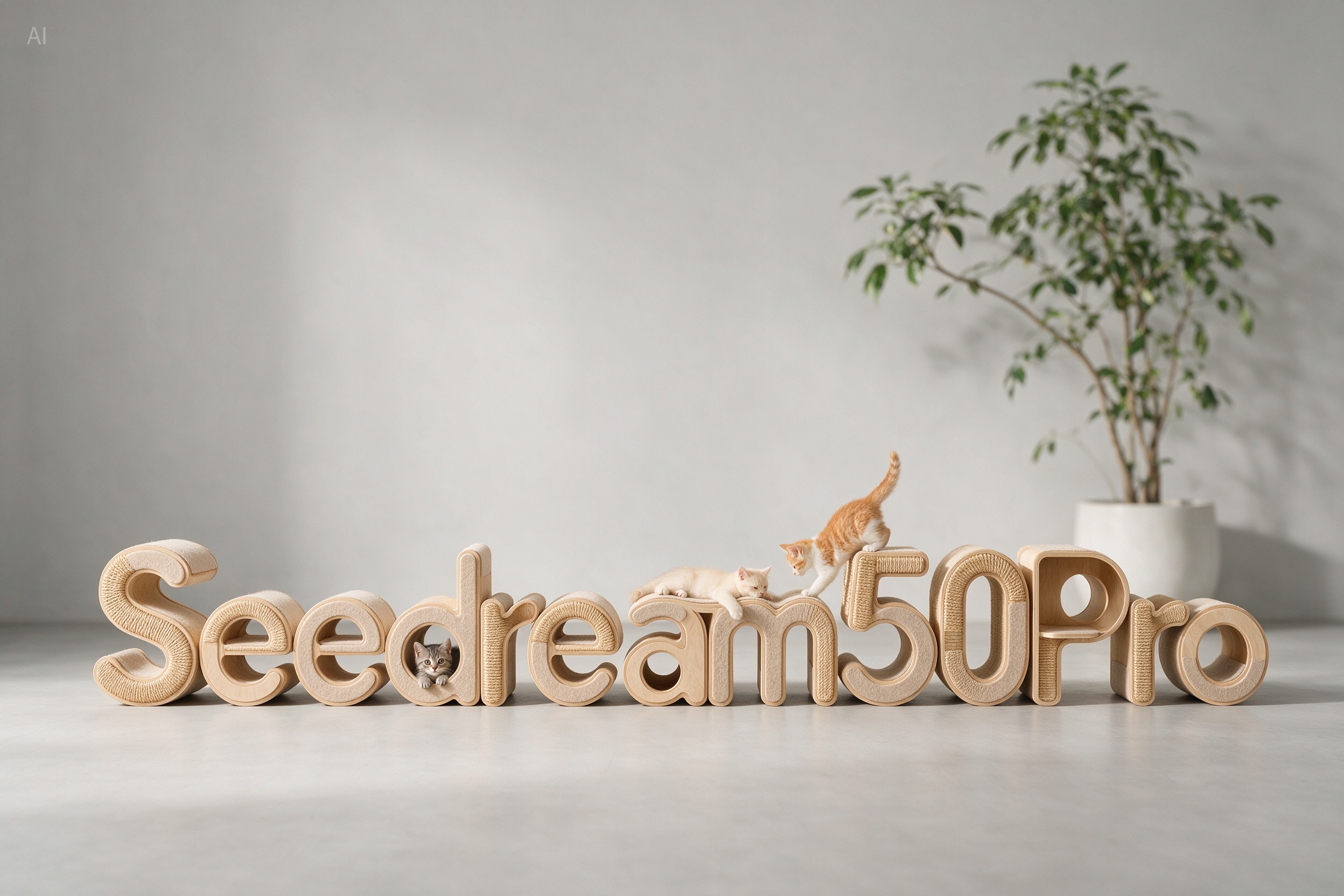

Seedream 5.0 Pro AI Image Generator

Create and edit detailed, consistent images from text prompts and reference photos. Generate cinematic scenes, polished product visuals, and precise compositions online.

Reference Images

0/10
1280 x 720

Cost: free

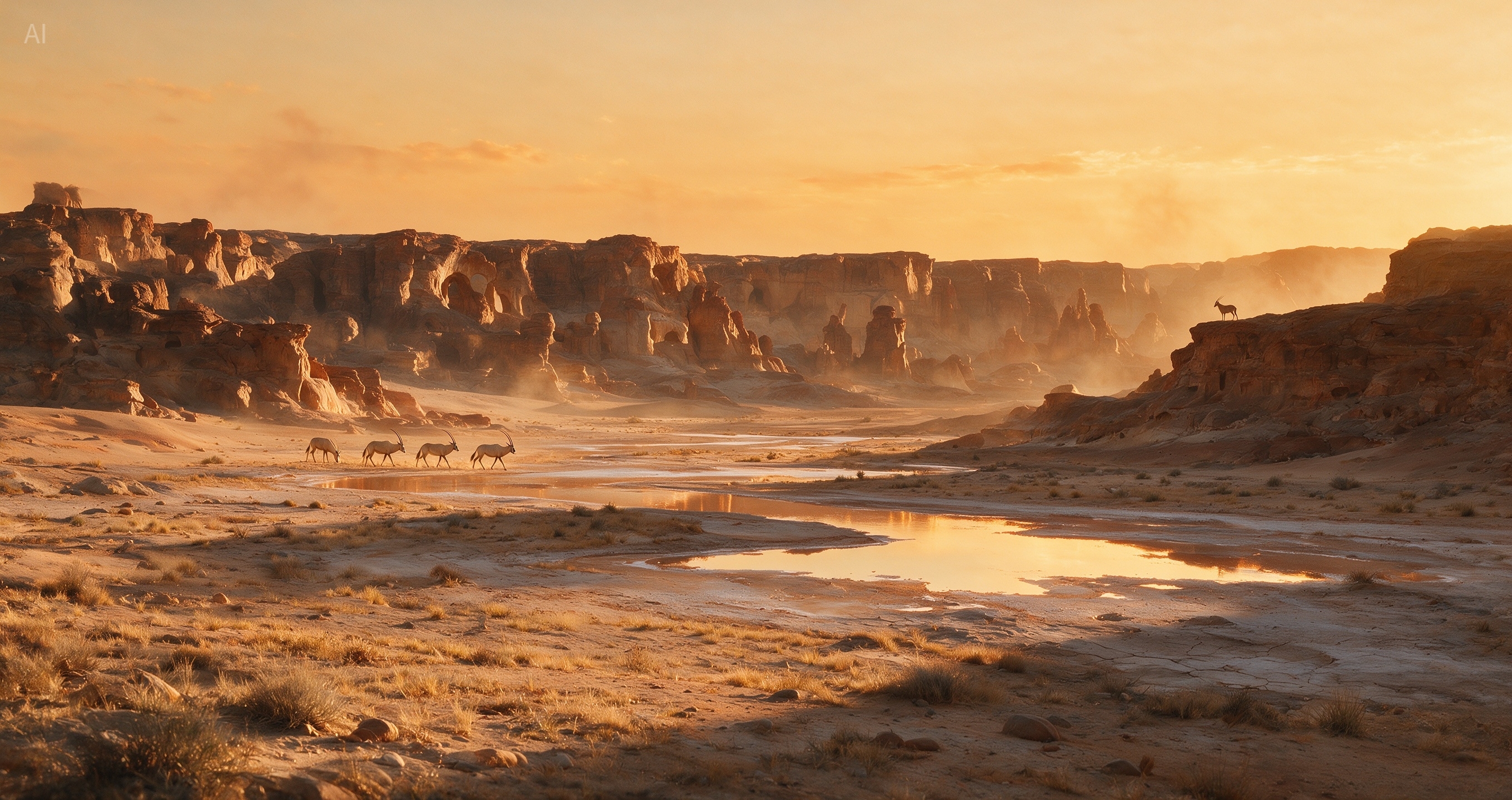
Seedream 5.0 Pro demo preview 1Seedream 5.0 Pro demo preview 2Seedream 5.0 Pro demo preview 3
Seedream 5.0 Pro

Model overview

Seedream 5.0 Pro turns prompts and references into editable visuals

Use Seedream 5.0 Pro when an image needs precise local edits, separated layers, readable text, multilingual copy, and production-ready layout control.

Seedream 5.0 Pro works as both an AI image generator and an AI image editing tool. You can describe a new scene, upload an existing image, or combine both approaches when a campaign visual needs controlled changes without rebuilding the whole composition.

Product shots need stable local edits. Posters and PPT slides need readable small text. Campaign systems need assets that can move between layouts. This page highlights how the Pro workflow supports those practical image jobs.

High-Density Infographics

Master complex reasoning and information organization. Can generate text-rich images for education, professional, and other specialized scenarios.

Seedream 5.0 Pro technical infographic example
Seedream 5.0 Pro data-rich information design
Seedream 5.0 Pro structured educational visual

Interactive Editing

Accurately responds to spatial annotations and sketch-based guidance. Supports layer separation, which unlocks more creative possibilities.

Seedream 5.0 Pro interactive editing comparison output
Input / Output
Seedream 5.0 Pro annotation edit comparison output
Input / Output
Seedream 5.0 Pro sketch guidance comparison output
Input / Output

Photographic Visual Quality

Recreates authentic physical lighting, shadows, and human skin textures, significantly enhancing photographic realism.

Seedream 5.0 Pro photographic lighting example
Seedream 5.0 Pro realistic photographic texture example

Native Multilingual Generation

Natively supports a dozen widely used languages for prompting and image generation, making it ideal for international creative workflows.

Seedream 5.0 Pro multilingual sign generation
Seedream 5.0 Pro multilingual layout generation
Seedream 5.0 Pro multilingual image text example

Prompt gallery

Seedream 5.0 Pro examples and prompts

Visual cases are paired with their source prompts so visitors can understand the kind of direction each image was built from.

Seedream 5.0 Pro example 1
01

Carbon footprint infographic

An eco-friendly, visually soothing infographic about personal carbon footprint reduction. The background features subtle, elegant topographical map contour lines. The layout relies on beautifully crafted 3D soft-clay style icons of wind turbines, electric cars, and recycling symbols. Data elements include sleek vertical bar charts comparing carbon emissions of different transport modes, and a large, central overlapping Venn diagram of sustainability practices. Color palette relies on muted sage greens, off-whites, and soft ocean blues.

Seedream 5.0 Pro example 2
02

Fountain documentary moment

Three young friends play barefoot in the shallow water of a city park fountain, black-and-white documentary film photography, a candid documentary action shot.

Seedream 5.0 Pro example 3
03

Cobalt poolside portrait

A white elderly man in his seventies or eighties sits alone on a bright cobalt-blue plastic chair beside an outdoor swimming pool. The man has light skin, expressive wrinkles, silver-white hair, and a confident, slightly bored expression. He looks directly at the camera with calm attitude. He wears oversized square sunglasses with translucent lemon-yellow lenses.

Seedream 5.0 Pro example 4
04

Split-level tropical lagoon

A breathtaking ultra-wide 17:9 split-level tropical lagoon photograph, half above water and half underwater, captured at the edge of a pristine volcanic island coastline. The image should feel like a high-end nature photography competition entry: realistic, immersive, crisp, cinematic, and full of fresh tropical atmosphere.

Seedream 5.0 Pro example 5
05

Retouching annotation edit

Edit according to the retouching annotations in the image.

Seedream 5.0 Pro example 6
06

Coffee machine ecommerce page

Generate an e-commerce product detail page for a coffee machine.

Seedream 5.0 Pro example 7
07

Anime spear dive

Extreme dynamic foreshortening perspective. A stylized anime warrior dives straight down from the sky, aiming a massive spear directly at the camera lens. Debris floats in the air. Anime studio genga key animation style, with visible blue and red pencil layout lines, high-energy action storyboard.

Seedream 5.0 Pro example 8
08

Trail running campaign

Commercial photography: a man and a woman sprinting in athletic apparel designed for an endurance trail running race in the British mountains. Muddy water kicked up by their strides splashes toward the camera, while their faces are not visible. The image feels dynamic, powerful, and highly impactful.

Creative flow

Create a Seedream 5.0 Pro image in three stages

Move from prompt or source image to parameter setup, then review and refine the strongest result before download.

Upload a photo or write your prompt in Seedream 5.0 Pro
01

Upload a photo or write your prompt

Start in the image workspace. Write the scene, mood, lighting, texture, and art style, or upload a source photo and describe what should change.

Set the image parameters in Seedream 5.0 Pro
02

Set the image parameters

Choose the clarity, aspect ratio, image size, and output format that match the job. A product listing, social story, ad banner, and poster may each need different settings.

Generate, refine, and download in Seedream 5.0 Pro
03

Generate, refine, and download

Review the generated results, choose the strongest version, refine visible details, and download the finished artwork.

Best use cases

Where Seedream 5.0 Pro fits real creative workflows

Use it for image tasks where style, detail, and repeatable editing matter more than a fast one-off picture.

Social content with a repeatable look

Create covers, posts, stories, and campaign images with a consistent look. Generate several directions, keep the style close, and choose the version that fits the channel.

Campaign images and ad concepts

Design product advertisements, banners, social media creatives, and campaign images with controlled layouts and brand-consistent visuals.

Brand and ecommerce image production

Create product-focused imagery with accurate color, layout, and visual adjustments for catalogues, packaging, and store listings.

Concept frames for video planning

Generate strong still frames to plan a shot, test a mood, or give a video editor a clear visual target before production starts.

Model fit

When to choose Seedream 5.0 Pro over a general generator

The decision comes down to whether you need a quick image or deeper control over details, layout, and commercial polish.

Point

Best fit

Seedream 5.0 Pro

Detailed image generation, precise editing, text-heavy layouts, and commercial visuals

Seedream 5.0

Broad image generation for standard creative tasks

General AI image pages

General Seedream AI image generator workflows

Point

Editing control

Seedream 5.0 Pro

Point-select, box-select, anchored edits, layer separation, and transparent PNG output

Seedream 5.0

Better for simpler generation tasks and broader exploration

General AI image pages

Usually covers broader prompt-to-image creation

Point

Text and language

Seedream 5.0 Pro

Improved small text at 1K and 2K, with support for 14 language scenarios

Seedream 5.0

Better for quick prompts with fewer moving parts

General AI image pages

Often described at a category level

Point

Commercial use

Seedream 5.0 Pro

Marketing, ads, ecommerce, branding, and social media visuals

Seedream 5.0

Useful when detailed Pro-level control is not needed

General AI image pages

Useful as general image creation references

Pro advantages

Why teams use Seedream 5.0 Pro for production-ready visuals

Choose the Pro workflow when the image has to sell, explain, match a brand, or move cleanly into the next creative step.

01

It edits the exact area you choose

Seedream 5.0 Pro supports point-select, box-select, and anchored edits, so you can change the target area while keeping untouched regions more stable.

02

It prepares assets for redesign

Layer separation can split a visual into background and element assets, including transparent PNG output for drag, scale, rearrange, and second-pass design work.

03

It handles text-heavy global visuals

Improved small-text rendering and 14-language support make it more practical for posters, PPT slides, campaign graphics, and multilingual layouts.

Pricing Matrix

Choose the throughput that matches your workflow

Every plan keeps the same focused interface. You only scale output, speed, and capacity.

Plan

Base

$9.9
  • 990 credits one time purchase
  • $0.010 per credits
  • 1 concurrent generations
  • Video Models: Lite, Standard, Seedance Pro, Wan 2.5
  • Image Modals: Seedream 3.0, Google Nano Banana
  • Image & Video upscaling features
Plan

Pro

$29.9
  • 3300 credits one time purchase
  • $0.009 per credits
  • 3 concurrent generations
  • Video Models: Lite, Standard, Seedance Pro, Wan 2.5, Veo 3, Veo 3.1, Sora2
  • Image Modals: Seedream 3.0, Google Nano Banana
  • Image-editing features
  • Start & End Frame control
  • Wan Animate, Lipsync Studio
  • AI Avatar: Audio‑Driven Video GenerationWithout Limits
  • Google Veo 3.1
  • Google Veo 3.1 Fast
  • Google Nano Banana Pro
  • Seedream 4.0, 2K, 4K
  • Sora 2
  • Save 9.39% Today!
Most Popular
Plan

Ultimate

$49.9
  • 5700 credits one time purchase
  • $0.008 per credits
  • 3 concurrent generations
  • Video Models: Lite, Standard, Seedance Pro, Wan 2.5, Veo 3, Veo 3.1, Sora2
  • Image Modals: Seedream 3.0, Google Nano Banana
  • Image-editing features
  • Start & End Frame control
  • Wan Animate, Lipsync Studio
  • AI Avatar: Audio‑Driven Video GenerationWithout Limits
  • Google Veo 3.1
  • Google Veo 3.1 Fast
  • Google Nano Banana Pro
  • Seedream 4.0, 2K, 4K
  • Sora 2
  • Save 12.46% Today!
Plan

Creator

$99.9
  • 13000 credits one time purchase
  • $0.007 per credits
  • 4 concurrent generations
  • Video Models: Lite, Standard, Seedance Pro, Wan 2.5, Veo 3, Veo 3.1, Sora2
  • Image Modals: Seedream 3.0, Google Nano Banana
  • Image-editing features
  • Start & End Frame control
  • Wan Animate, Lipsync Studio
  • AI Avatar: Audio‑Driven Video GenerationWithout Limits
  • Google Veo 3.1
  • Google Veo 3.1 Fast
  • Google Nano Banana Pro
  • Seedream 4.0, 2K, 4K
  • Sora 2
  • Save 23.15% Today!
7-Day Refund
Money-back guarantee
Secure Payment
Powered by Stripe
24/7 Support
Always here to help

Your order will be processed by XMK in accordance with the laws of Hong Kong.

Questions

Seedream 5.0 Pro questions before you start

Practical answers for creators comparing Seedream 5.0 Pro with lighter image workflows.

Can I test Seedream 5.0 Pro before using it in production?

+
Yes. You can start with a simple prompt or uploaded image to test whether the Pro workflow fits your creative needs. Larger workloads may depend on your account limits.

How is Seedream 5.0 Pro different from the standard Seedream 5.0 page?

+
Seedream 5.0 Pro is presented for deeper visual refinement, precise interactive editing, layer separation, improved text rendering, and multilingual visual workflows, while the standard Seedream 5.0 page focuses on the broader generator workflow.

Is Seedream 5.0 Pro useful for marketing visuals?

+
Yes. Seedream 5.0 Pro is useful for product advertisements, banners, social media creatives, and campaign images that need precise edits, readable text, separated assets, and controlled layouts.

Do I need advanced design skills to use Seedream 5.0 Pro?

+
No advanced design skills are required. You provide clear directions and stylistic preferences while the model handles composition, lighting, depth, and visual balance.

What output quality should I expect from Seedream 5.0 Pro?

+
Expect polished images with detailed materials, clear structure, stronger small-text rendering, and more stable local edits. Review outputs before publishing commercial or brand-sensitive work.

What is the basic Seedream 5.0 Pro workflow?

+
Upload a photo or write a detailed prompt, choose the Seedream 5.0 Pro image model, adjust aspect ratio and resolution, generate, refine, and download.

Start

Build your next polished image with Seedream 5.0 Pro

Start from an idea, a product photo, or a campaign brief, then refine exact areas, separate useful assets, and prepare readable layouts for your channel.

Browse examples

Start from an image idea, product photo, poster layout, or multilingual campaign brief.

Refine exact areas with point-select, box-select, and anchored-position editing.

Export layered transparent PNG assets or text-heavy visuals for the next design step.