High-Density Infographics
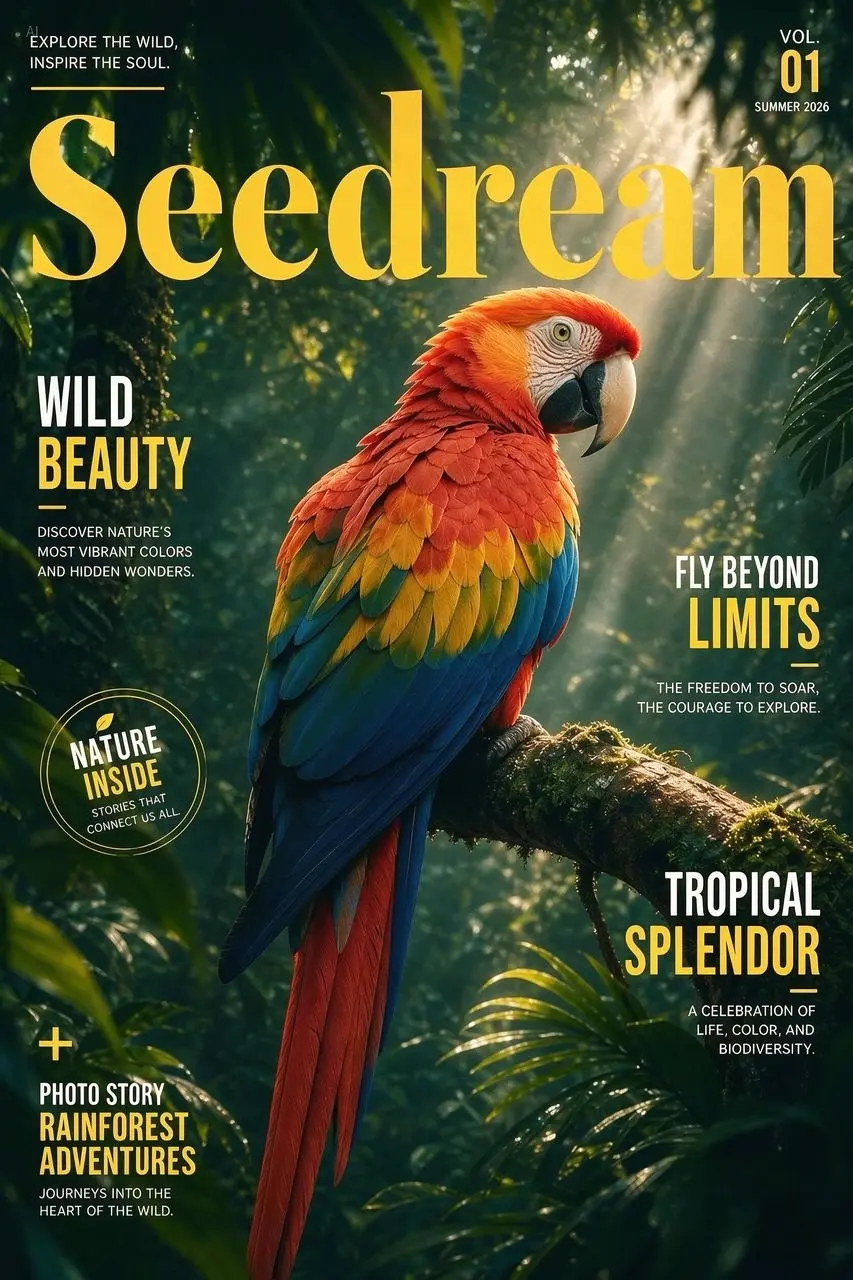
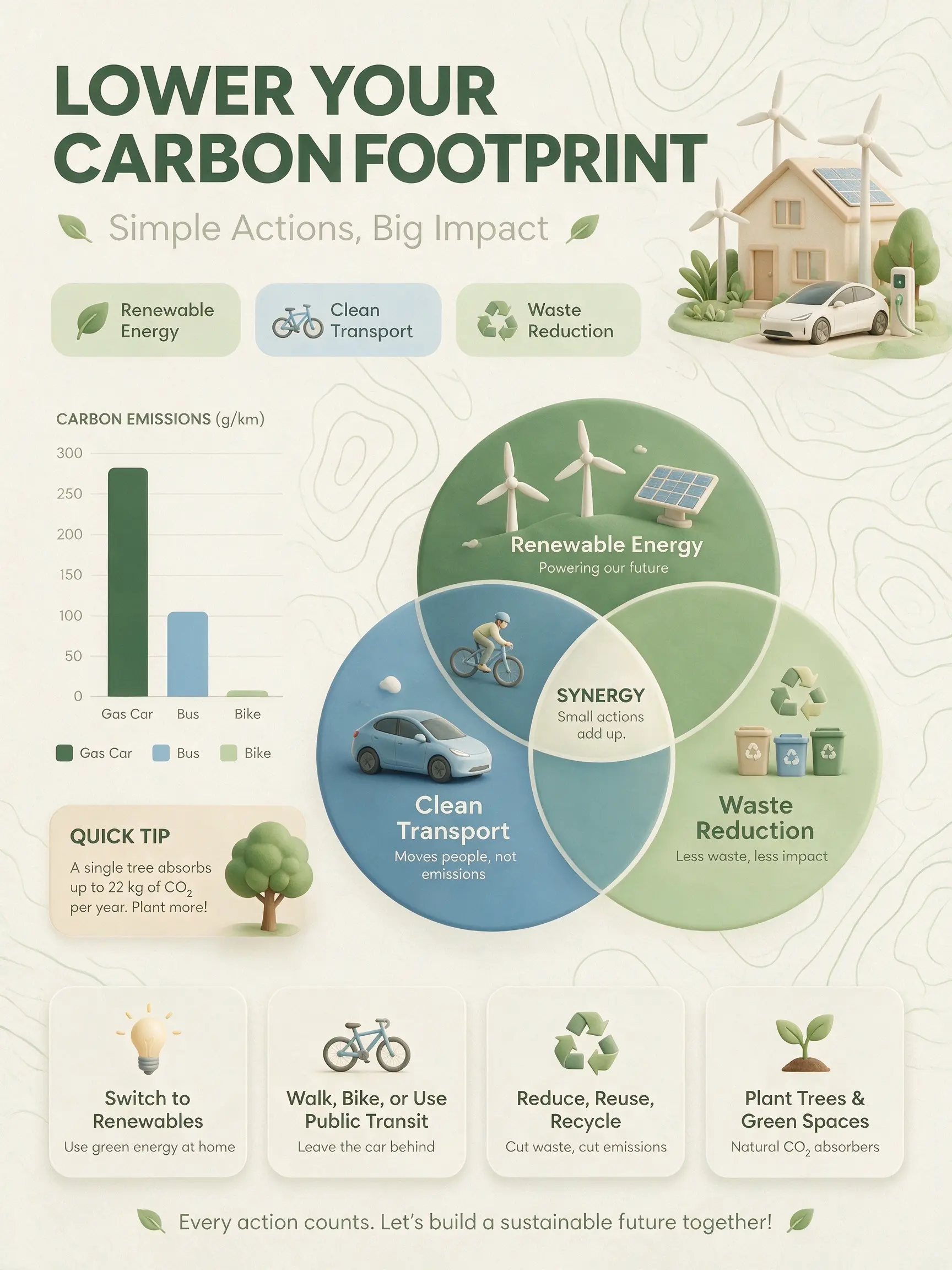
Master complex reasoning and information organization. Can generate text-rich images for education, professional, and other specialized scenarios.
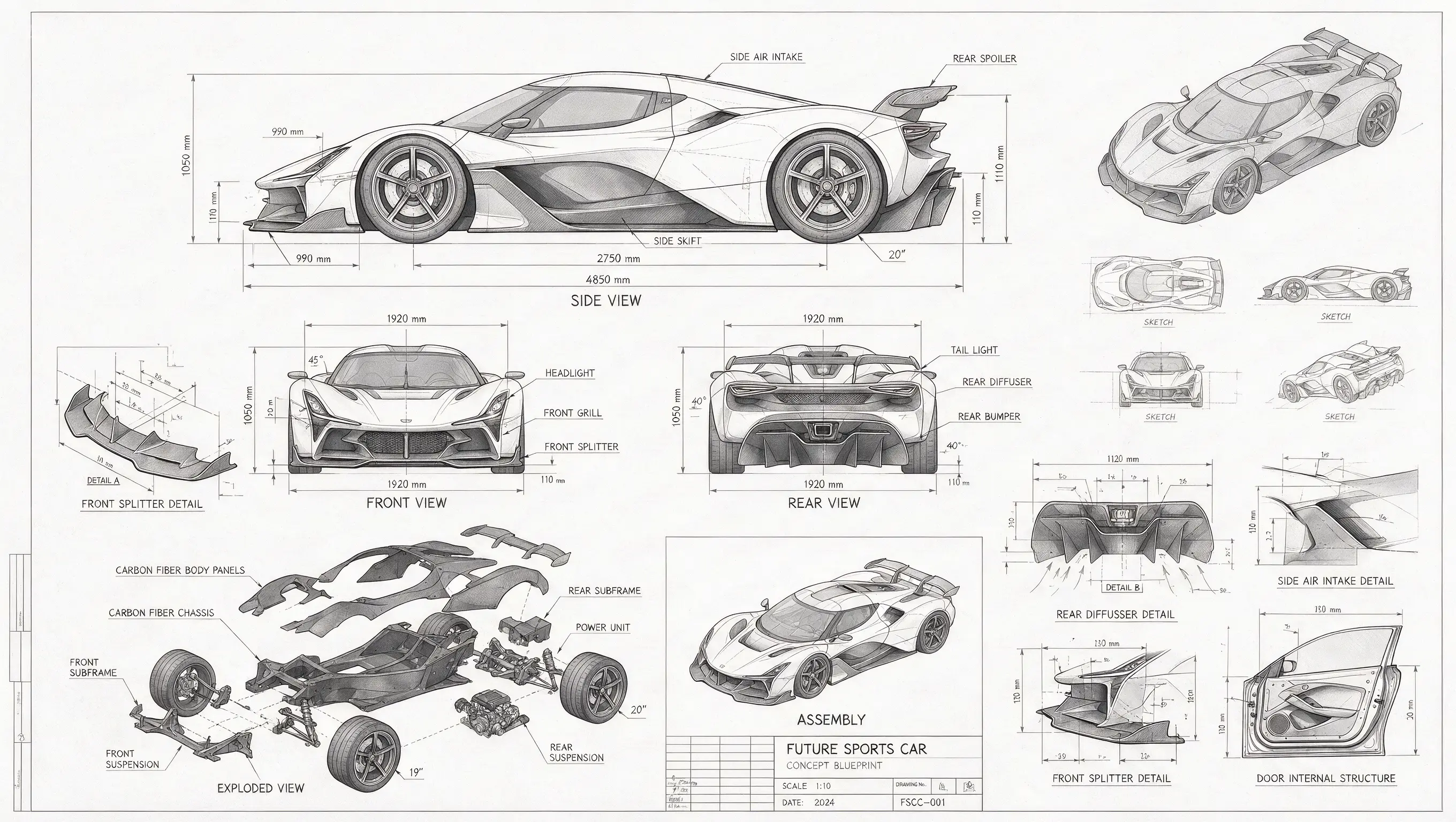
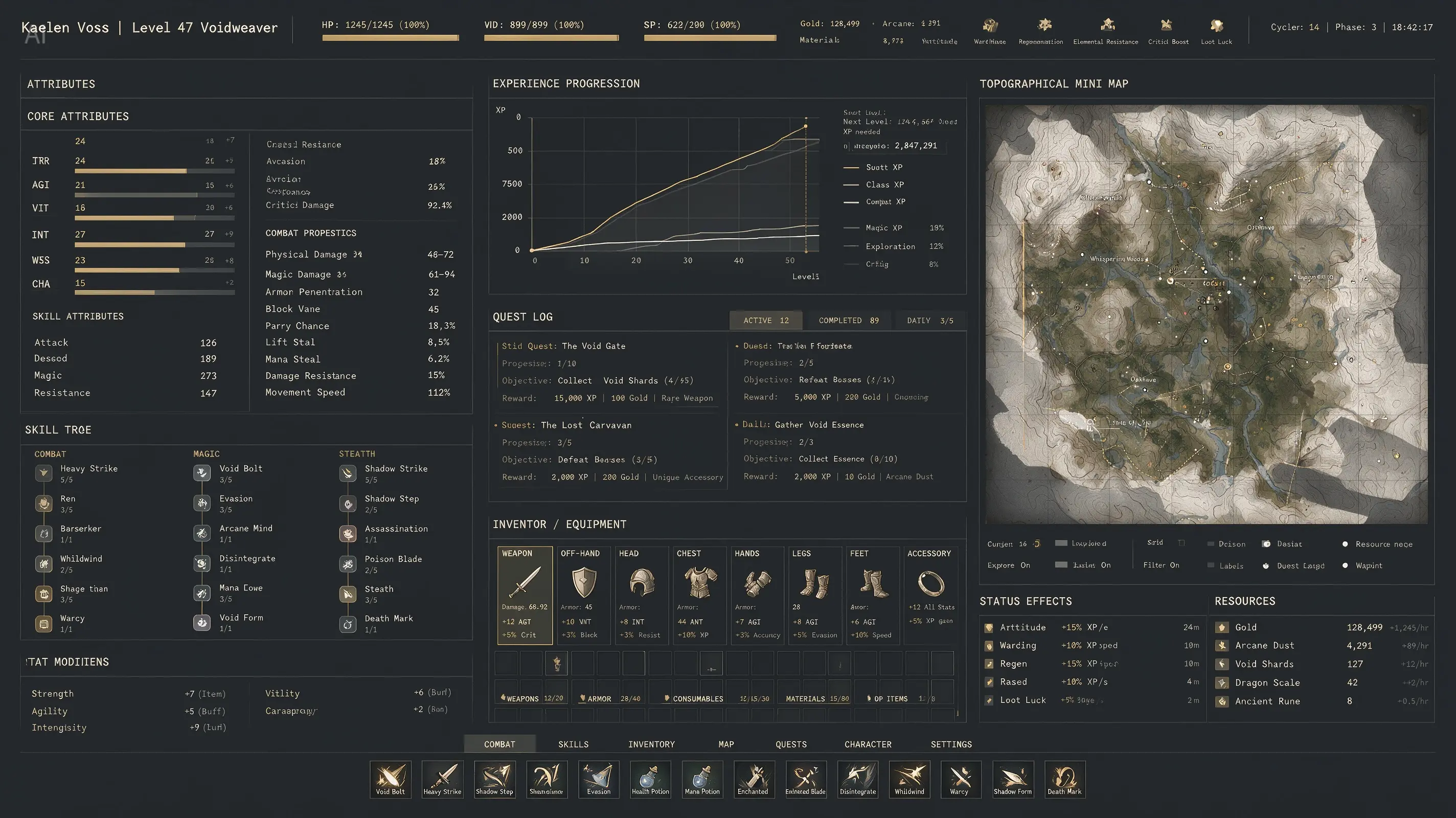
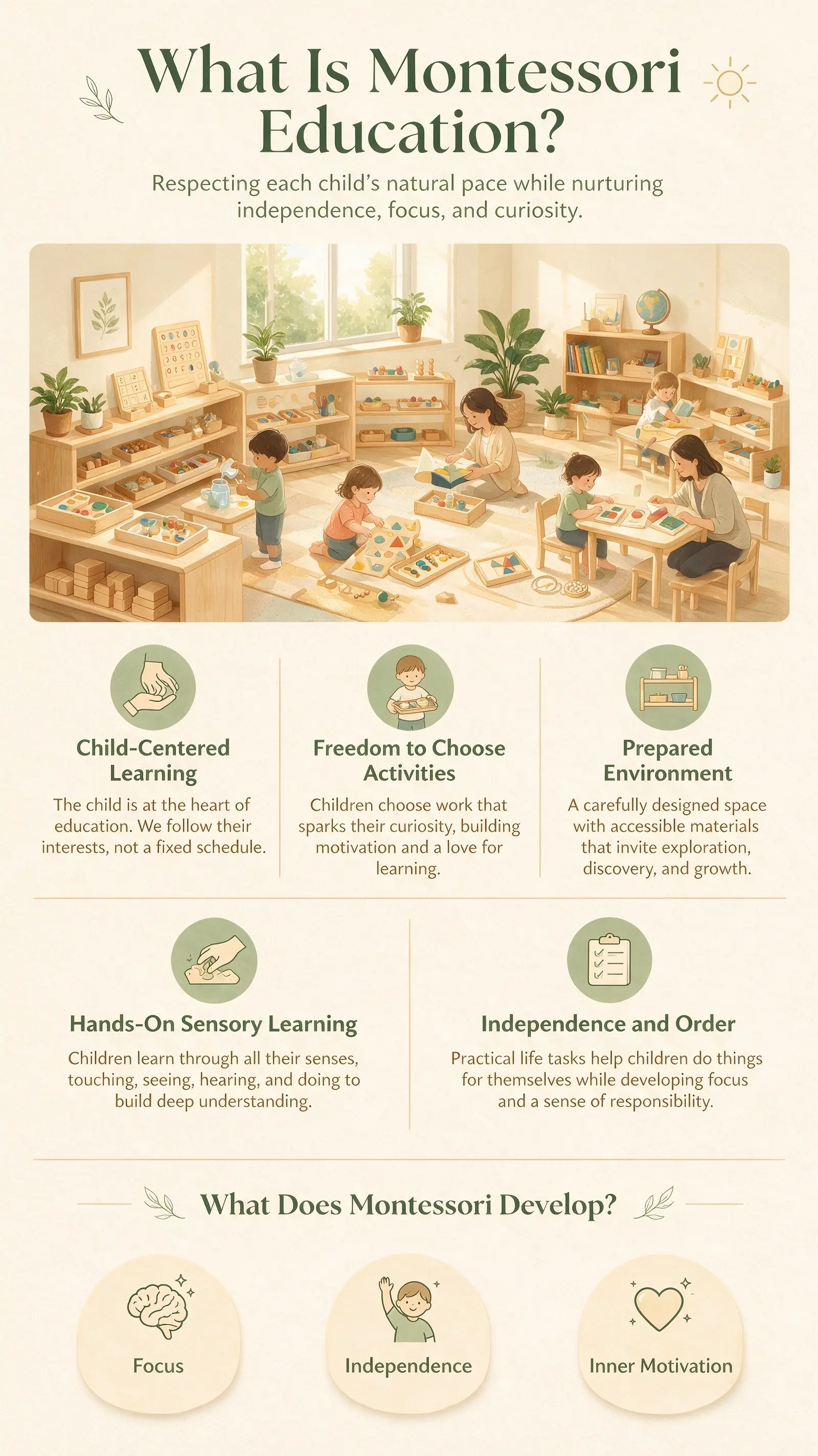
Create and edit detailed, consistent images from text prompts and reference photos.Generate cinematic scenes, polished product visuals, and precise compositions online.
Cost: free
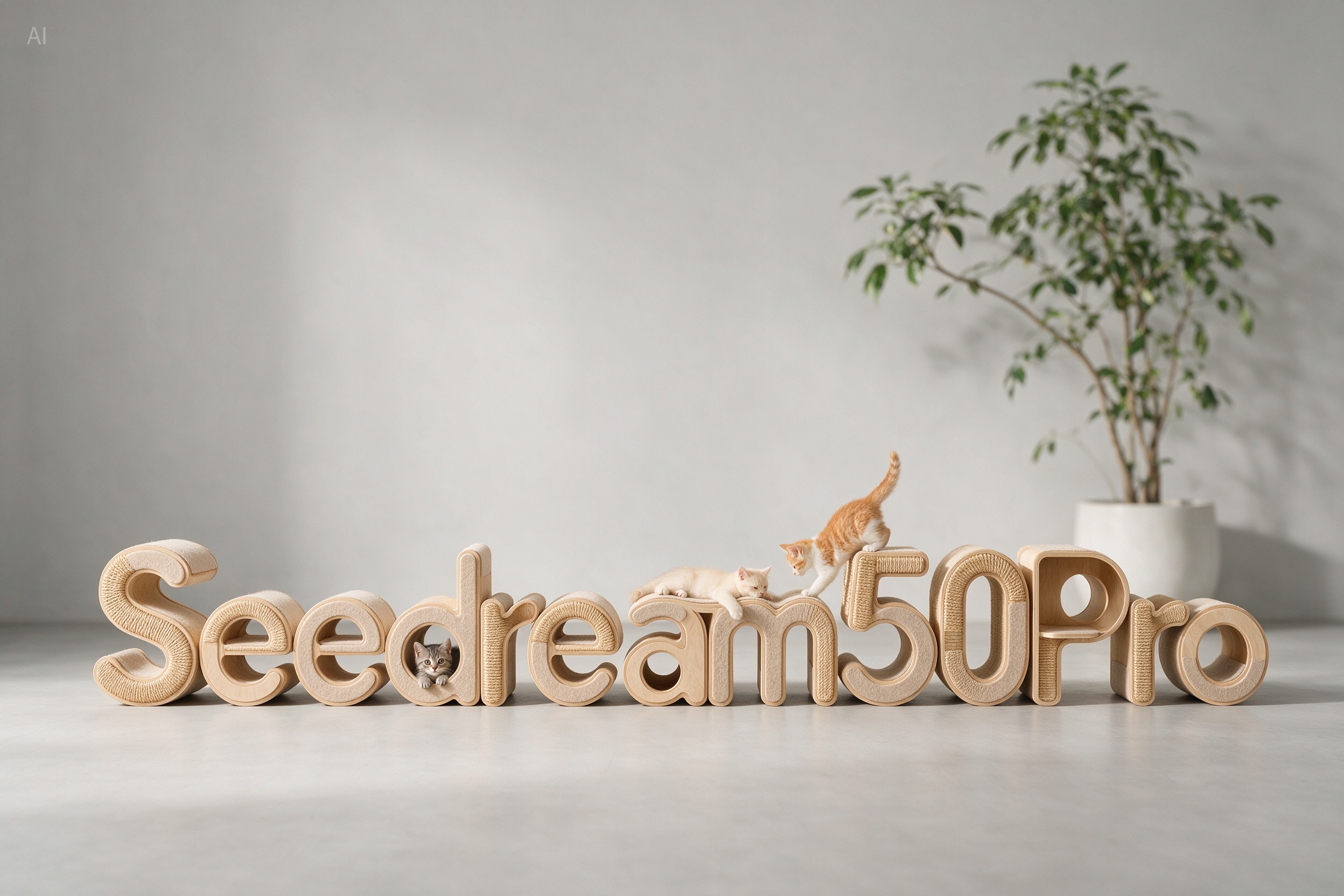
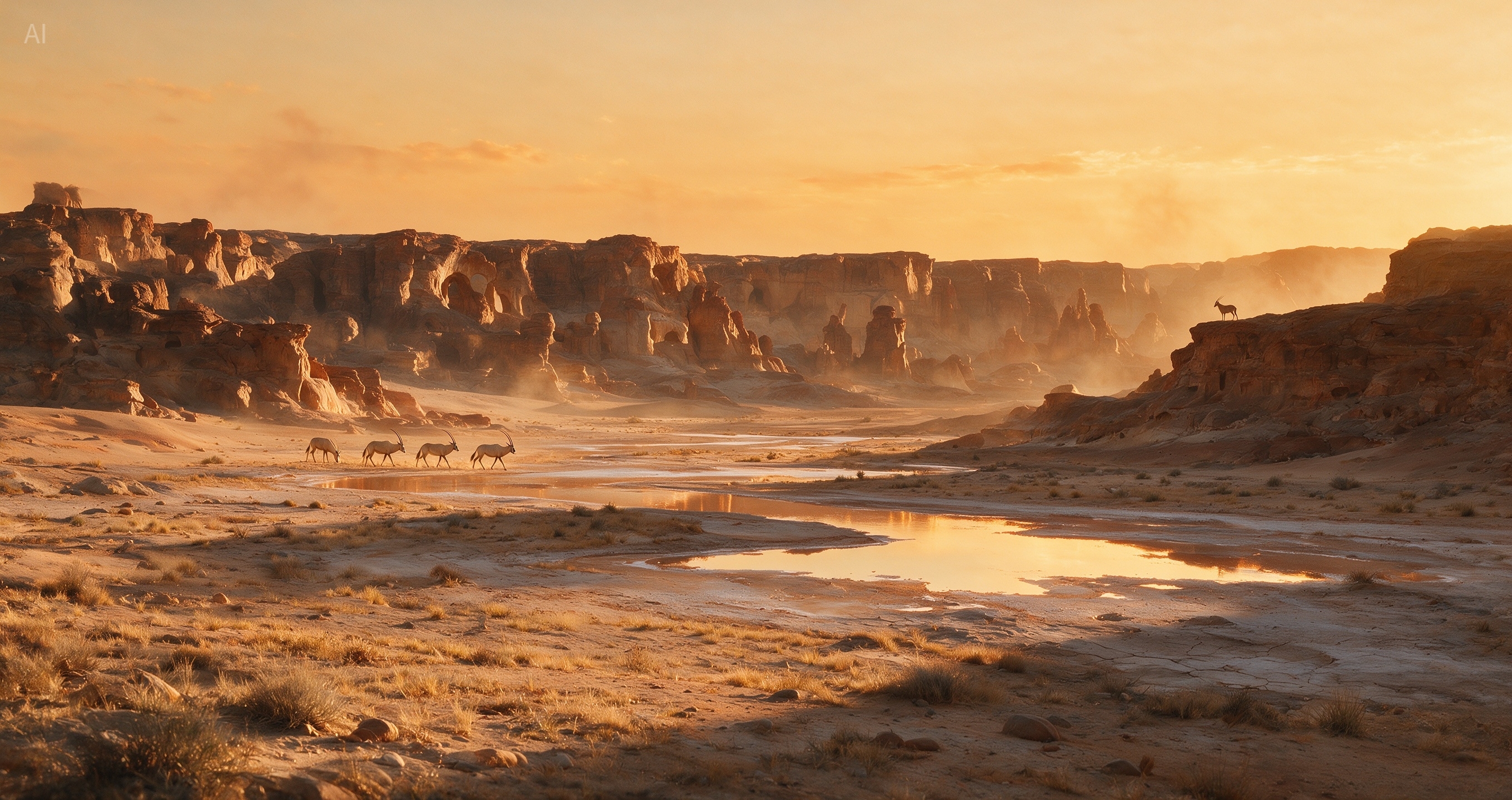

Model overview
Use Seedream 5.0 Pro when an image needs precise local edits, separated layers, readable text, multilingual copy, and production-ready layout control.
Seedream 5.0 Pro works as both an AI image generator and an AI image editing tool. You can describe a new scene, upload an existing image, or combine both approaches when a campaign visual needs controlled changes without rebuilding the whole composition.
Product shots need stable local edits. Posters and PPT slides need readable small text. Campaign systems need assets that can move between layouts. This page highlights how the Pro workflow supports those practical image jobs.
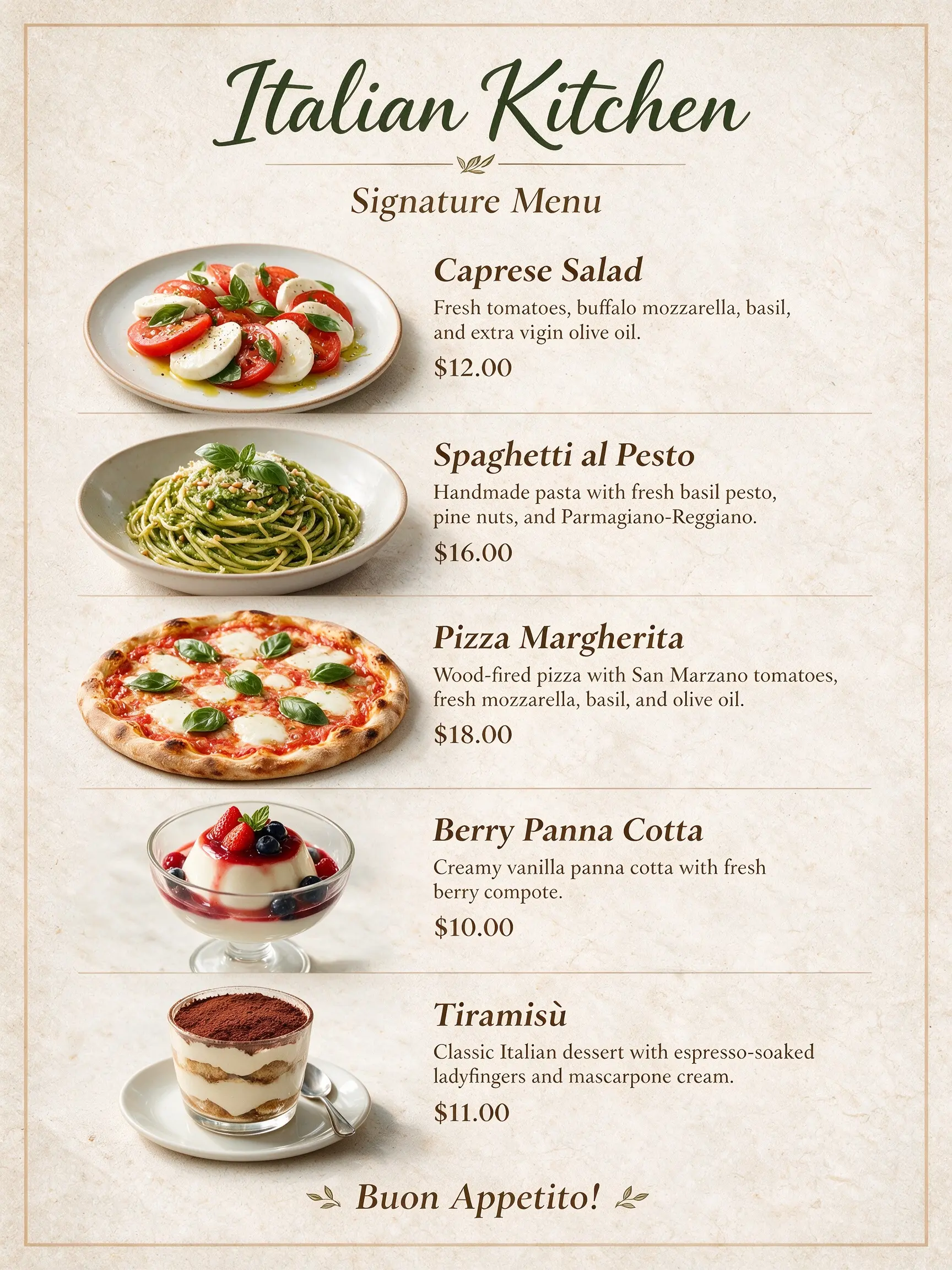
Master complex reasoning and information organization. Can generate text-rich images for education, professional, and other specialized scenarios.
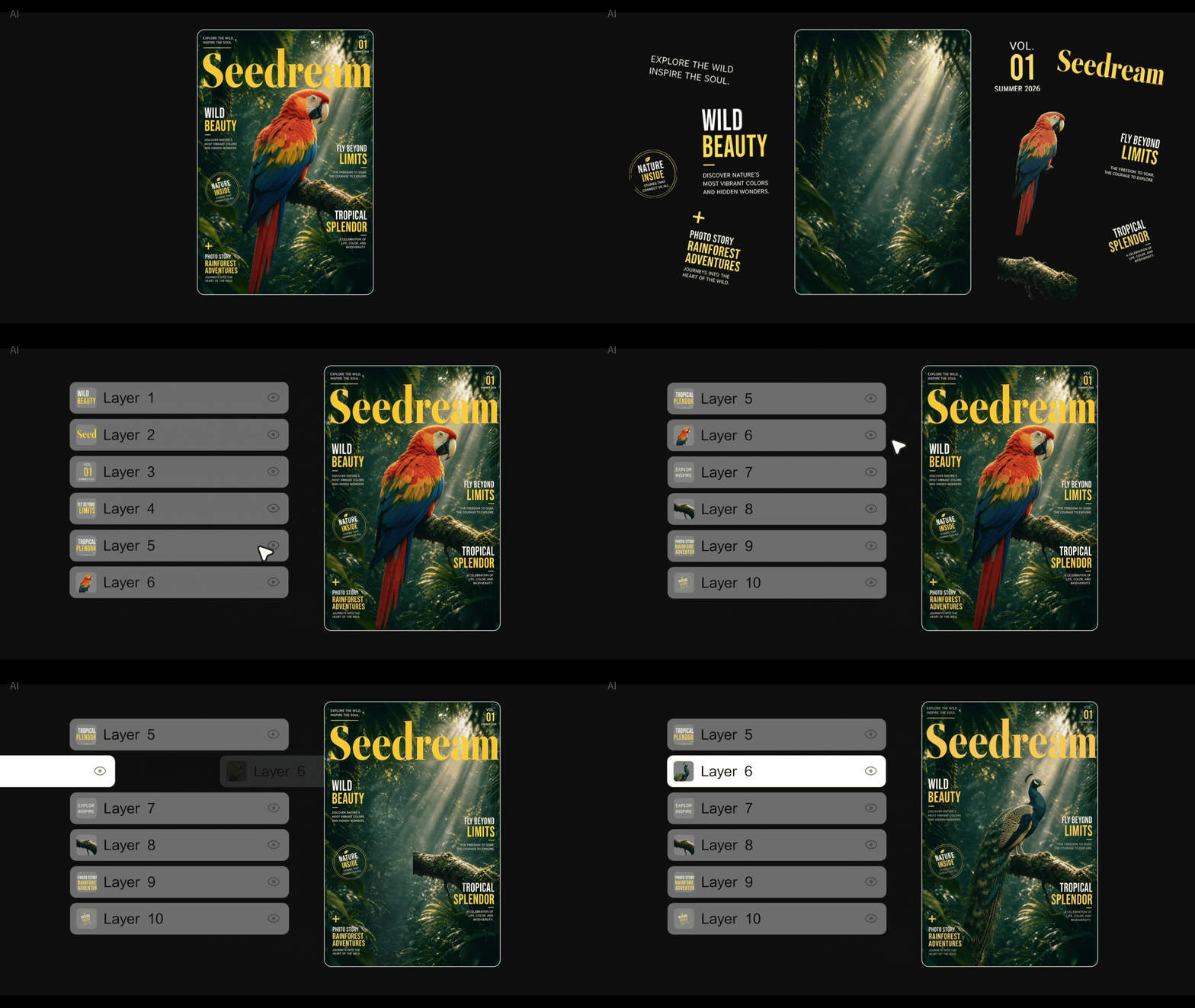
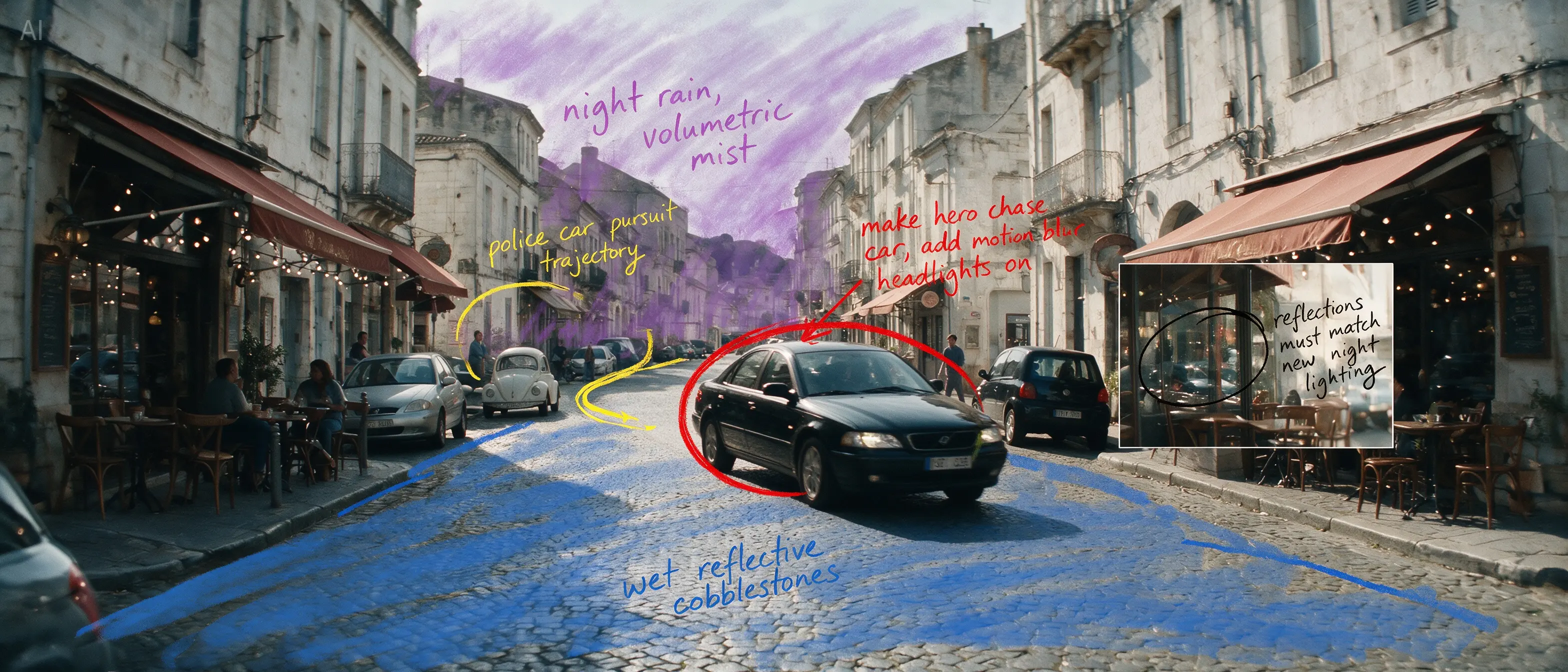
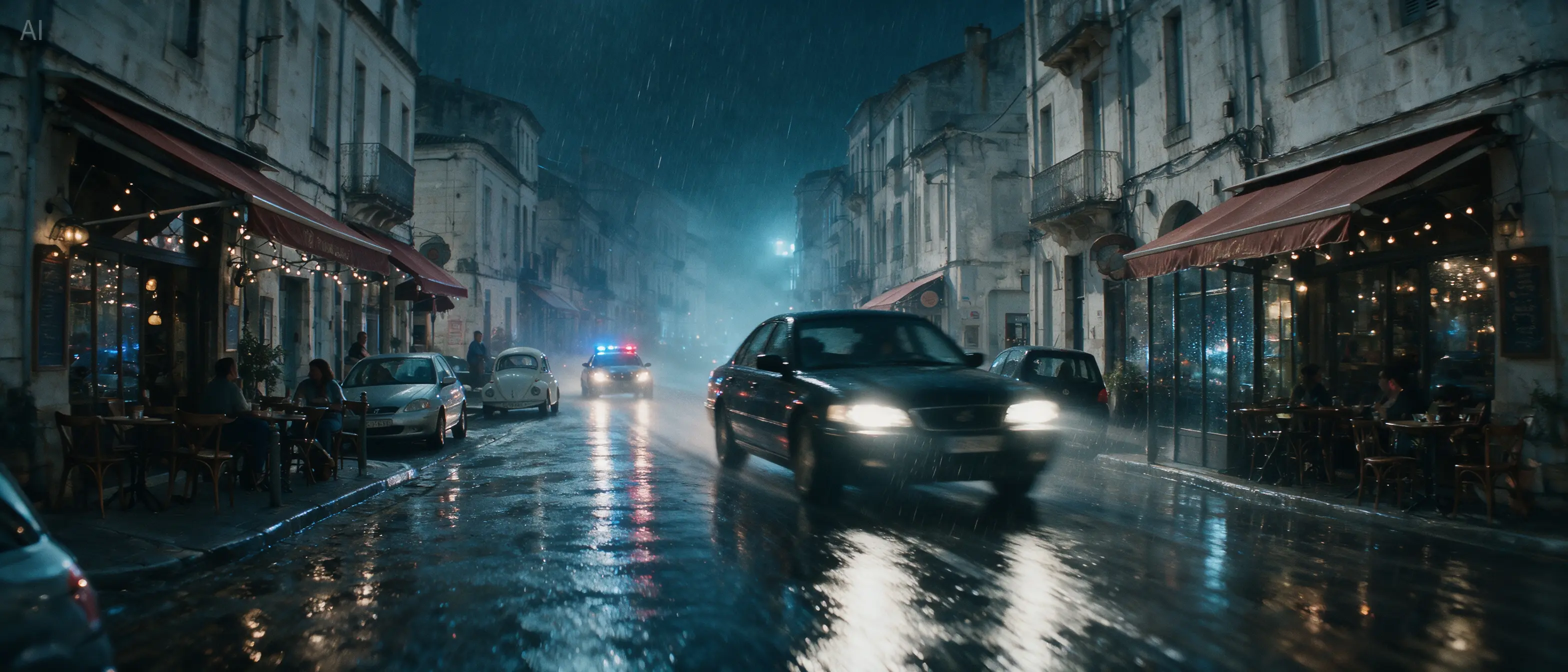
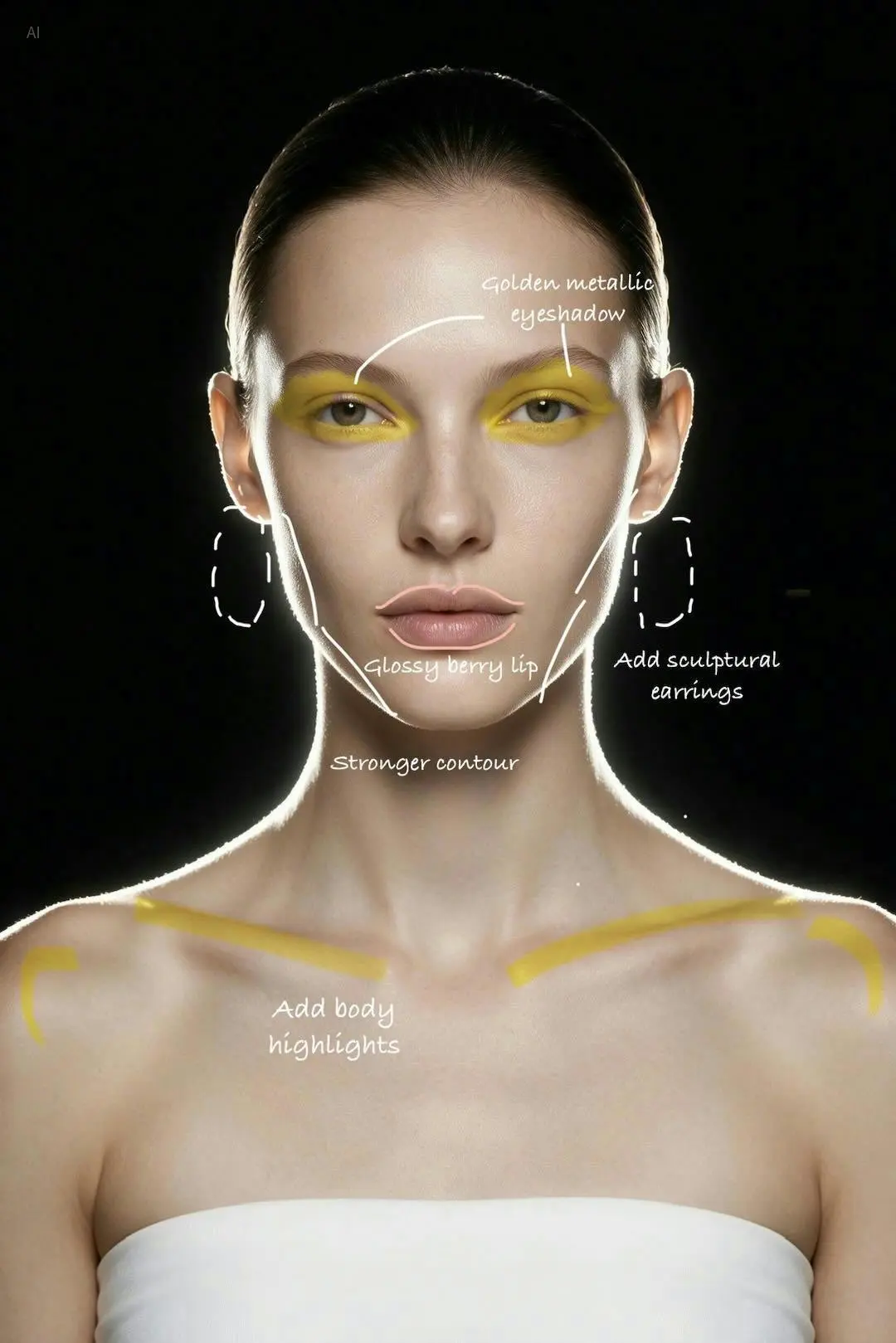
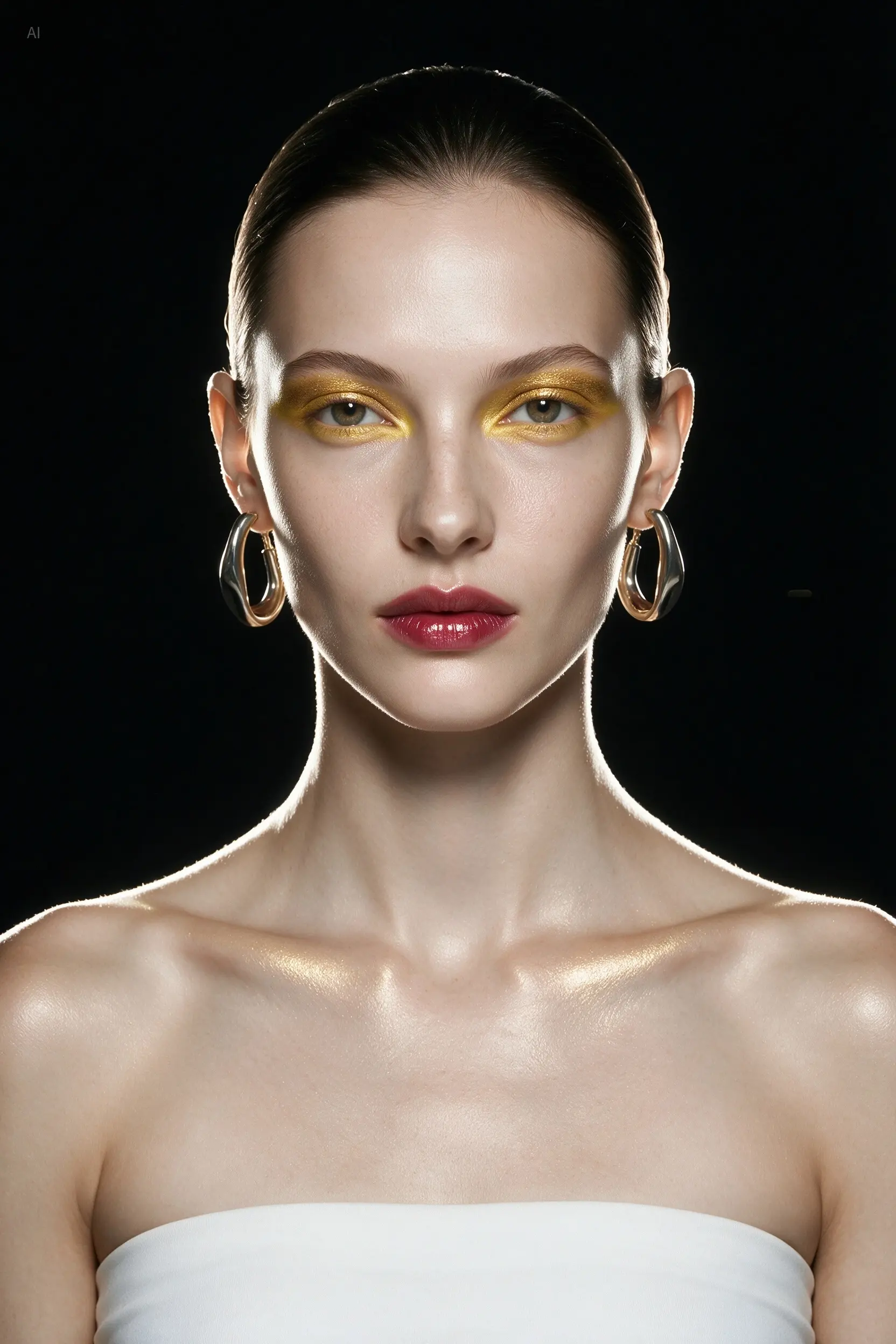
Accurately responds to spatial annotations and sketch-based guidance. Supports layer separation, which unlocks more creative possibilities.
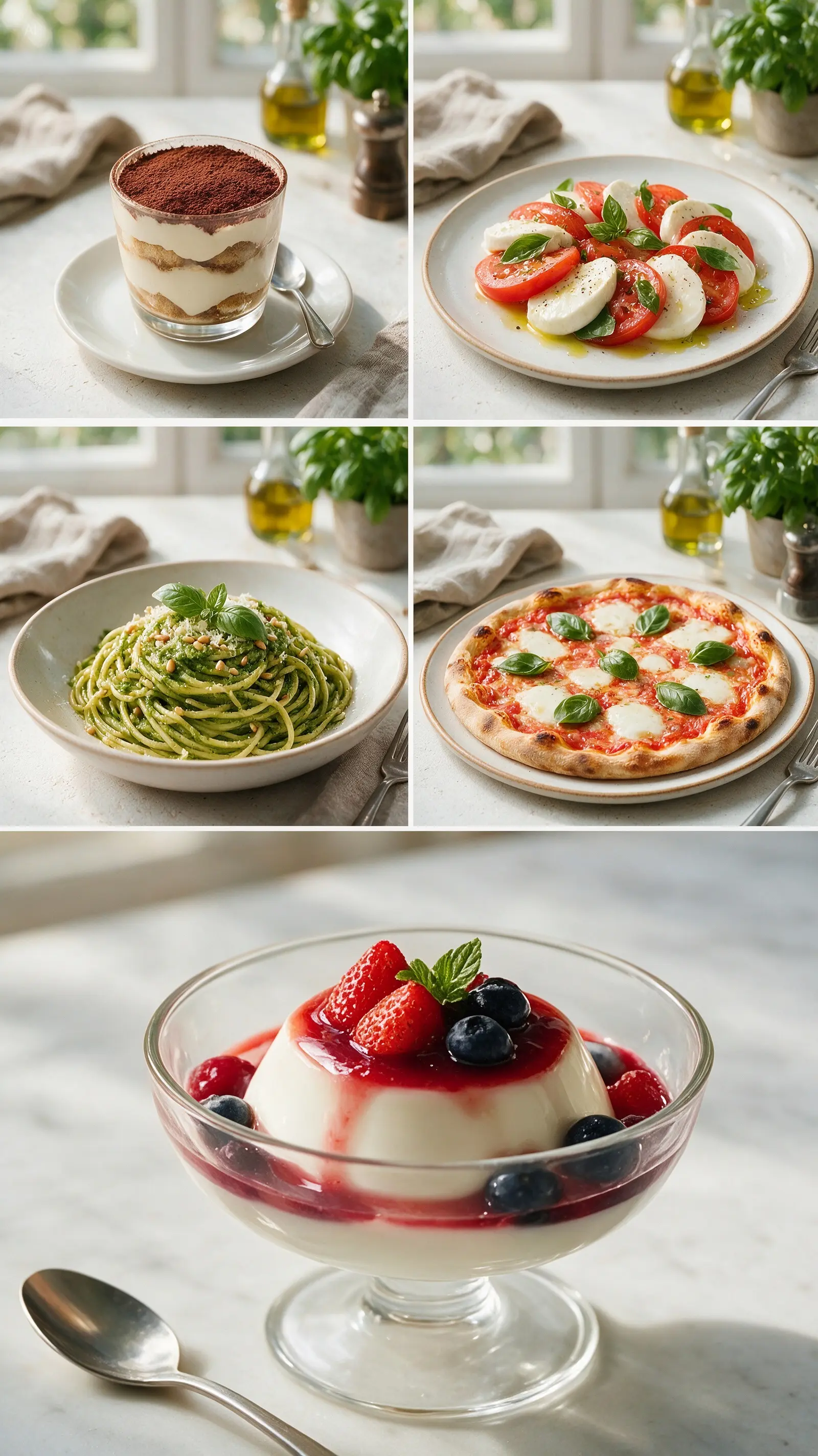
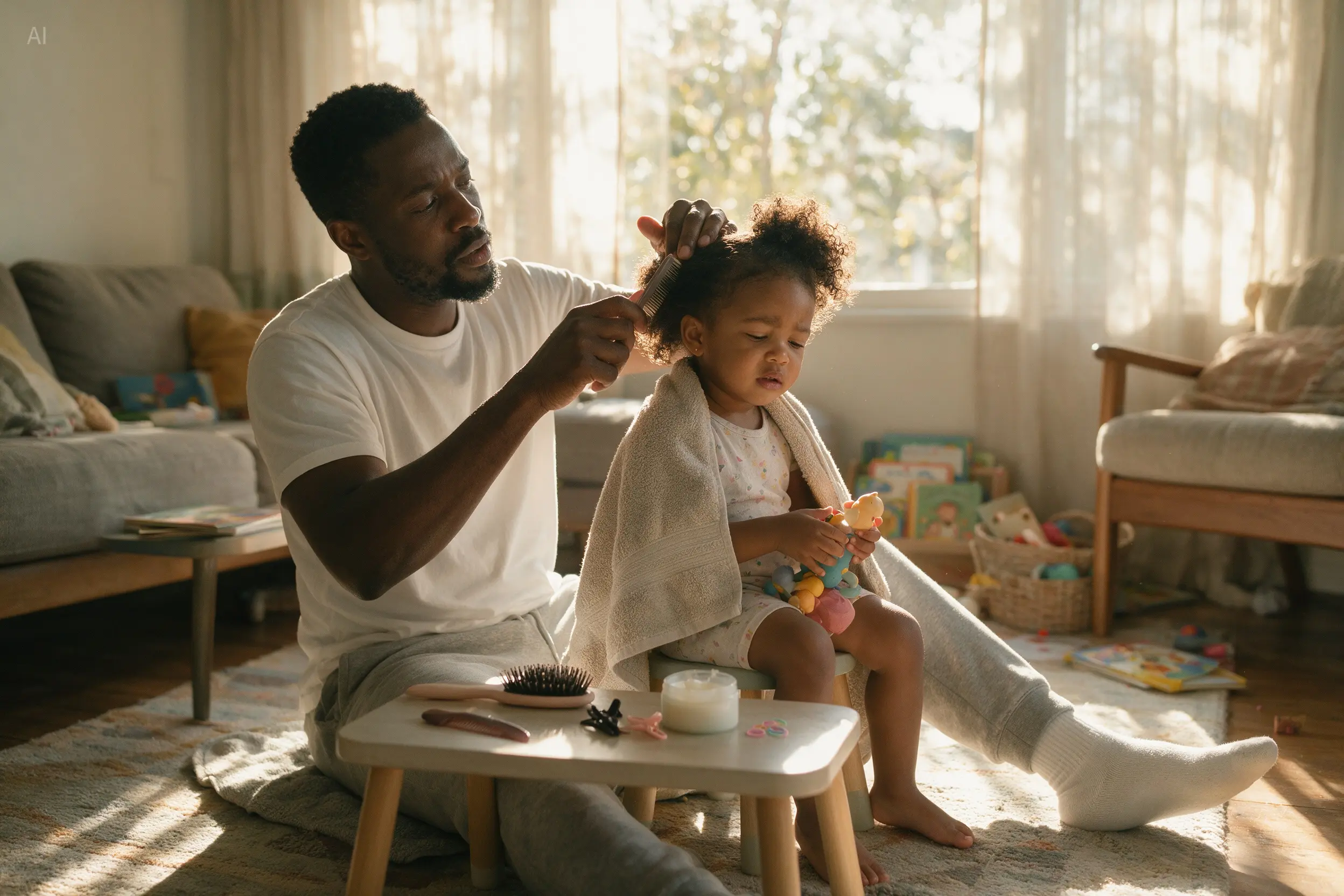
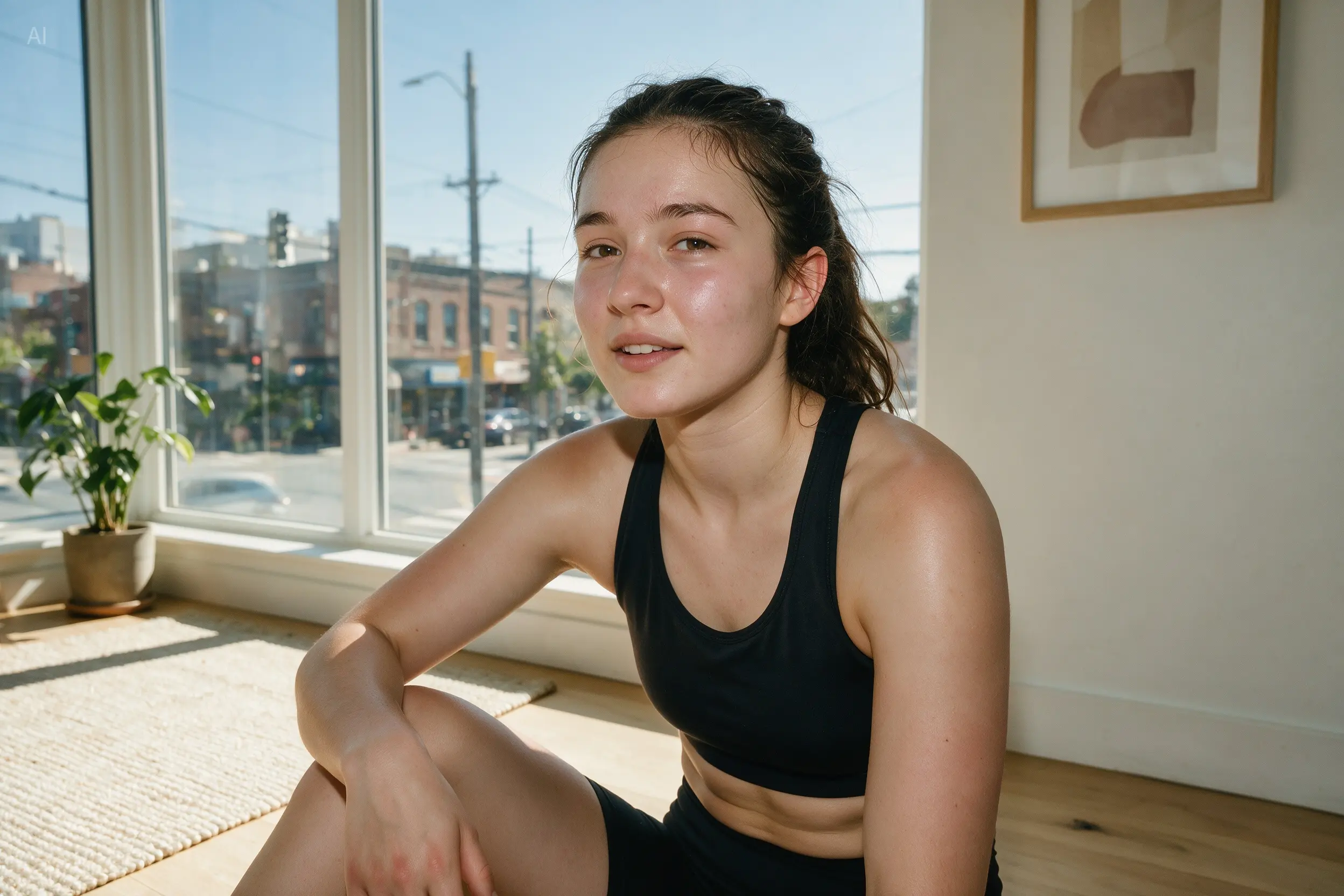
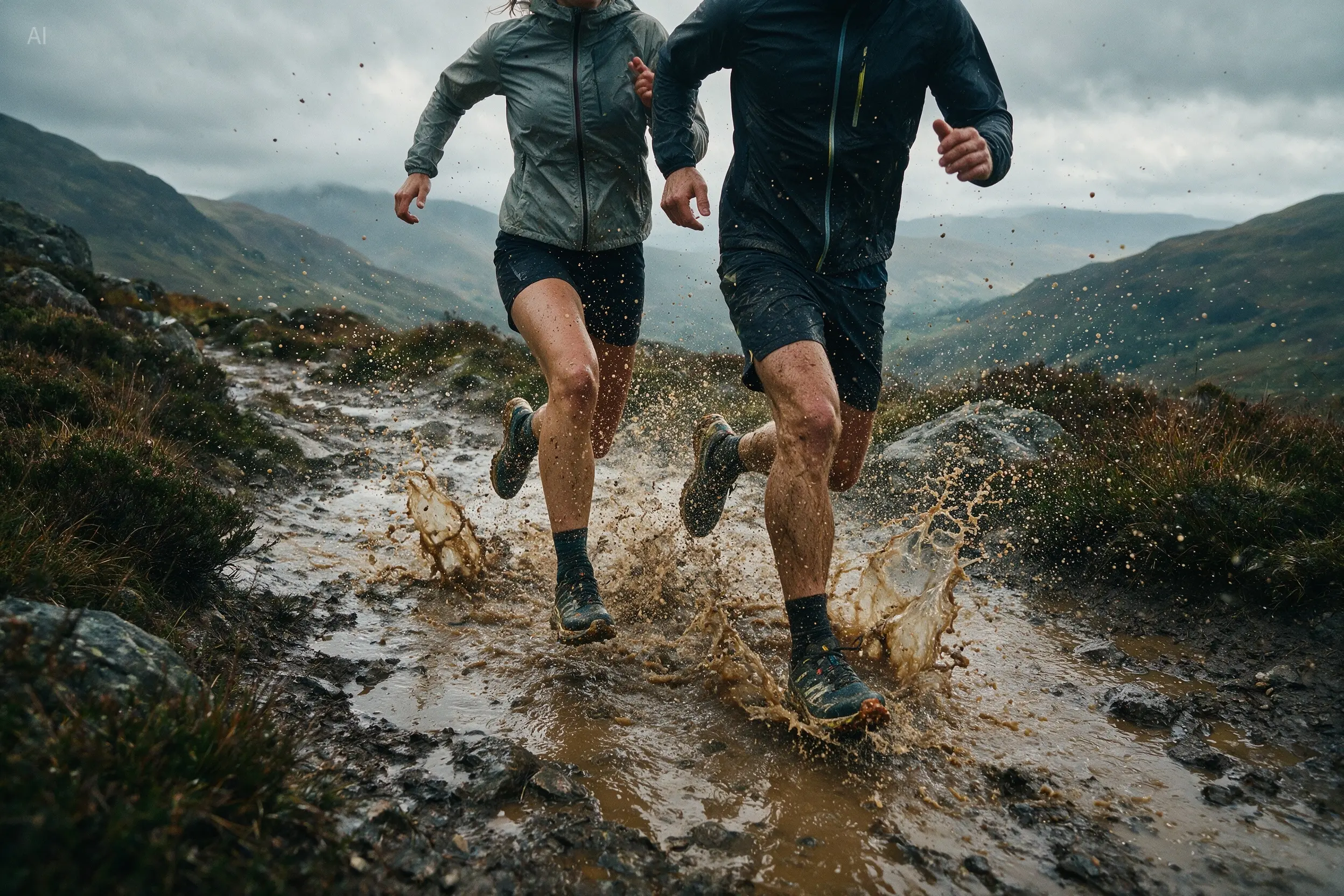
Recreates authentic physical lighting, shadows, and human skin textures, significantly enhancing photographic realism.
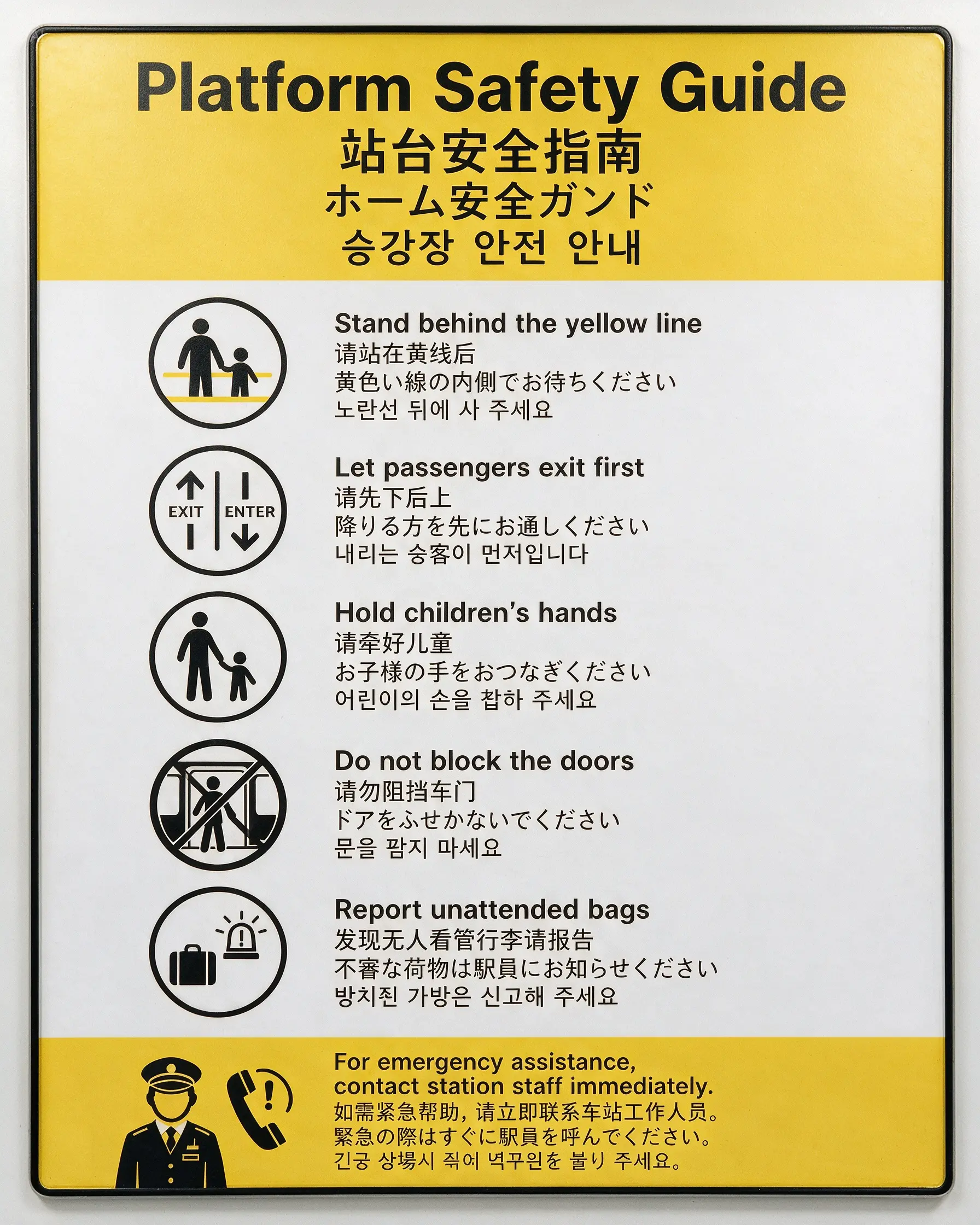
Natively supports a dozen widely used languages for prompting and image generation, making it ideal for international creative workflows.

Prompt gallery
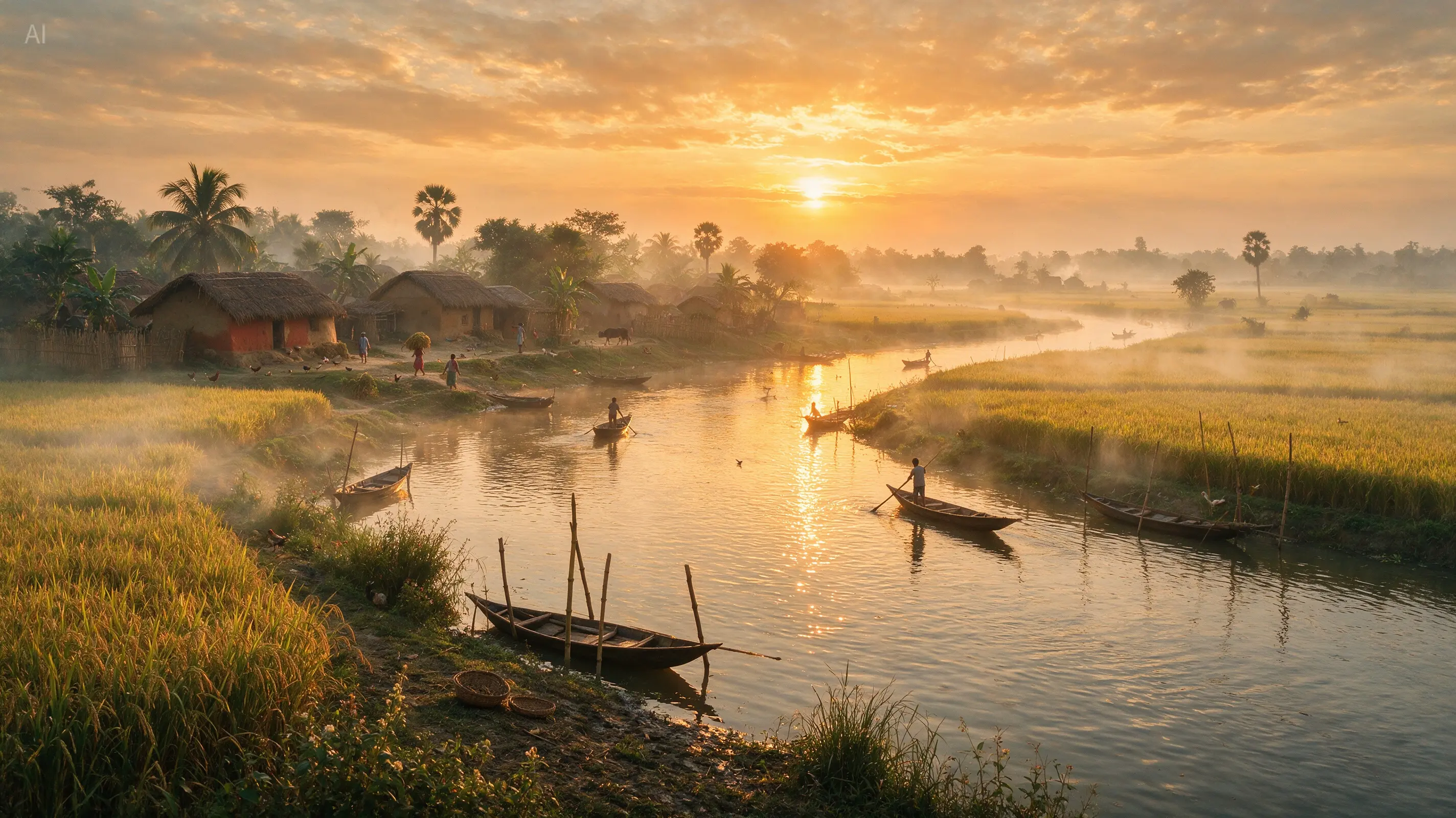
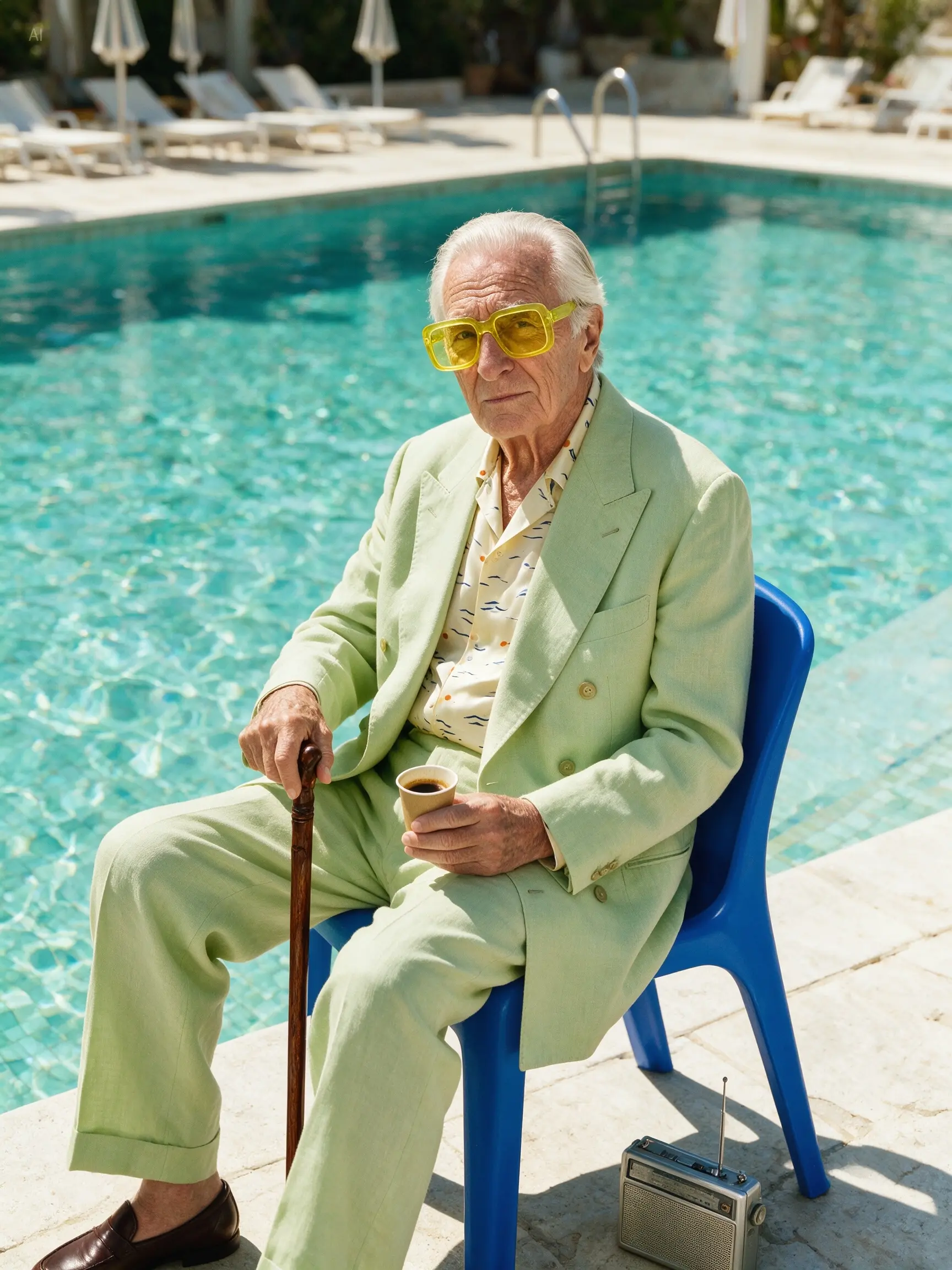
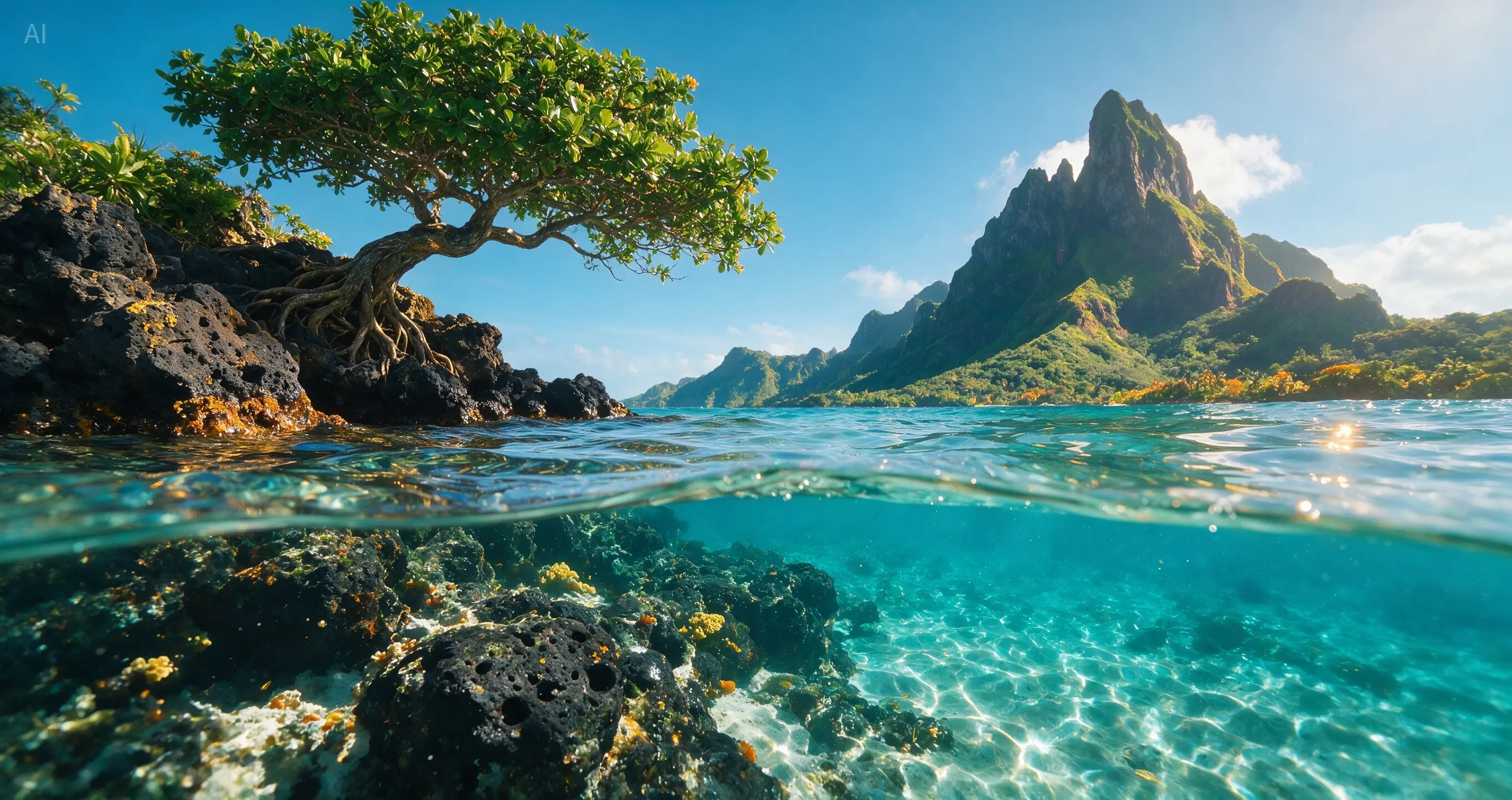
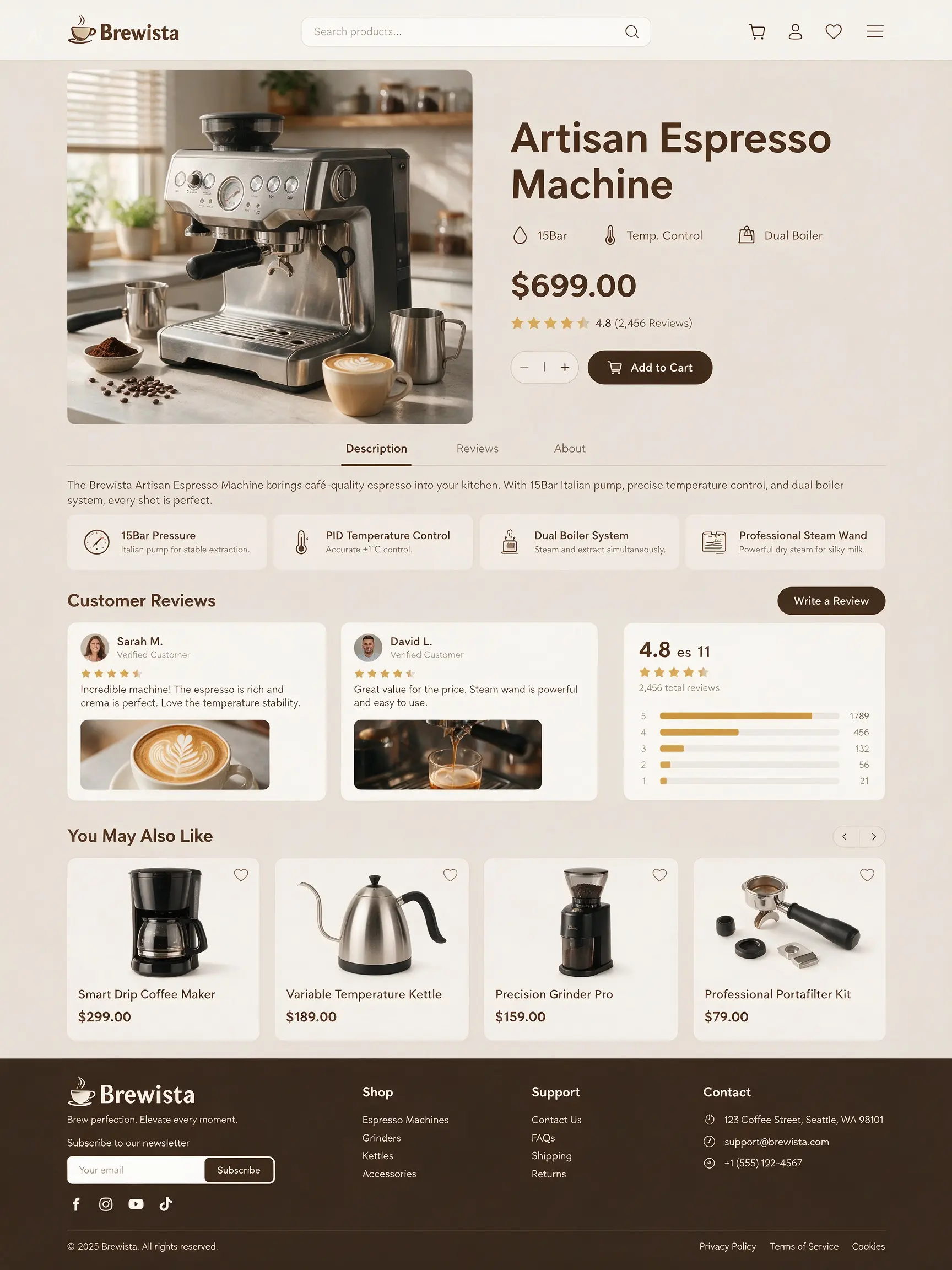
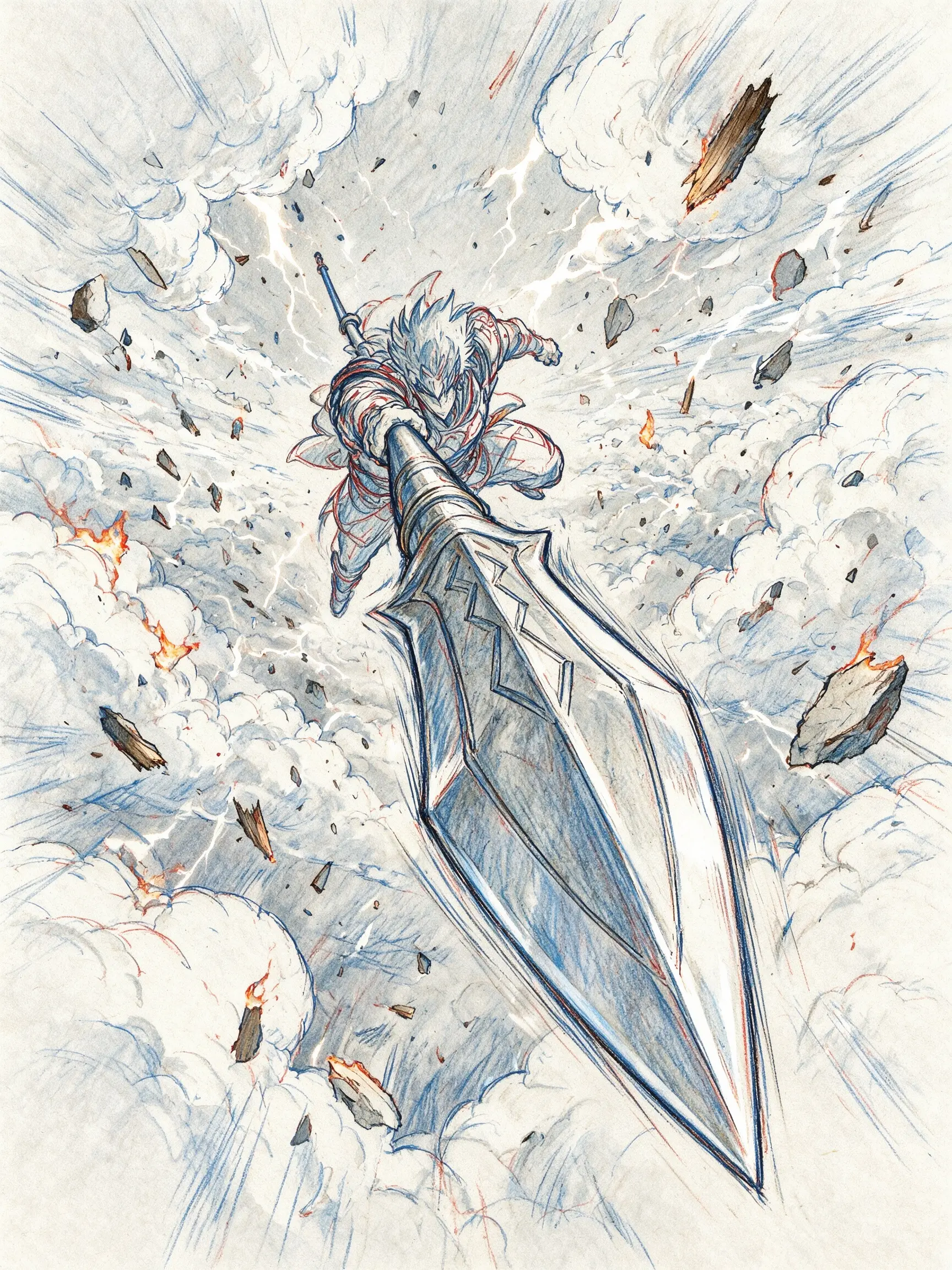
Visual cases are paired with their source prompts so visitors can understand the kind of direction each image was built from.

Creative flow
Move from prompt or source image to parameter setup, then review and refine the strongest result before download.
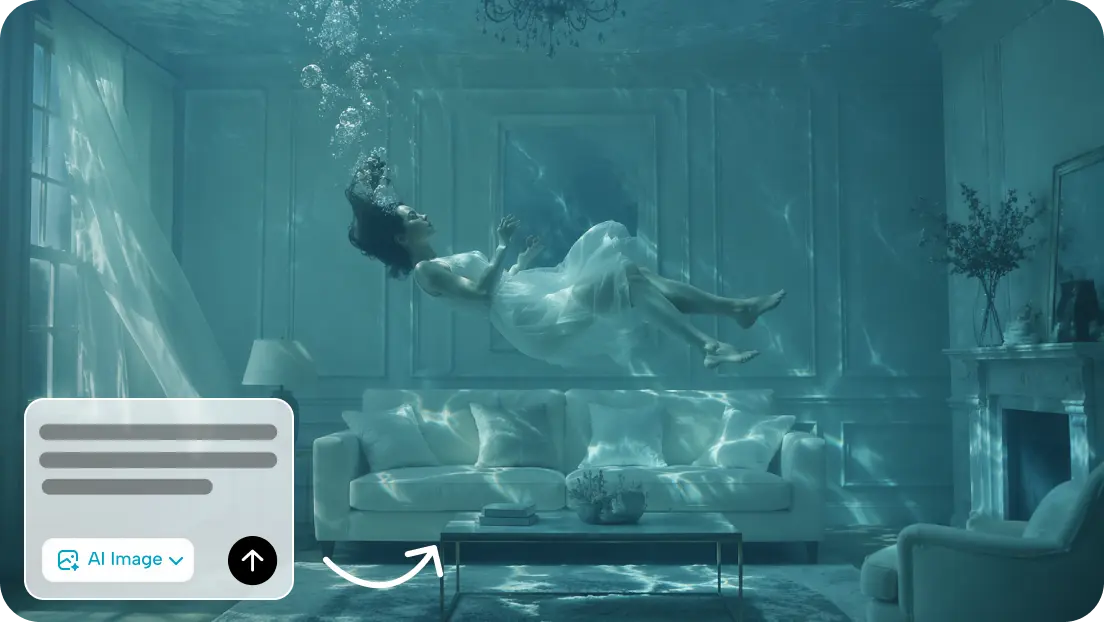
Start in the image workspace. Write the scene, mood, lighting, texture, and art style, or upload a source photo and describe what should change.
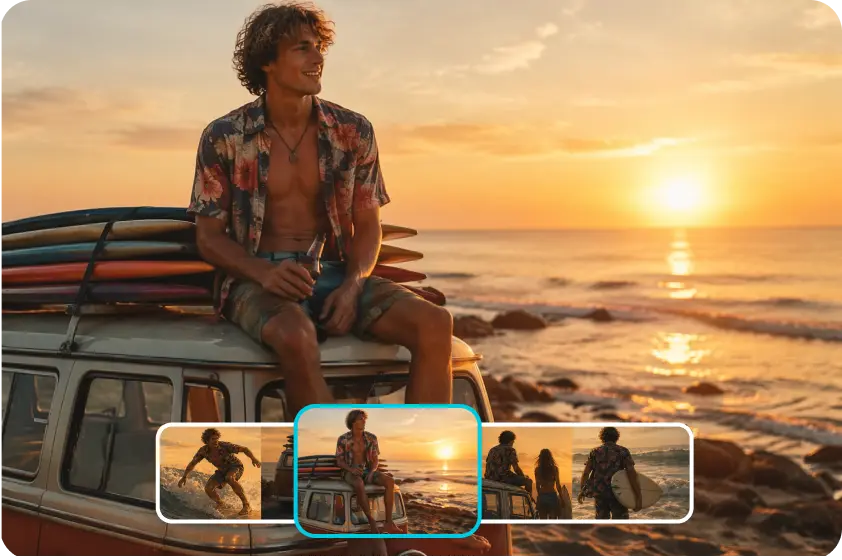
Choose the clarity, aspect ratio, image size, and output format that match the job. A product listing, social story, ad banner, and poster may each need different settings.
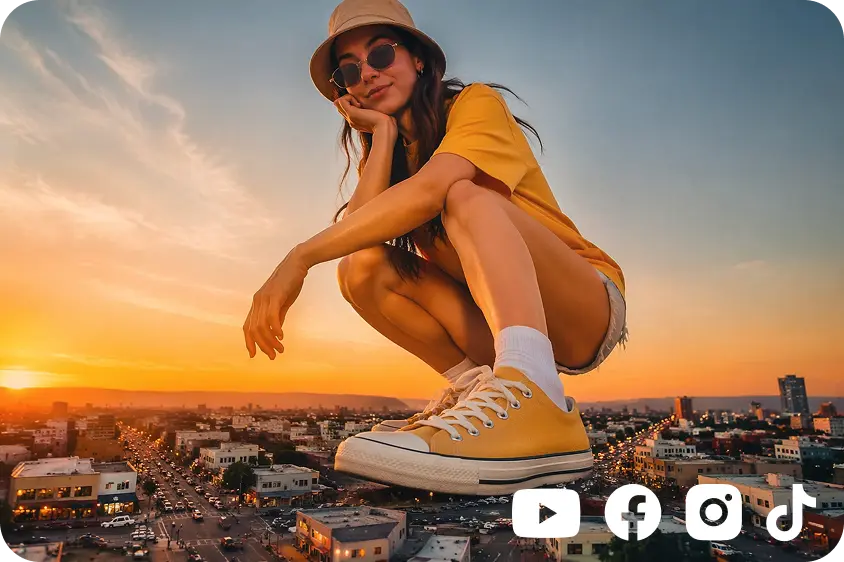
Review the generated results, choose the strongest version, refine visible details, and download the finished artwork.
Best use cases
Use it for image tasks where style, detail, and repeatable editing matter more than a fast one-off picture.
Create covers, posts, stories, and campaign images with a consistent look. Generate several directions, keep the style close, and choose the version that fits the channel.
Design product advertisements, banners, social media creatives, and campaign images with controlled layouts and brand-consistent visuals.
Create product-focused imagery with accurate color, layout, and visual adjustments for catalogues, packaging, and store listings.
Generate strong still frames to plan a shot, test a mood, or give a video editor a clear visual target before production starts.
Model fit
The decision comes down to whether you need a quick image or deeper control over details, layout, and commercial polish.
Point
Best fit
Seedream 5.0 Pro
Detailed image generation, precise editing, text-heavy layouts, and commercial visuals
Seedream 5.0
Broad image generation for standard creative tasks
General AI image pages
General Seedream AI image generator workflows
Point
Editing control
Seedream 5.0 Pro
Point-select, box-select, anchored edits, layer separation, and transparent PNG output
Seedream 5.0
Better for simpler generation tasks and broader exploration
General AI image pages
Usually covers broader prompt-to-image creation
Point
Text and language
Seedream 5.0 Pro
Improved small text at 1K and 2K, with support for 14 language scenarios
Seedream 5.0
Better for quick prompts with fewer moving parts
General AI image pages
Often described at a category level
Point
Commercial use
Seedream 5.0 Pro
Marketing, ads, ecommerce, branding, and social media visuals
Seedream 5.0
Useful when detailed Pro-level control is not needed
General AI image pages
Useful as general image creation references
Pro advantages
Choose the Pro workflow when the image has to sell, explain, match a brand, or move cleanly into the next creative step.
Seedream 5.0 Pro supports point-select, box-select, and anchored edits, so you can change the target area while keeping untouched regions more stable.
Layer separation can split a visual into background and element assets, including transparent PNG output for drag, scale, rearrange, and second-pass design work.
Improved small-text rendering and 14-language support make it more practical for posters, PPT slides, campaign graphics, and multilingual layouts.
Questions
Practical answers for creators comparing Seedream 5.0 Pro with lighter image workflows.
Start
Start from an idea, a product photo, or a campaign brief, then refine exact areas, separate useful assets, and prepare readable layouts for your channel.
Browse examplesStart from an image idea, product photo, poster layout, or multilingual campaign brief.
Refine exact areas with point-select, box-select, and anchored-position editing.
Export layered transparent PNG assets or text-heavy visuals for the next design step.