Nano Banana AI Image Generator

Create with the latest Nano Banana model using text and reference images. Compare the complete family below and choose the right balance of speed, control, and finish.

Click to upload (max 10)

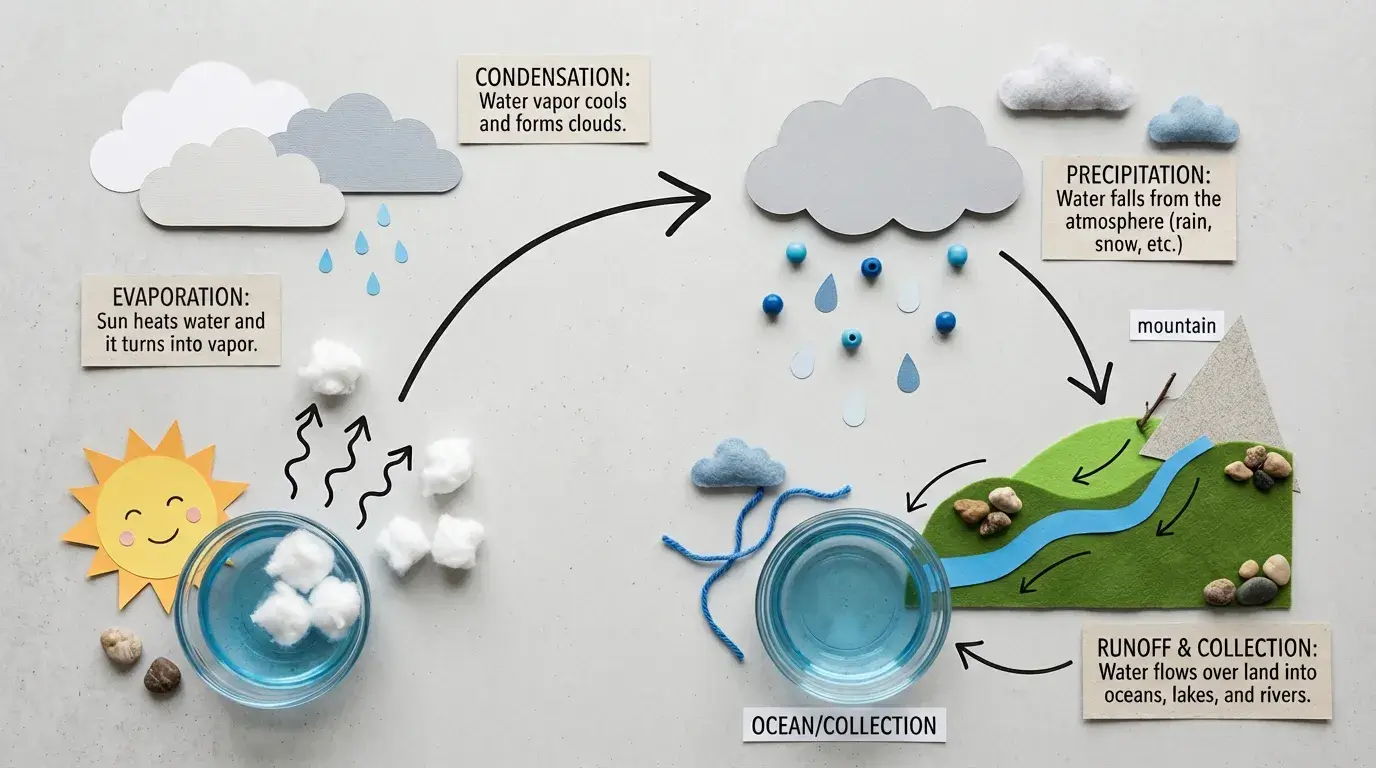
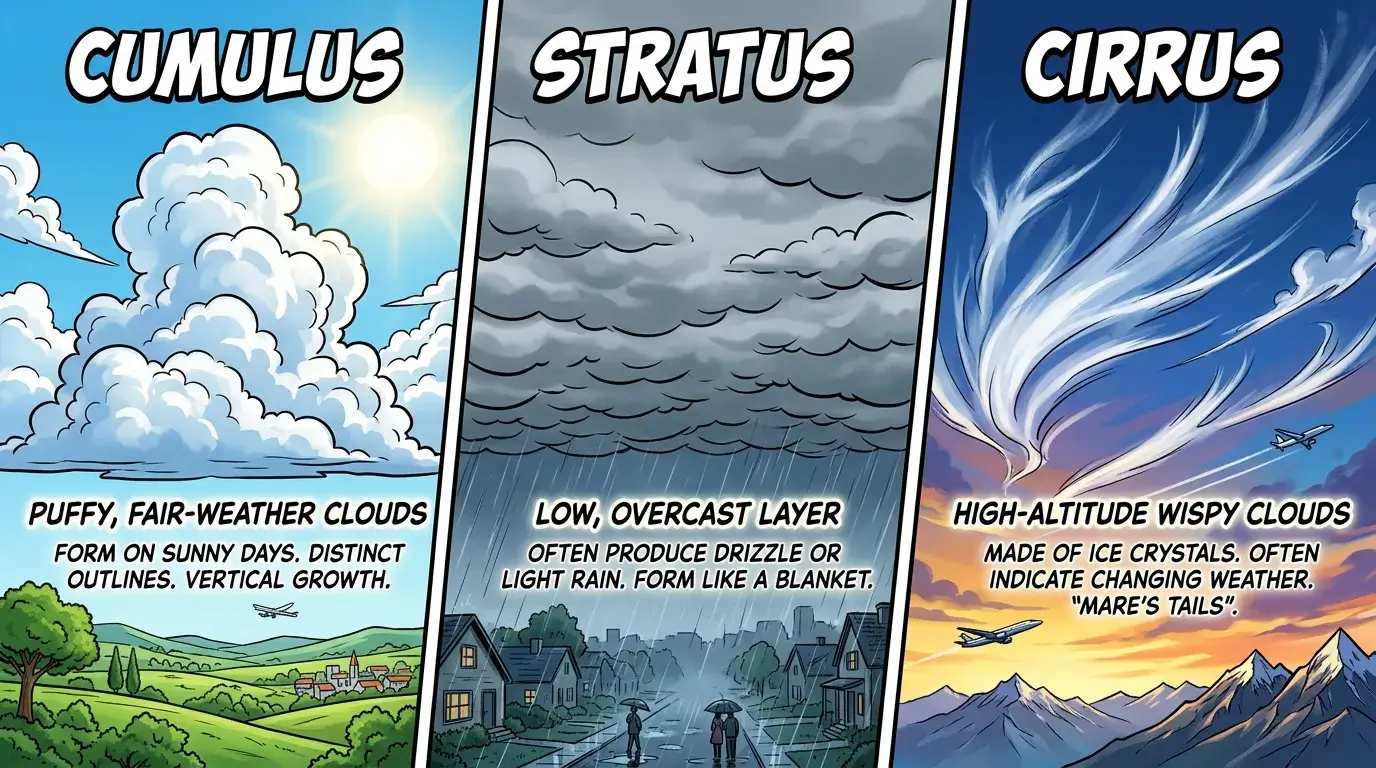
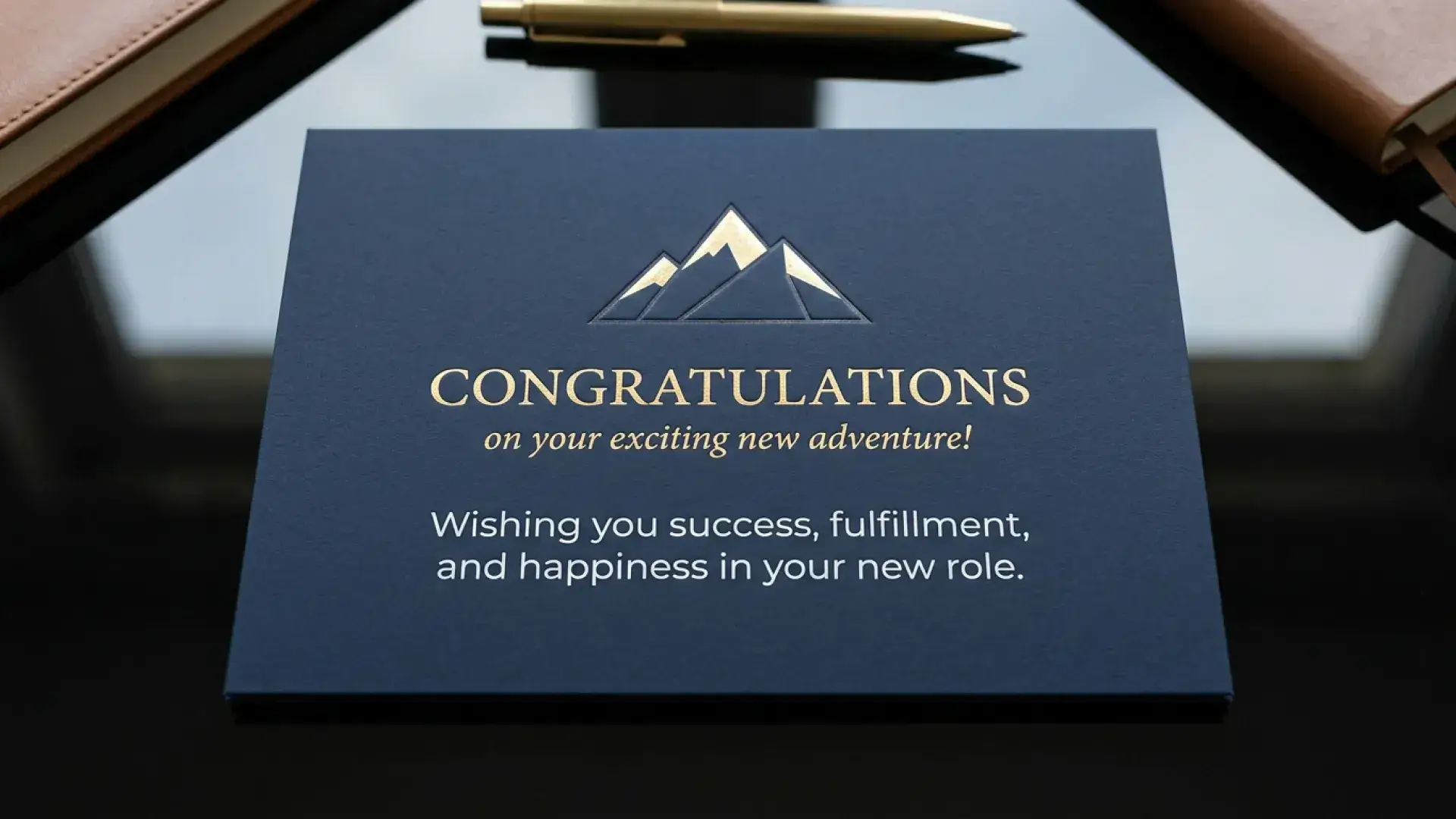
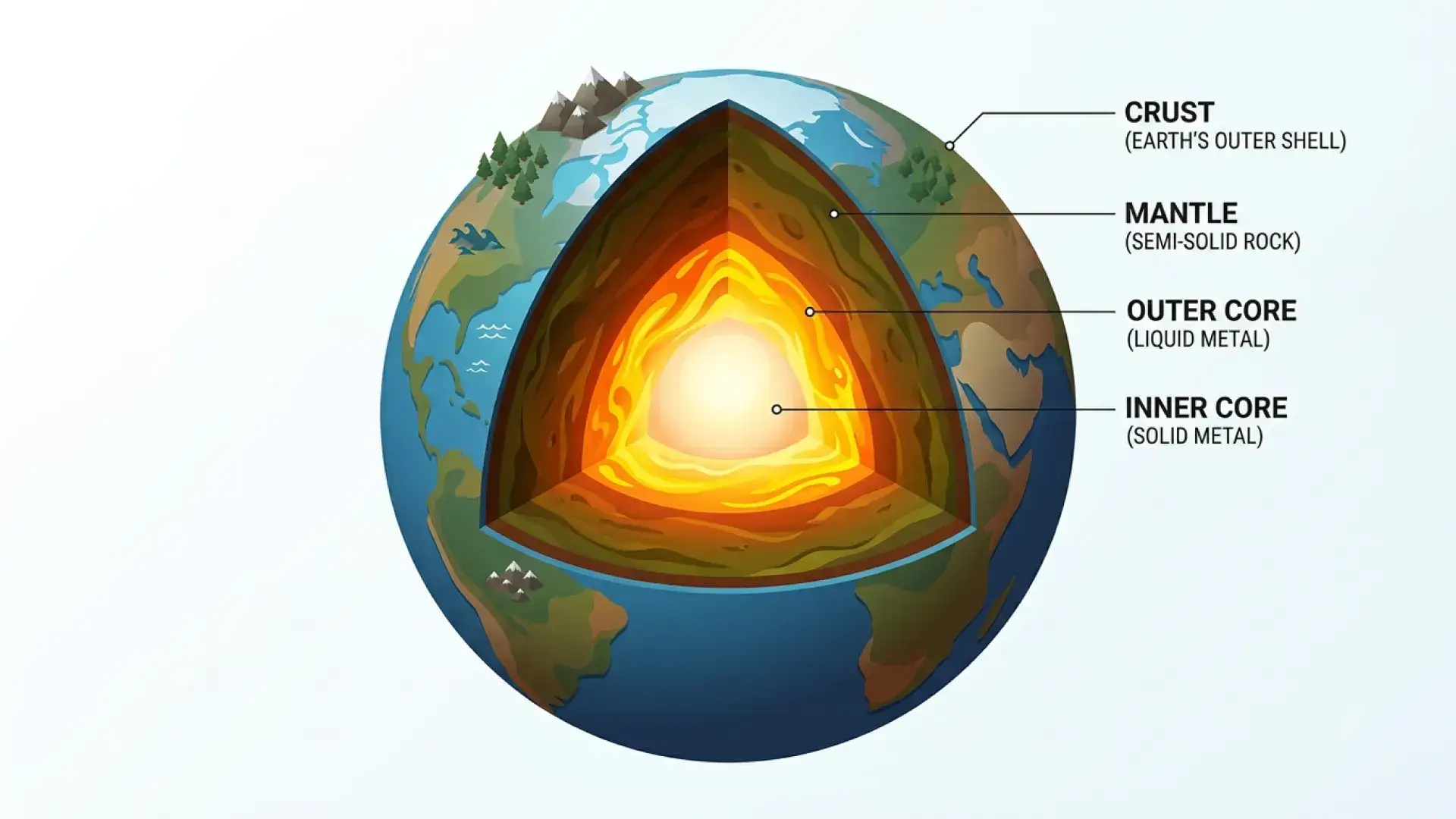
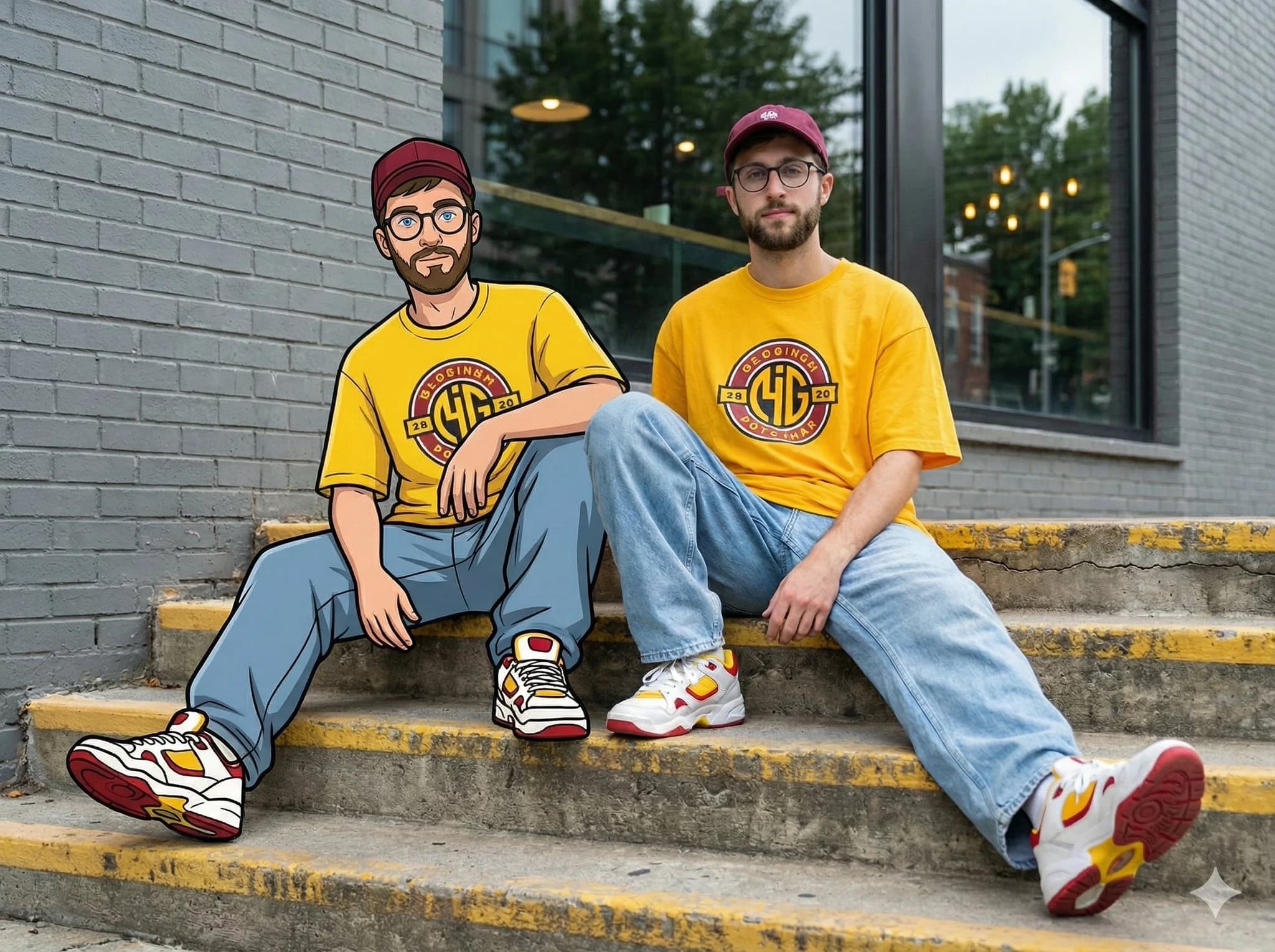
NanoBanana2 demo 1NanoBanana2 demo 2NanoBanana2 demo 3NanoBanana2 demo 4
Nano Banana 2: Transform your ideas into stunning AI-generated images with advanced text-to-image and image-to-image capabilities.
Image History

No history yet

Compare models

Which Nano Banana model should you use?

Choose by workflow, source material, and final delivery needs. This table shows where each version fits best before you start creating.

Compare
2Current
2 Lite
Pro
Best fitBalanced quality and controlFast, cost-aware draftsMaximum image quality
InputsText + up to 10 imagesText + reference imagesText + up to 10 images
Reference imagesUp to 10 referencesReference-based workflowUp to 10 references
EditingContext-aware multi-step editsLightweight prompt editsPrecise multi-turn refinement
Output1K–4K · 10 ratiosDraft-focused image output1K–4K · flexible ratios
Key advantageGeneral-purpose production workflowSpeed + lower credit costComplex composition + finish
Model pageTry 2Try 2 LiteTry Pro

Available settings can vary by generation mode. Open a model page to review its current controls before creating.

Model collection

Explore every Nano Banana model

Each version is tuned for a different creative job. Review its practical advantages, supported inputs, and output options, then try the model that fits your project.

2
Model 01 · Nano Banana archive
Current model

Nano Banana 2

Best for

Campaign visuals, character series, product concepts, and general-purpose image creation.

The balanced Nano Banana workflow for high-quality generation, multi-reference editing, consistent characters, and production-ready upscaling.

Try Nano Banana 2
Output
1K · 2K · 4K
Inputs
Text · reference images
References
Up to 10 images
Canvas
10 aspect ratios

Upload resources

Upload up to 10 images to guide a generation or edit. Choose formats from square and portrait through landscape and ultrawide.

Keep subjects recognizable

Carry character and product details across revisions and related visual directions.

Edit with plain language

Change backgrounds, lighting, clothing, objects, and composition without rebuilding the image manually.

Scale the final direction

Move from a fast 1K concept to sharper 2K or 4K output when the image is ready.

2 Lite
Model 02 · Nano Banana archive

Nano Banana 2 Lite

Best for

Fast ideation, content variations, prompt tests, and cost-aware production queues.

A lightweight, speed-focused model for prompt testing, reference-based edits, and high-volume visual drafts.

Try Nano Banana 2 Lite
Workflow
Fast draft generation
Inputs
Text · reference images
Editing
Prompt-based edits
Cost
10 credits / generation

Upload resources

Use a prompt alone for a new draft or upload reference images when an existing subject, layout, or style should guide the result.

Test more directions quickly

Turn prompt variations into reviewable drafts before committing to a heavier production pass.

Iterate from references

Use existing visuals to guide lightweight edits and keep early exploration anchored.

Control generation cost

A 10-credit workflow fits batch ideation and high-volume content experimentation.

Pro
Model 03 · Nano Banana archive

Nano Banana Pro

Best for

Detailed commercial images, complex edits, polished product scenes, and final campaign assets.

A quality-first model for complex composition, precise prompt adherence, refined editing, and client-facing image work.

Try Nano Banana Pro
Output
1K · 2K · 4K
Inputs
Text · reference images
References
Up to 10 images
Focus
Quality · precision

Upload resources

Upload up to 10 references for style, layout, product, or character guidance, then refine the strongest result through follow-up edits.

Handle complex compositions

Build scenes where subject placement, lighting, materials, and visual hierarchy all need closer control.

Preserve edit context

Continue refining an image without restating the entire brief or losing the established direction.

Deliver studio-level detail

Prioritize clean edges, accurate faces, readable layouts, and polished commercial finish.