
01
Fast text-to-image output
Generate fast visual drafts for tools where waiting breaks the creative loop. Write, inspect, adjust, and try again while the idea is still fresh.
Create prompt drafts, edit reference images, and compare visual directions quickly on XMK. Nano Banana 2 Lite is built for lightweight image work at 10 credits per generation.
Images will be generated here
Add a prompt, choose a size, then create your first draft.
Overview
Nano Banana 2 Lite on XMK is built for quick text-to-image drafts, reference edits, and fast visual review before final production.
Nano Banana 2 Lite is the speed-focused member of Google's Nano Banana image model family. It is also identified as Gemini 3.1 Flash-Lite Image for API workflows. The model is designed for rapid ideation and developer pipelines where speed and cost are major constraints.
In plain terms, Nano Banana 2 Lite turns prompts into images and supports image editing tasks. It focuses on reliable prompt adherence, recognizable character consistency, and legible in-image text while prioritizing speed. That combination makes Nano Banana 2 Lite useful when you need many acceptable drafts instead of one highly controlled final artwork.
Use a focused set of image-generation controls when the goal is speed, comparison, and prompt refinement.
Generate fast visual drafts for tools where waiting breaks the creative loop. Write, inspect, adjust, and try again while the idea is still fresh.
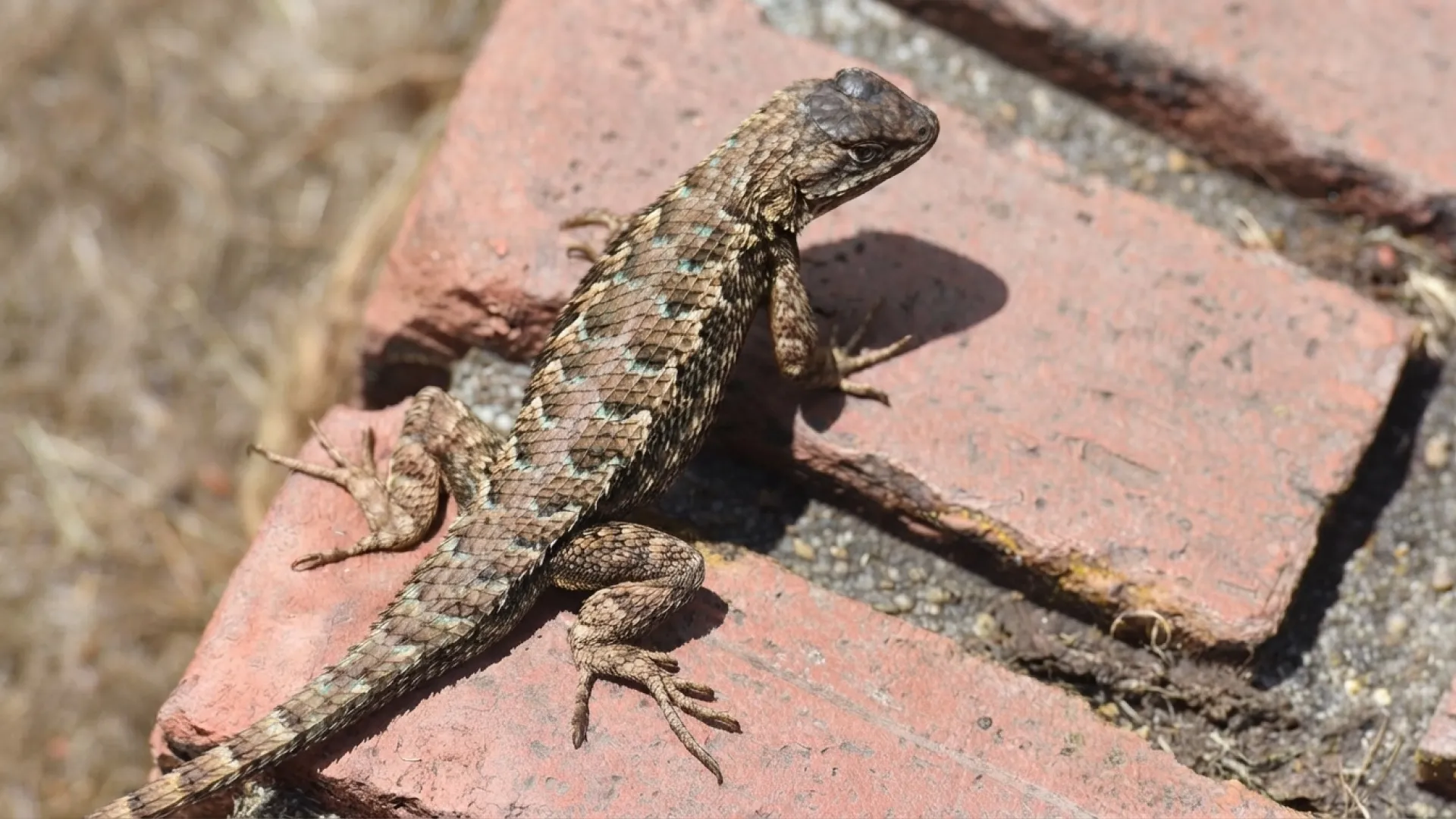
Start with a base image, change a background, try a new style, or explore another composition without switching tools.

Use detailed prompts for stronger control over subject, setting, mood, layout, and the parts of the image that must stay consistent.
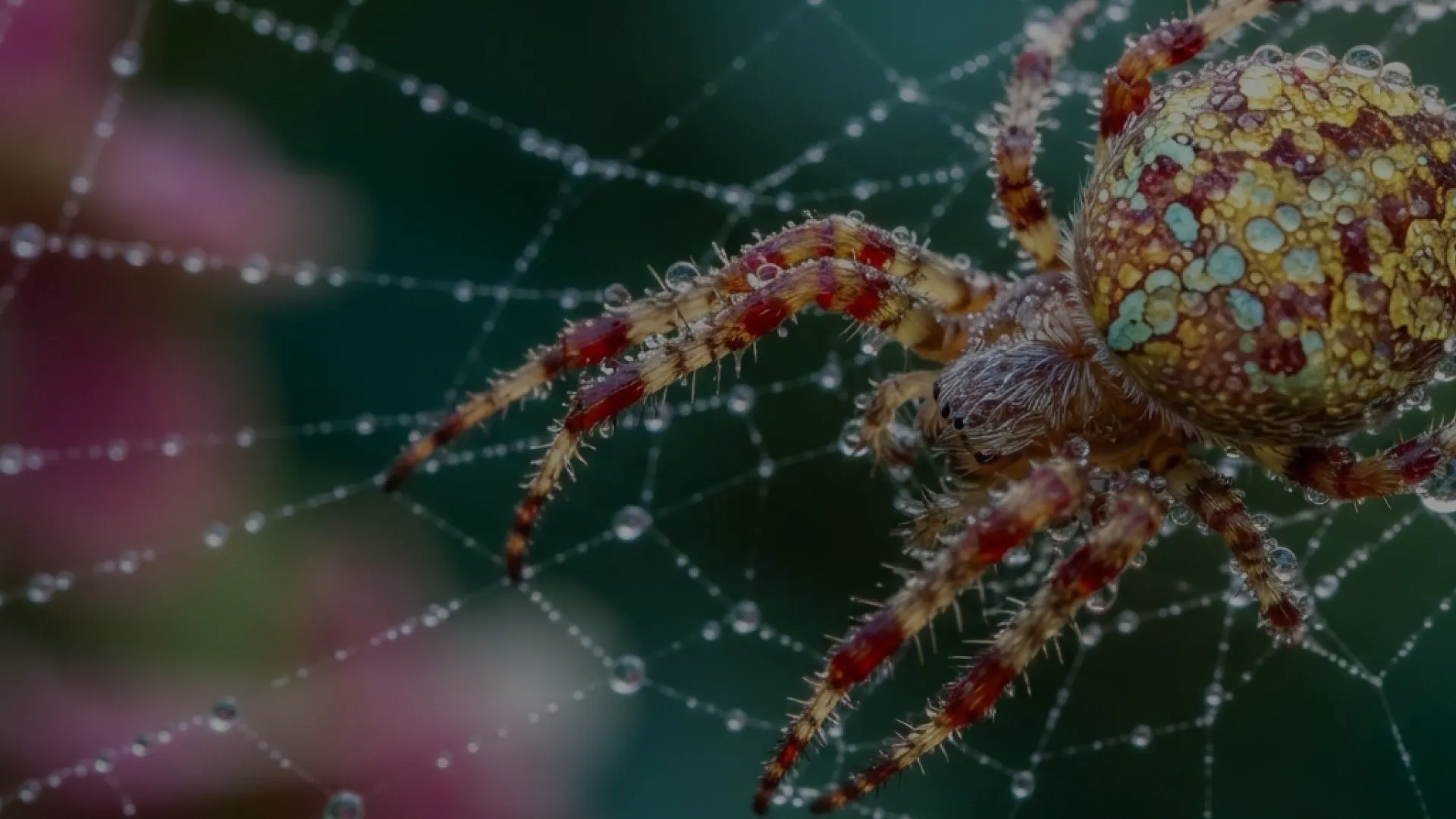
Keep the same person, object, or style recognizable across drafts for campaigns, product cards, and concept boards.
Showcase
Browse examples that show how Lite supports quick variations, reference edits, and high-volume creative testing.







Start with a prompt or reference image, generate a fast result, then adjust and export the best direction.
Enter a clear prompt for a new image or upload reference images when you want Nano Banana 2 Lite to guide an edit.
Choose a size and output format, then generate fast drafts for product visuals, social assets, and creative concepts.
Review the result, adjust the prompt or edit inputs, and download the best image for your next workflow.
Use Nano Banana 2 Lite when you need many visual options quickly and still plan to review outputs before publishing.
Nano Banana 2 Lite is a strong fit for ad creative because campaigns often need many versions of the same idea. Test products, colors, backgrounds, formats, and copy directions before deciding which concepts deserve more time.
Product teams can use Nano Banana 2 Lite to explore product listing images, category images, and seasonal backgrounds. Because these assets affect buyer trust, every generated image still needs review.
Designers can use Nano Banana 2 Lite for landing page hero ideas, onboarding illustrations, concept boards, and quick UI mood exploration.
Nano Banana 2 Lite can power prompt playgrounds, educational image helpers, real-time concept generators, and internal creative apps.
Nano Banana 2 Lite should be the default candidate when the workflow needs speed and volume.
It is less suited to workflows where every output must be approved as-is. In those cases, use it for first drafts, then pass selected ideas into a more controlled editing or review process.
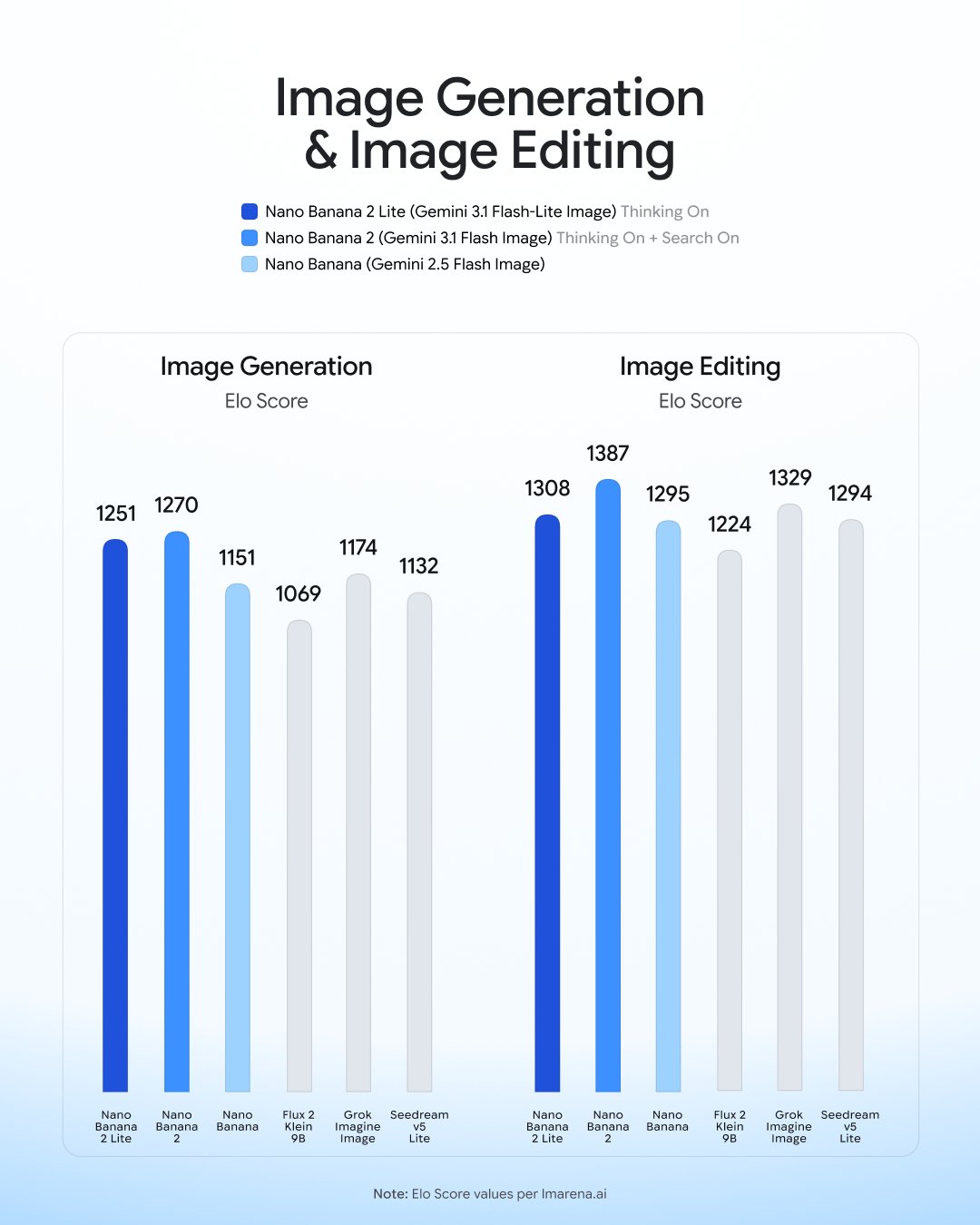
Compare Lite, Nano Banana 2, and Pro by speed, cost, control, and how much review the output needs.
Best fit
Fast drafts, high-volume variants, app pipelines, low-cost visual iteration
Tradeoff
Less suited to the hardest professional image-control tasks
Best fit
General image generation and editing where quality and speed both matter
Tradeoff
Likely higher cost or latency than Lite
Best fit
Complex professional image work, advanced control, brand-sensitive assets
Tradeoff
Premium tier for harder jobs
Best fit
Existing workflows built on gemini-2.5-flash-image
Tradeoff
Upgrade to Nano Banana 2 Lite after testing your current prompts
Choose Nano Banana 2 Lite if you need fast feedback and many options. Choose Nano Banana 2 if the work needs a stronger balance of image quality and speed. Choose Nano Banana Pro when the image must handle complex composition, strict brand requirements, or advanced control.
The practical choice is often routing, not one permanent winner. Send lightweight requests to the faster model, reserve harder prompts for stronger models, and review the split after you have real usage data.
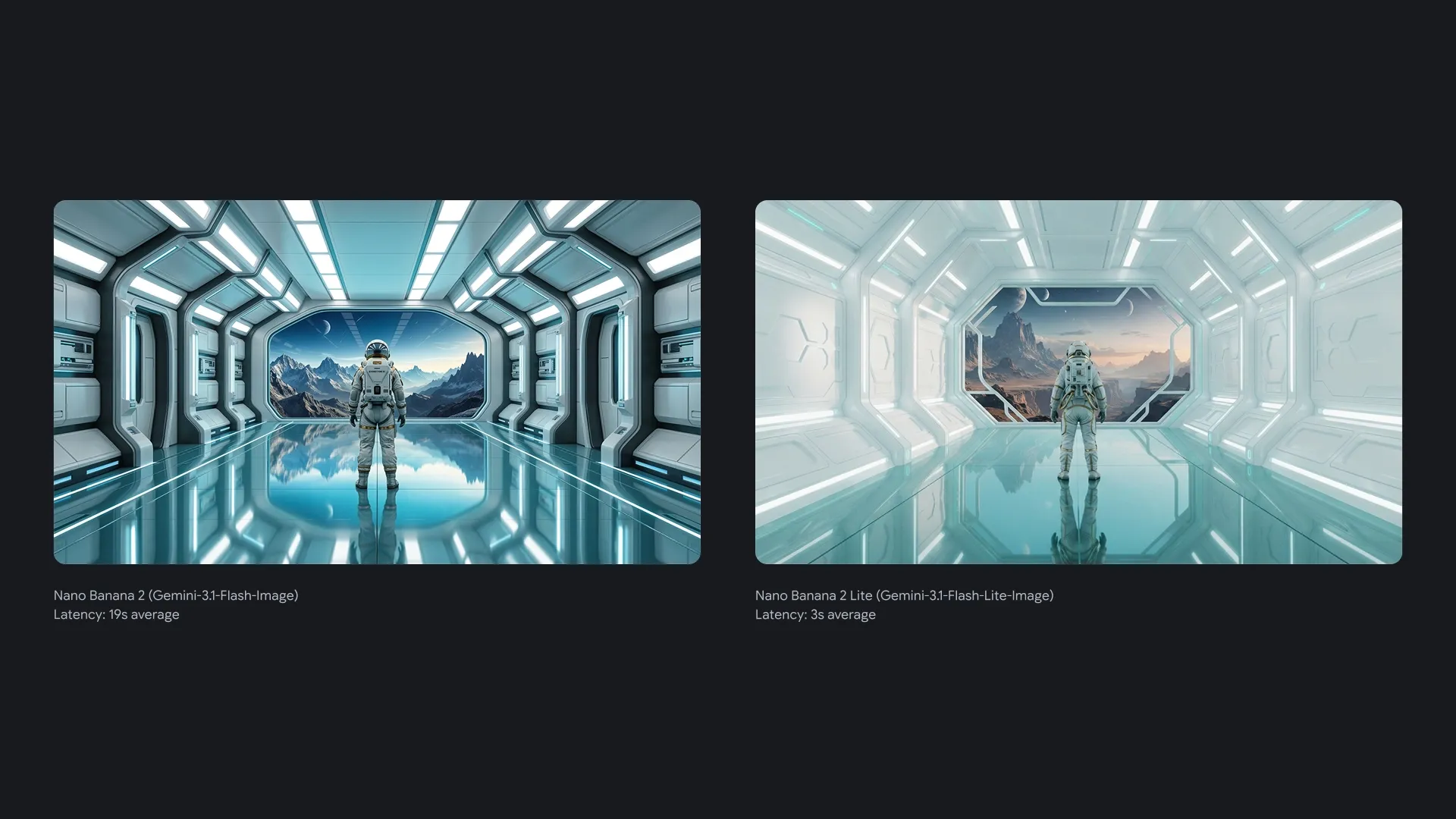
Choose Lite when image generation is part of a repeated workflow and fast iteration matters more than final polish.
Nano Banana 2 Lite is designed for very fast text-to-image output. That speed matters because visual work improves through small decisions.
Nano Banana 2 Lite is designed for high-throughput workflows where cost is a real constraint.
Nano Banana 2 Lite can be the first model users hit for drafts and exploration, while heavier models handle outputs that need extra control.
Nano Banana 2 Lite is the practical upgrade path from the original Nano Banana model. Test your own prompts first, then move low-risk or draft-heavy traffic.
Answers for creators, marketers, designers, and developers evaluating the Lite workflow on XMK.
Nano Banana 2 Lite is a speed-focused AI image model for quick image generation, reference-based editing, and high-volume visual drafts.
The Nano Banana 2 Lite API model ID is gemini-3.1-flash-lite-image. Test it against gemini-2.5-flash-image before changing production routing.
On XMK, each Nano Banana 2 Lite generation costs 10 credits. External API pricing may differ and should be checked with the official provider before production use.
Yes. You can use Nano Banana 2 Lite on XMK for text-to-image generation and image editing. Open the generator at the top of this page to create drafts with a prompt or uploaded reference images.
Nano Banana 2 Lite is better when speed, cost, and high-volume drafts are the main needs. Nano Banana 2 is positioned as a more general image model.
Like other Gemini image models, Nano Banana 2 Lite can still require review for small faces, accurate spelling, fine details, factual data, translation, localization, complex edits, image blending, and character features.
Try Nano Banana 2 Lite on XMK when your image workflow needs fast drafts, lower cost, and quick iteration from prompt to result.
Use the generator above to write a prompt or upload reference images, then create and download drafts directly on the XMK platform. Review outputs before using them in production workflows.