Coming soon

Seedance 2.5 — AI Video Generator Built for 30-Second 4K Clips

Seedance 2.5 is ByteDance's AI video generation model that produces a full 30-second clip in one native pass, accepts up to 50 multimodal reference inputs, and supports local re-draw editing after generation.

Overview

What is Seedance 2.5?

Seedance 2.5 is an AI video generation model from ByteDance that creates a full 30-second video clip from text prompts, image references, or a combination of both in a single generation pass.

Clip length

Up to 30 seconds in one native pass — most rivals cap at 4–15 seconds.

Reference inputs

Up to 50 multimodal inputs vs 12 on Seedance 2.0.

Local re-draw editing

Swap a product, background, or subject without regenerating the full clip.

Key features

Key Seedance 2.5 Features for AI Video Generation

Seedance 2.5 addresses three limits most AI video tools have not solved: clip duration, reference volume, and editing after generation.

01Longer scenes

30-second single-segment video output

Seedance 2.5 generates up to 30 seconds in one native pass — not through stitching. You describe one complete scene, generate one clip, and review one output. That matters when you need a product reveal, social ad, or story beat with a setup and payoff — more than double the longest competitor clip length in mid-2026.
02Longer ideas

High-quality video extension

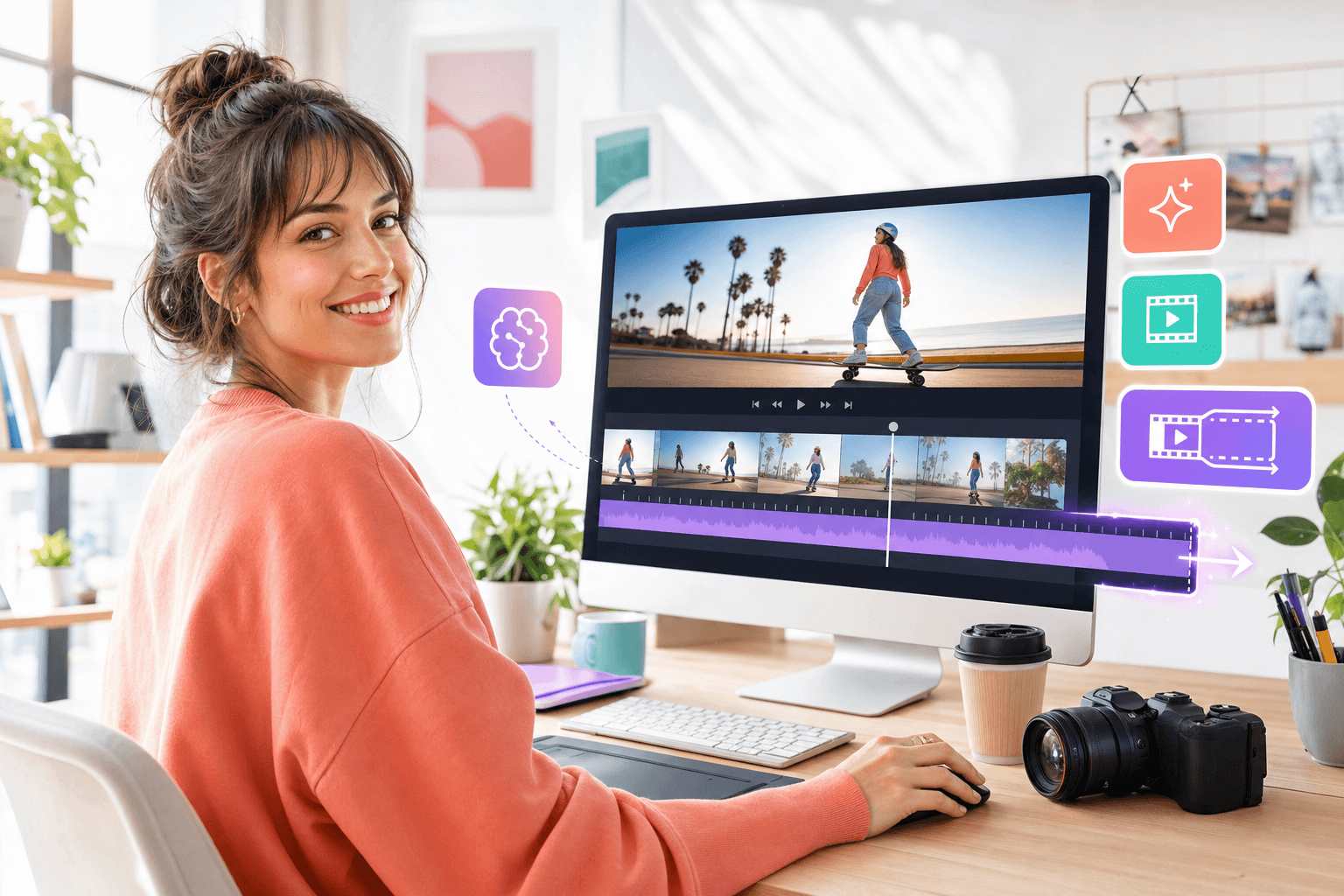
When your first clip has the right style and motion but needs more time, extend from that result instead of regenerating from scratch. Visual consistency carries forward so you push the idea further without losing what already works.

Seedance 2.5 High-quality video extension — Longer ideas
03Richer control

Up to 50 multimodal reference inputs

Feed images, audio, and video samples together — roughly 4× the 12-input limit on Seedance 2.0. A brand campaign can include the character sheet, product photos, color palette, setting reference, and audio mood file in one generation without leaving references out.

04Editable output

Local re-draw editing

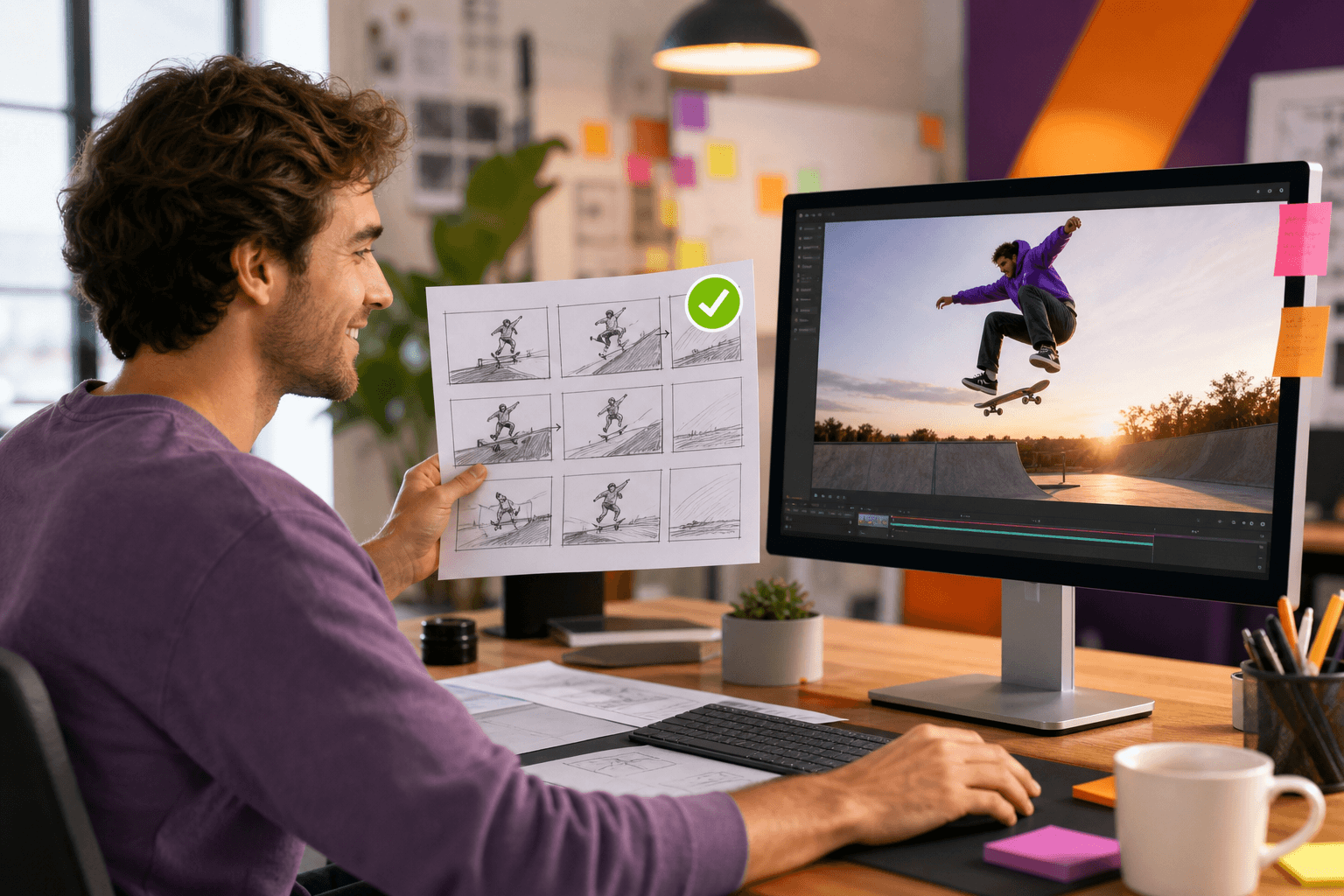
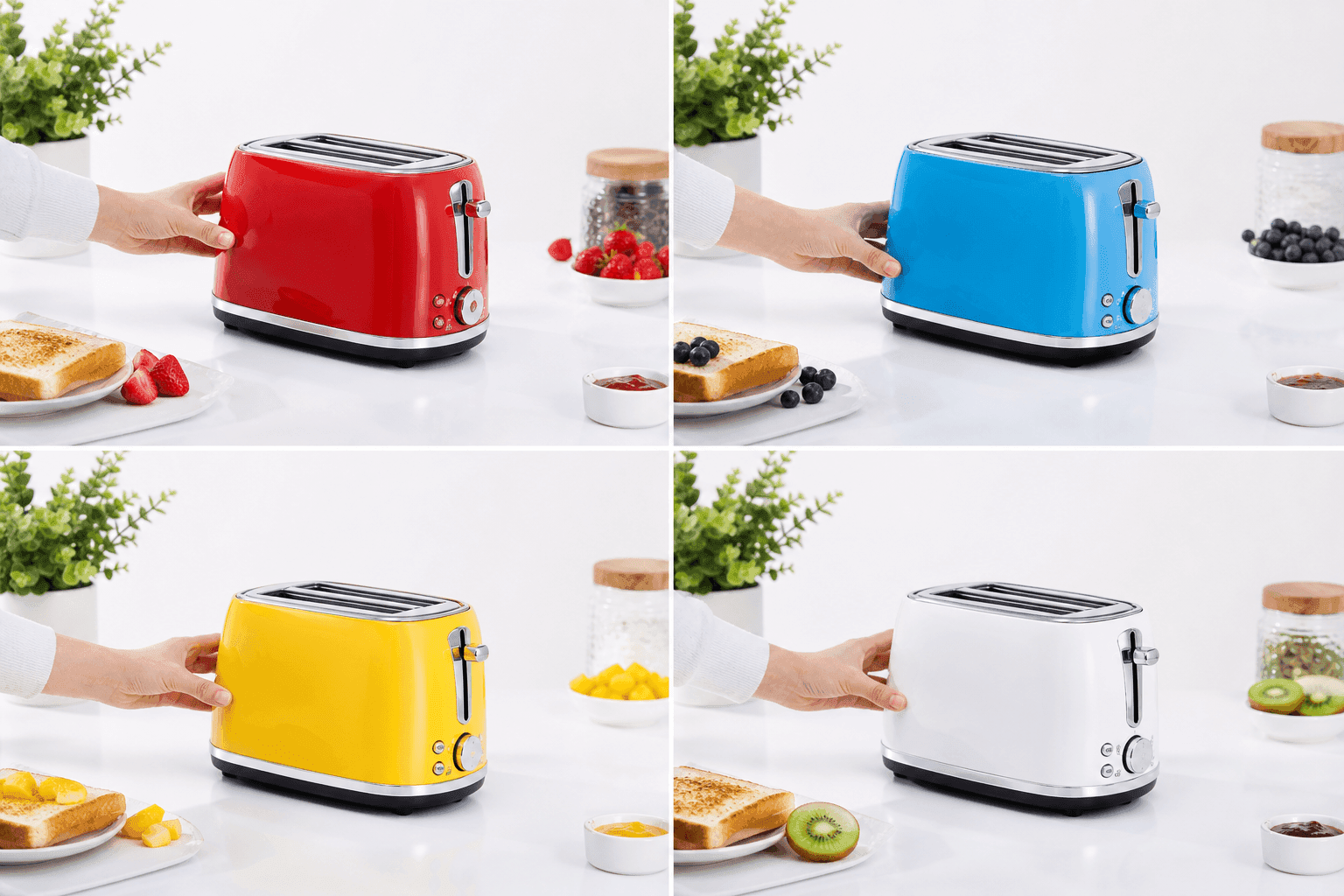
Change one frame element — a product, background, or character — while motion, camera path, and composition stay intact. ByteDance demonstrated this on e-commerce product swaps: a different product in the same scene without altering lighting or motion. Useful for per-SKU or per-locale variants from one master clip.

05Model family context

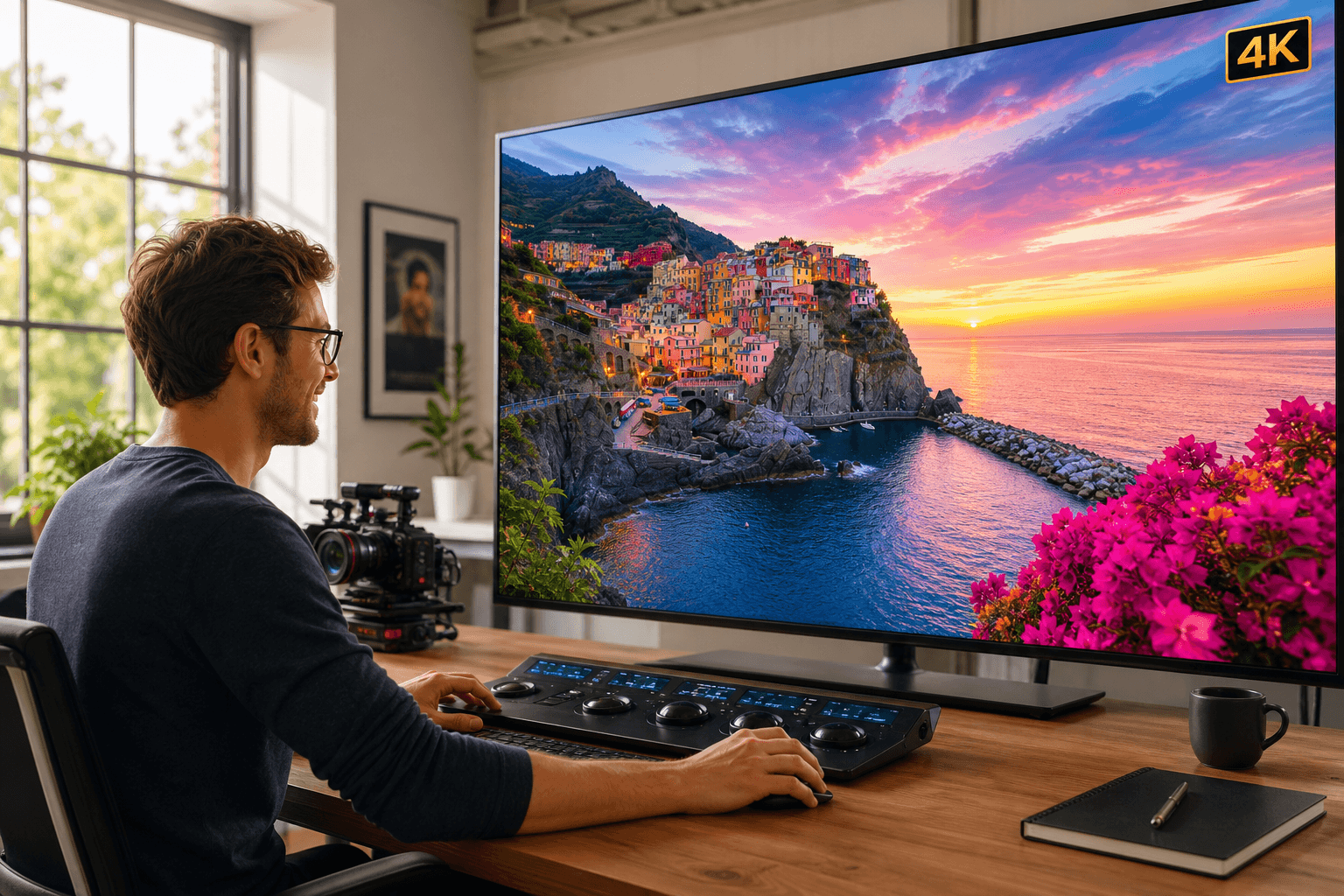
Native 4K and 10-bit color

Builds on Seedance 2.0 native 4K output generated at source resolution rather than upscaled — important for pipelines that need detail in the source file. 10-bit color adds headroom for grading and retains more detail in shadows and highlights vs 8-bit output.

Seedance 2.5 Native 4K and 10-bit color — Model family context
06Fewer iterations

20% improved prompt adherence

ByteDance reports 20% better prompt adherence than previous versions — the output matches your brief more often on the first generation. Fewer regenerations per project; verify independently at general availability.

Seedance 2.5 20% improved prompt adherence — Fewer iterations
How it works

How to Use Seedance 2.5

Prepare your brief and references, generate the clip, then refine with re-draw — three steps from idea to deliverable.

01

Prepare your brief and references

Write a scene-level prompt covering subject, setting, camera move, mood, and action across the full clip — not just a static moment. Then upload images, brand assets, character references, or audio cues. Up to 50 inputs per generation, so product, location, and style references can go in together.

02

Generate and review the full clip

Run generation and review the entire 30 seconds — subject consistency, motion quality, framing, and color. Issues often show up mid-clip where the model must sustain consistency over a longer duration, not just in the opening frame.

03

Refine with local re-draw

Use re-draw to adjust individual elements — a product, background, or character — that do not match your brief while keeping surrounding motion intact. You fix what is wrong without discarding an otherwise good clip.

Use cases

Seedance 2.5 Use Cases for Creators and Teams

Workflows where a short test clip is not enough and a full shoot is too slow for a first draft.

Seedance 2.5 use case — For creators making short-form stories
Use case 01

For creators making short-form stories

A 30-second clip holds a complete story beat without stitching short loops.

Read more

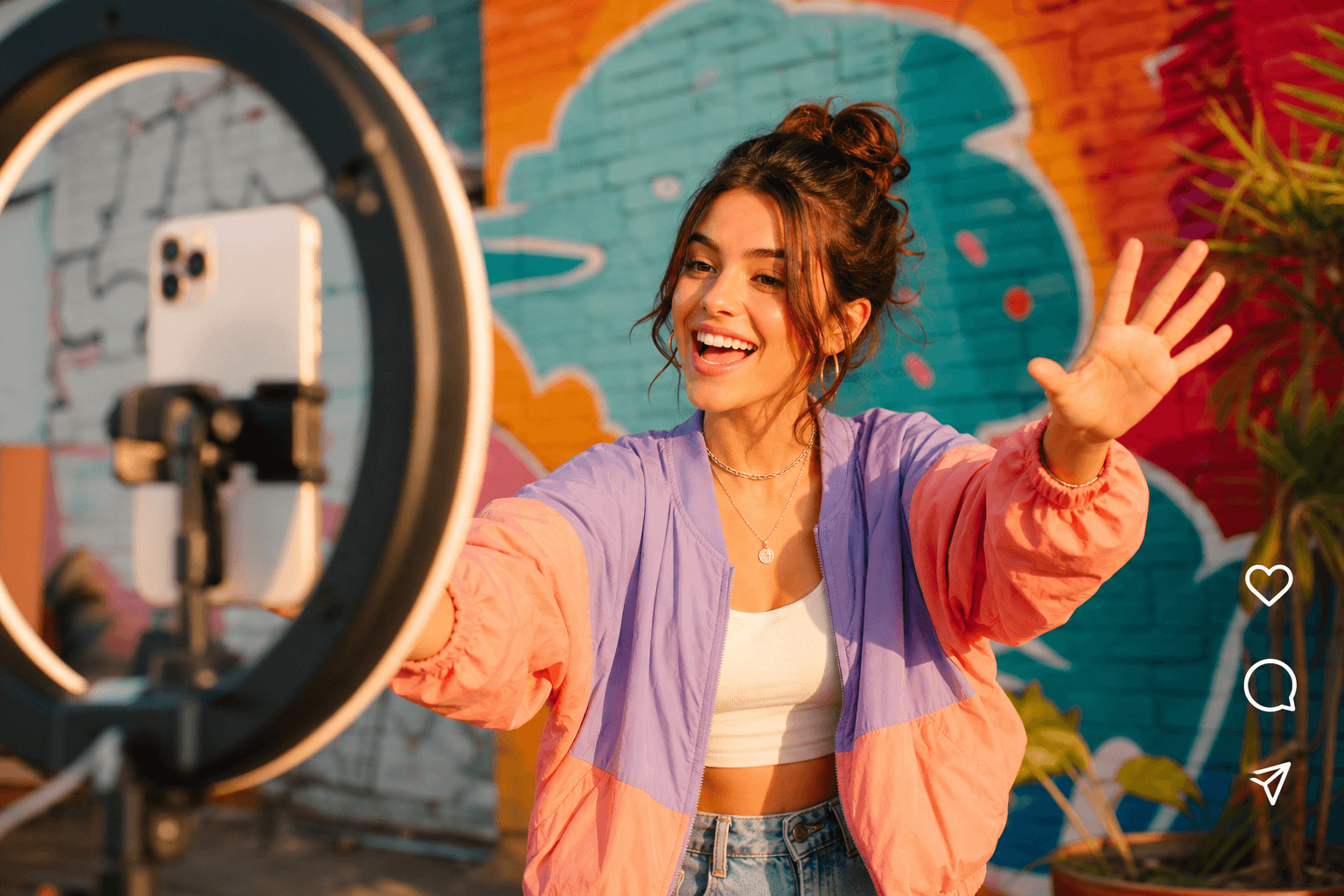
Seedance 2.5 for creators is most useful when a scene needs time to develop — setup, action, reveal, and close in one clip. That fits story-driven social content better than five-second loops where every idea gets cut short before it lands. Write the scene, upload character or location references, generate, and get a complete draft without stitching multiple outputs afterward.

Seedance 2.5 use case — For marketers testing product videos
Use case 02

For marketers testing product videos

Place products in branded settings with rich references before a full shoot.

Read more

Seedance 2.5 for marketers helps when a campaign brief needs a product in a real-looking environment with specific brand constraints. The 50 reference inputs let you include product photos, brand palette, background setting, and motion style in one generation. Produce a working video draft early — compare formats, settings, or product angles — before committing to a production shoot.

Seedance 2.5 use case — For agencies preparing client concepts
Use case 03

For agencies preparing client concepts

Show a moving 30-second draft, then swap elements with re-draw during review.

Read more

Agencies can show a client a moving concept before locking in a production budget. A 30-second draft with the actual product, setting, and rough pacing gives something concrete to respond to — not just a still frame or mood board. When a client asks to change the product color or swap the background, re-draw adjusts the specific element rather than regenerating the whole clip.

Seedance 2.5 use case — For e-commerce product catalogs
Use case 04

For e-commerce product catalogs

One master clip with consistent motion; per-SKU re-draws swap products in place.

Read more

ByteDance demonstrated re-draw on an e-commerce product-swap scenario: different products in the same scene without altering motion, lighting, or composition. For large catalogs, build one master clip with the right set and motion, then run per-SKU re-draws to swap individual products — less time regenerating entire videos for each variant.

Compare

Seedance 2.5 vs Kling 3.0 and Veo 3.1

Seedance 2.5, Kling 3.0, and Veo 3.1 each lead in a different area — pick by project need.

Comparison pointSeedance 2.5Kling 3.0Veo 3.1
Max clip length30 seconds15 seconds8 seconds
Reference inputUp to 50 multimodal1–2 imagesUp to 3 images
Local editingRe-draw elementsLimitedExtend feature
Best fitLong clips; reference-heavy briefsCinematic multi-shotTalking-head; lip-sync
AvailabilityEnterprise beta; GA July 2026AvailableAvailable

Seedance 2.0 ranks #1 on the Artificial Analysis Video Arena (Elo 1,219). Seedance 2.5 adds 30s clips, 50 references, and re-draw on that base.

Why choose

Why Choose Seedance 2.5

Most AI video tools are optimized for quick style tests. Seedance 2.5 is optimized for a clip you can actually deliver.

The 30-second clip length solves a real production problem

The practical limit of most AI video workflows today is length, not quality. A five-second loop does not hold a complete scene; stitched short clips lose consistency at every cut. Seedance 2.5 removes that constraint so you can plan a complete idea instead of fragmenting it across multiple generations.

50 reference inputs means the model understands a complex brief

Most tools work from a prompt plus one or two reference images. When your brief needs a particular character, product, setting, and tone, those tools start guessing. Seedance 2.5 holds an entire visual brief in one generation — less guesswork and fewer regenerations before a usable result.

Local re-draw editing turns a near-miss into a delivered result

Without targeted editing, one wrong element in an otherwise good clip forces a complete regeneration. Re-draw removes that penalty: change the specific element, confirm the rest of the frame is intact, and move forward rather than starting over.

The Seedance model family has a verified track record

Seedance 2.0 — the shipping model — holds #1 on the Artificial Analysis Video Arena for text-to-video and image-to-video, ahead of Veo 3.1 and Kling 3.0. Seedance 2.5 is a targeted upgrade from the team that already holds the benchmark lead, not a first attempt by an unproven lab.

FAQ

Frequently Asked Questions About Seedance 2.5

Here are the most common questions about Seedance 2.5 — what it is, how it differs from earlier versions, what the release timeline looks like, and what to expect at general availability.

What is Seedance 2.5?

Seedance 2.5 is an AI video generation model from ByteDance, announced June 23, 2026 at the Volcano Engine FORCE conference. It generates a full 30-second video clip in one native pass, accepts up to 50 multimodal reference inputs, and supports local re-draw editing for targeted post-generation changes. It is currently in global enterprise beta, with public access targeted for early July 2026.

When is the Seedance 2.5 release date?

Seedance 2.5 was announced on June 23, 2026 and is targeted for general availability in early July 2026. That is a vendor-stated target, not a confirmed ship date. Verify the actual launch date through Volcano Engine official channels before planning a production timeline around it.

How is Seedance 2.5 different from Seedance 2.0?

Seedance 2.5 vs Seedance 2.0 comes down to three changes: clip length (30 seconds native vs 4–15 seconds), reference inputs (50 multimodal vs 12), and editing (local re-draw vs generation-only). Seedance 2.0 is still the currently shipping model and holds the #1 ranking on the Artificial Analysis Video Arena. Seedance 2.5 is a targeted upgrade, not a full replacement for Seedance 2.0 existing strengths.

How do I use Seedance 2.5?

To use Seedance 2.5: write a detailed prompt describing the full scene, upload your reference materials (up to 50 inputs), generate the clip, then use local re-draw editing to fix specific elements that need adjusting. When the model ships, it will be available through Volcano Engine Model Ark API, Dreamina, and CapCut.

Does Seedance 2.5 support AI video editing?

Seedance 2.5 includes local re-draw editing, which lets you change a specific element of a frame — a product, background, or subject — without altering the rest of the clip motion, camera path, or composition. This is described as more controllable second-pass editing than what Seedance 2.0 provided.

What is Seedance 2.5 pricing?

Seedance 2.5 pricing has not been announced as of the June 2026 launch event. For context, Seedance 2.0 on the fal.ai API runs approximately $0.30/second at 720p and $0.68/second at 1080p — roughly $9 per minute of 1080p output, compared to Google Veo 3.1 roughly $24 per minute. Treat those figures as context only; verify Seedance 2.5 pricing at GA.

Is Seedance 2.5 better than Veo 3?

Seedance 2.5 vs Veo 3 depends on what you need. Seedance 2.5 has a clear advantage in clip length (30 seconds vs Veo 3.1 8 seconds) and reference input volume (50 vs 3). Veo 3.1 is the stronger choice for photorealistic talking-head video and broadcast-grade short output. For long-form AI video with a complex visual brief, Seedance 2.5 is the stronger fit.

Can I try Seedance 2.5 online?

Seedance 2.5 online access is not yet available to the public as of late June 2026. Enterprise beta is live. When the model reaches general availability — targeted for early July — it will be accessible through Volcano Engine Model Ark API and consumer surfaces including Dreamina and CapCut.

Coming soon

Get Started with Seedance 2.5

Public access targets early July 2026 via Volcano Engine, Dreamina, and CapCut.

  • Write the full scene up front — subject, setting, camera, and action.
Preview Seedance 2.5 features