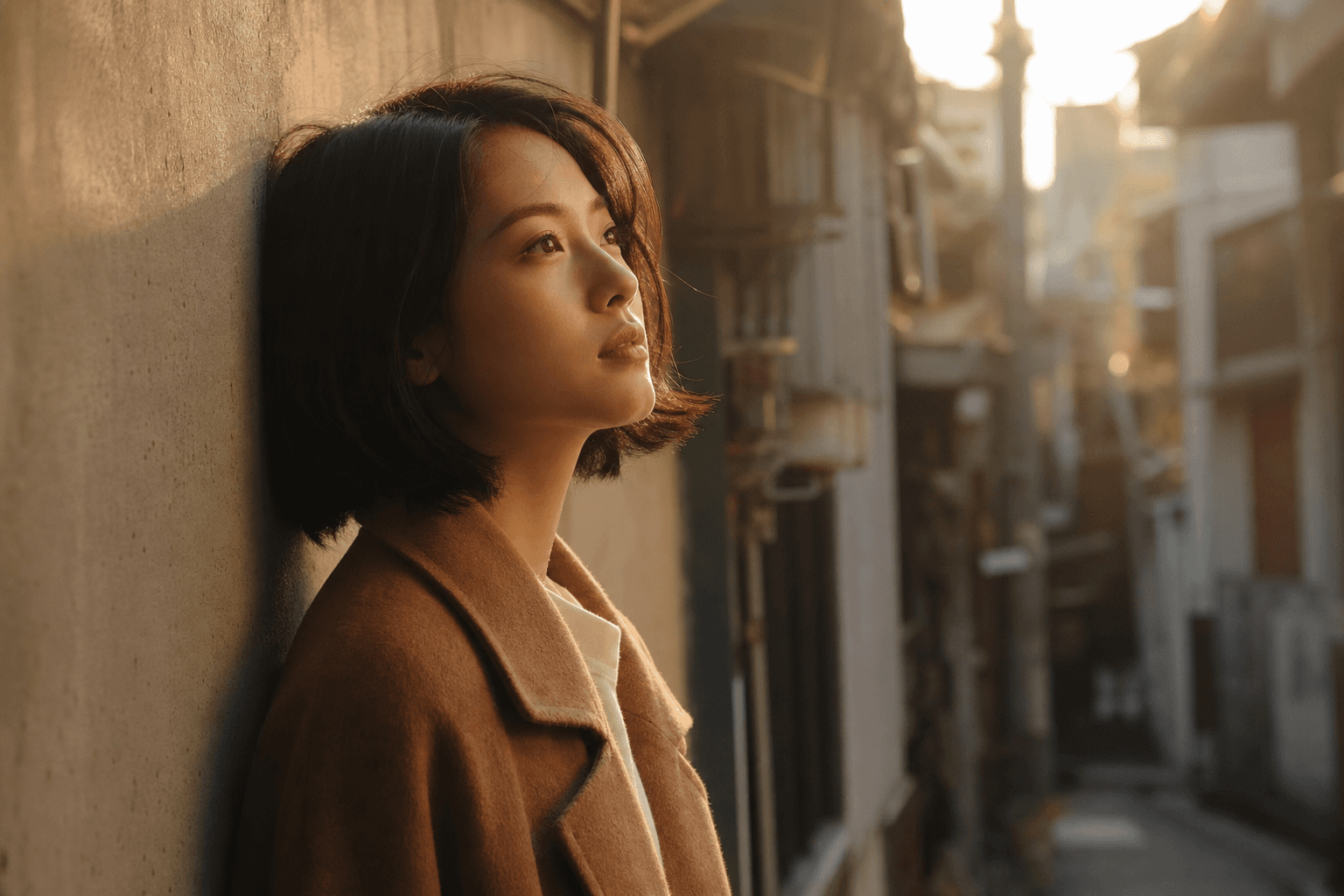
Text to video AI for quick concepts
Start with a written prompt and describe the subject, motion, mood, and scene. Seedance 2.0 Mini uses that prompt to create a short video draft you can review before refining the idea.
Create short AI videos from text, images, and references with Seedance 2.0 Mini, using camera movement, multi-shot scenes, and more stable character continuity.
Content Policy Notice
Any non-compliant generation will fail. Due to upstream restrictions, real human faces (selfies, portraits, celebrities) and copyrighted content are not supported. Violent and NSFW content is also rejected. Please use illustrations, anime characters, or AI-generated faces instead.
Show real Seedance 2.0 Mini outputs here so visitors can judge motion, character consistency, camera framing, and short-form video quality.
Seedance 2.0 Mini examples are loading.
Refresh the page to see the latest AI video showcase.
Seedance 2.0 Mini is an AI video generator for making short cinematic clips from prompts, images, and references without traditional editing software.
Seedance 2.0 Mini is presented as a free cinematic AI video generator for creators who want practical video output from simple inputs. Reference sources also describe it as a lighter version of the Seedance 2.0 video generation experience, focused on fast text to video AI and image to video AI creation.
Seedance 2.0 Mini turns a scene idea into a short generated clip. You can describe what happens, guide the look with reference media, and use settings such as duration, resolution, and aspect ratio to shape the result.
You can start with a prompt alone, add image or video references when the subject matters, and generate a short clip without learning a full editing workflow first.
You can use Seedance 2.0 Mini by starting with a prompt, adding references when needed, then generating and exporting the final clip.
Describe the subject, action, camera movement, and style. For better Seedance 2.0 Mini prompts, keep the scene concrete.
Use image to video AI when you already have a product photo, character look, or visual direction.
Pick the format and clip settings, generate the result, then adjust the prompt if the subject or motion is off.
Seedance 2.0 Mini is useful when you want more control than a one-line prompt, but you still need a fast way to make a clip.
Start with a written prompt and describe the subject, motion, mood, and scene. Seedance 2.0 Mini uses that prompt to create a short video draft you can review before refining the idea.
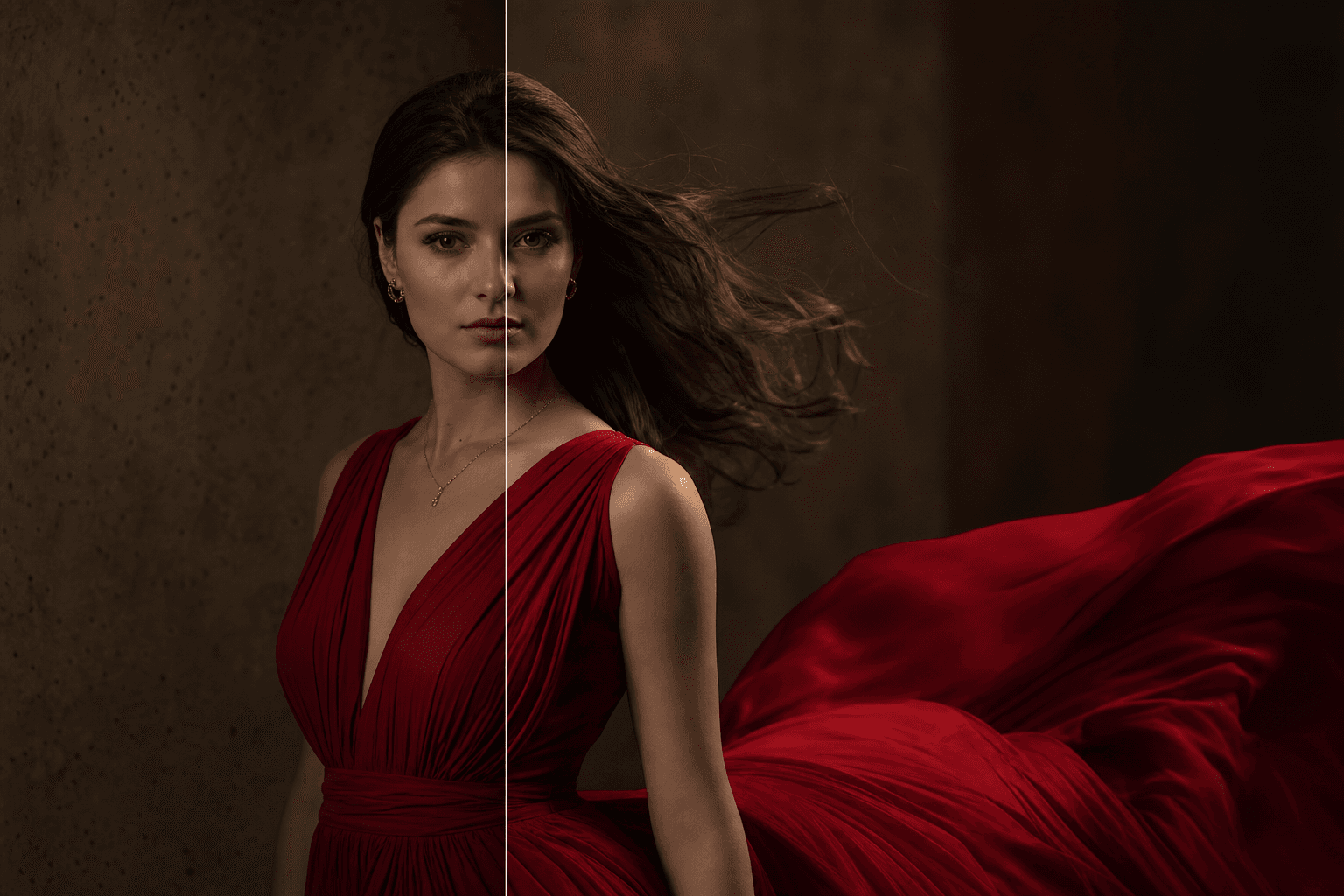
When a prompt is not enough, add a reference image to guide the subject or style. This helps Seedance 2.0 Mini keep the output closer to the look you already have in mind.
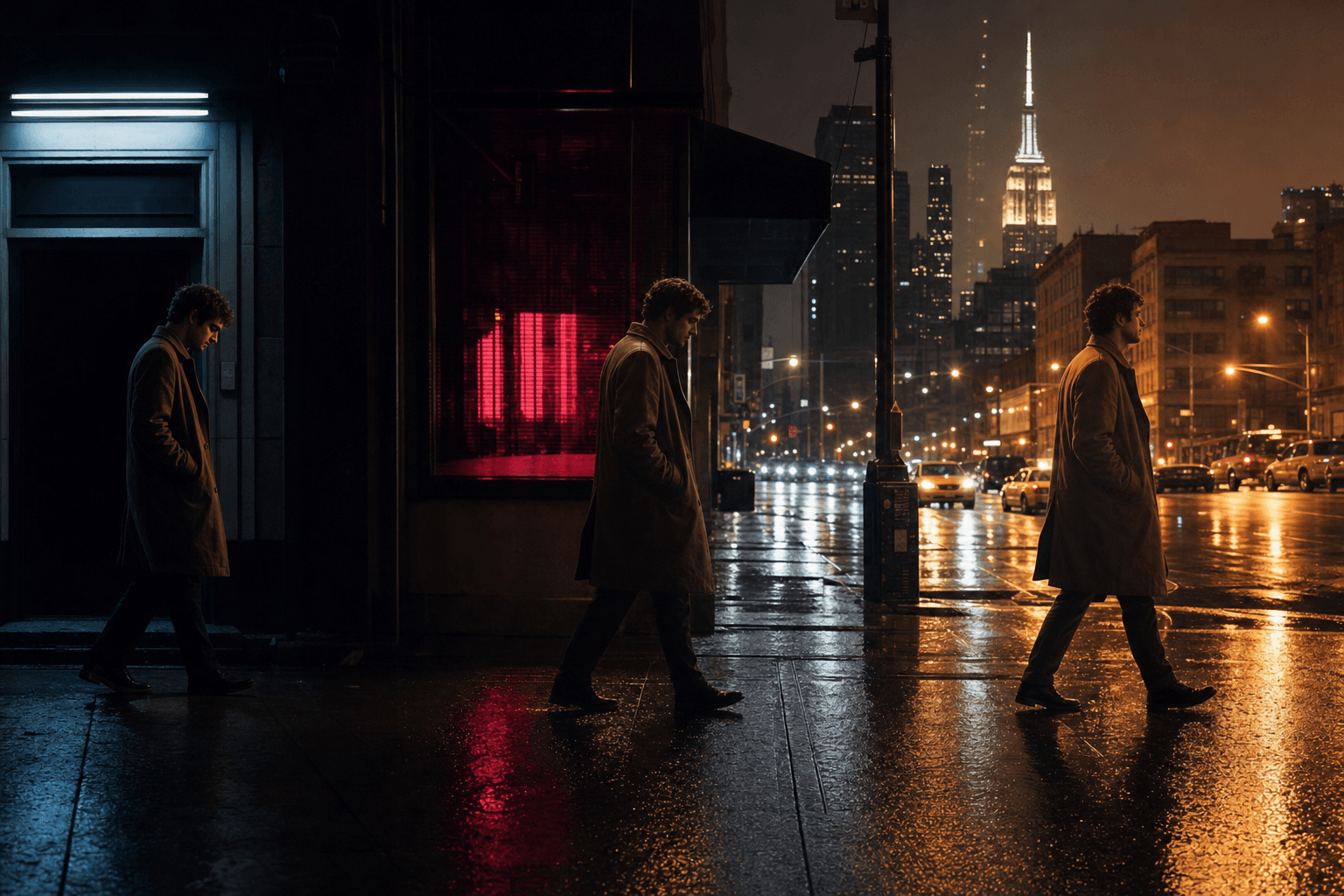
Multi-shot video generation helps when your idea needs a beginning, movement, and a clear ending instead of a single still-like moment.

Use camera control AI video prompts when you want pans, zooms, tracking shots, or a directed product reveal.

Character consistency matters for story clips, product mascots, recurring social characters, and branded visuals where the subject should not change from shot to shot.
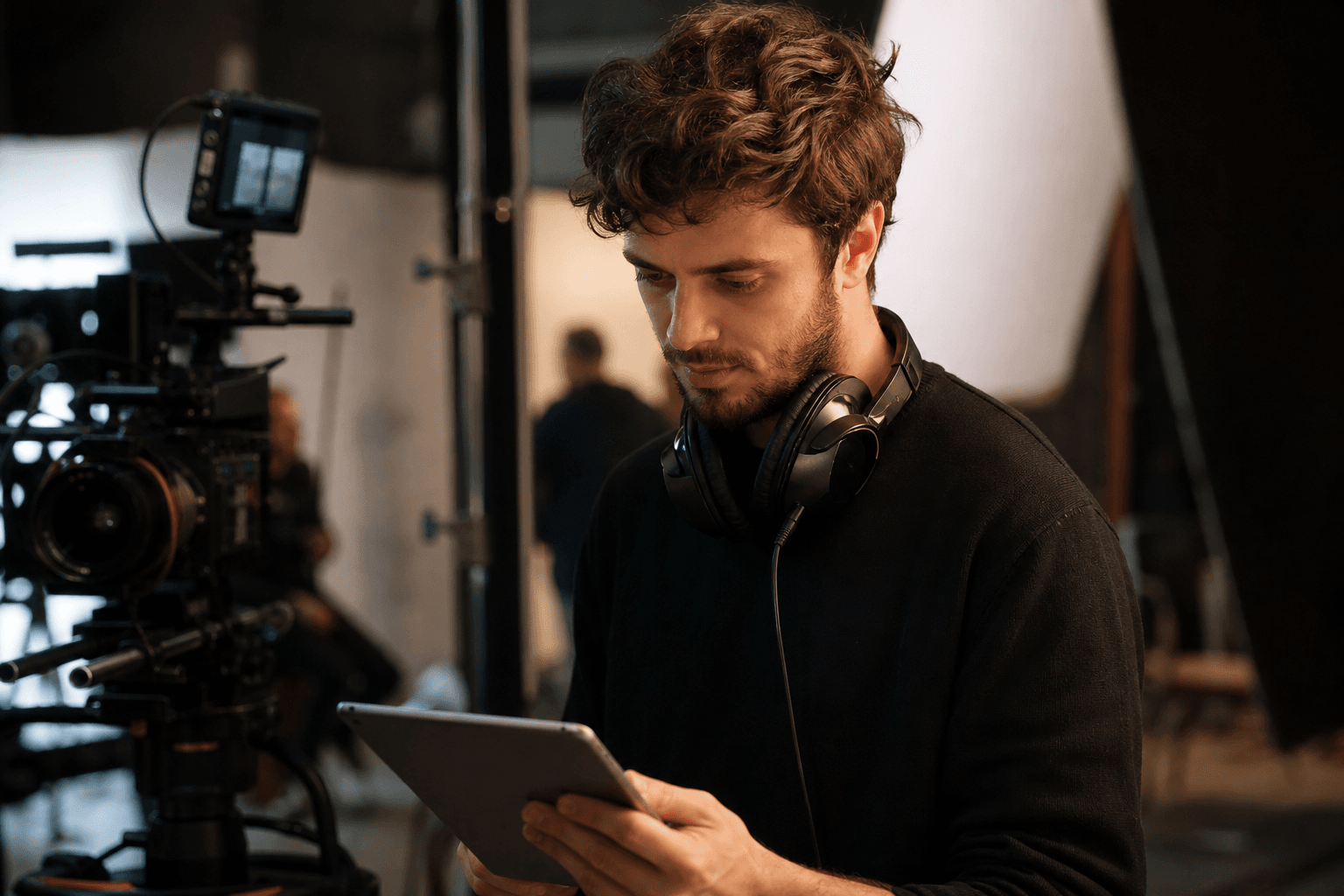
Go beyond still images by adding reference video or audio to guide motion, rhythm, and atmosphere. Seedance 2.0 Mini uses those references to shape pacing and visual direction in the final clip.
Seedance 2.0 Mini works best for short video tasks where speed, visual direction, and repeatable character or product framing matter.
Use Seedance 2.0 Mini for product ads when you need a fast visual concept. A product reference, a clear prompt, and a camera movement direction can produce a clip for early campaign testing.
Seedance 2.0 Mini is useful for short narrative clips because character consistency gives creators a better starting point for recurring subjects and small scene sequences.
Use Seedance 2.0 Mini for social media videos when you need a quick vertical clip, a visual hook, or a short scene to support a post.
Compare Seedance 2.0 Mini with the live Seedance 2.0 generator and Gemini Omni using the practical settings creators usually check before making a short AI video.
| Feature | Seedance 2.0 Mini | Seedance 2.0 | Gemini Omni |
|---|---|---|---|
| Text-to-video | Available for fast prompt-based clips | Available for broader scene generation | Available for multimodal creation |
| Image-to-video | Supports image references for guided motion | Supports reference-led video creation | Available when image input is supported |
| Resolution options | Up to 720p in Fast mode, up to 4K in Standard mode | Up to 4K on this page | Depends on the selected Gemini Omni workflow |
| Clip length | 5s to 12s for short-form output | 5s to 15s for longer short clips | Varies by current model settings |
| Aspect ratios | 16:9, 9:16, 1:1, 4:3, and 3:4 | 16:9, 9:16, 1:1, 4:3, and 3:4 | Format support depends on the active tool |
| Best use case | Quick social clips, product ideas, and concept drafts | More flexible cinematic clips with longer timing | Mixed media ideas that need Gemini-style multimodal input |
Choose Seedance 2.0 Mini when you want a lightweight workflow for short clips. Use Seedance 2.0 when you need more room for cinematic timing, or compare with Gemini Omni when your project starts from broader multimodal input.
Choose Seedance 2.0 Mini when you want a practical path from idea to short video without learning a full editing workflow first.
Seedance 2.0 Mini starts with inputs creators already understand: prompts, images, and references. That makes it easier to test a scene before deciding whether it needs more editing.
Camera movement is part of the creative input, not an afterthought. Seedance 2.0 Mini is a better fit when you want a product reveal, a tracking shot, or a short cinematic beat.
Character consistency and multi-shot video generation make Seedance 2.0 Mini useful for repeatable concepts. That is important for creators building a recognizable subject or visual style.
Use this section to show verified creator examples, source-backed product notes, or approved customer quotes about Seedance 2.0 Mini.
Prompt-to-video creation
Creators can use Seedance 2.0 Mini to turn product ideas, story beats, and visual references into short concept clips before committing to a larger shoot.
Image-guided video creation
Reference images help guide the subject, product, or character look when a text prompt alone is not specific enough.
Character consistency across short scenes
Camera movement options make the output feel closer to a directed shot, especially when the prompt describes framing, action, and mood clearly.
These answers help visitors decide whether Seedance 2.0 Mini fits their video workflow before they start creating.
Seedance 2.0 Mini is used to create short AI videos from prompts, images, and references. It is a good fit for social clips, product concepts, ad visuals, and short story scenes.
Yes. Seedance 2.0 Mini AI Video Generator is the commercial search phrase for this kind of page because the product helps turn creative inputs into generated video clips.
Yes, the referenced pages describe text to video AI creation as part of the Seedance 2.0 Mini workflow. A clear prompt gives the tool the scene, action, and camera direction.
Yes, Seedance 2.0 Mini supports image-guided creation according to the reference pages. Use a reference image when the subject, product, or character look matters.
Consistent character video generation is a key Seedance 2.0 Mini use case. Use clear references and prompts when you need the same subject across shots.
Seedance 2.0 Mini may be available through free-trial style flows, but the live page should avoid exact pricing claims unless pricing is verified at publish time.
Seedance 2.0 Mini Standard mode supports 480p, 720p, 1080p, and 4K output. Fast mode supports 480p and 720p for quicker generation.
Start with Seedance 2.0 Mini when you have a product idea, a story scene, or a short social clip you want to test.
Try Seedance 2.0 Mini Free