Happy Horse 1.1: A Smarter AI Video Generator with Native Sound
Happy Horse 1.1 turns a sentence, a photo, or reference images into a 720P or 1080P video with synced sound. Compared with Happy Horse 1.0, version 1.1 moves more naturally, keeps characters more consistent, and looks closer to real footage.
Upload 1-9 images. Previews appear below the upload area.
*
Type @ or use the button to insert an uploaded image as Image N.
8s
3s15s
Free
Latest release
What's new in Happy Horse 1.1?
About this release
Happy Horse 1.1 is the latest release of the Happy Horse AI video model, shaped around feedback from short-drama, e-commerce, and ad production workflows. This version focuses on the parts of AI video that still feel off: motion, consistency, prompt accuracy, close-up detail, and sound.
Below are the five upgrades you will notice the moment you generate your first clip with Happy Horse 1.1.
Key features
Happy Horse 1.1 key features: 5 upgrades you'll see in the first generation
Happy Horse 1.1 ships five headline upgrades over Happy Horse 1.0: smoother motion, stronger multi-image consistency, smarter prompt understanding, more realistic close-ups, and tighter audio-visual sync. Each one targets a specific pain point creators hit in real video workflows.
Upgrade 01
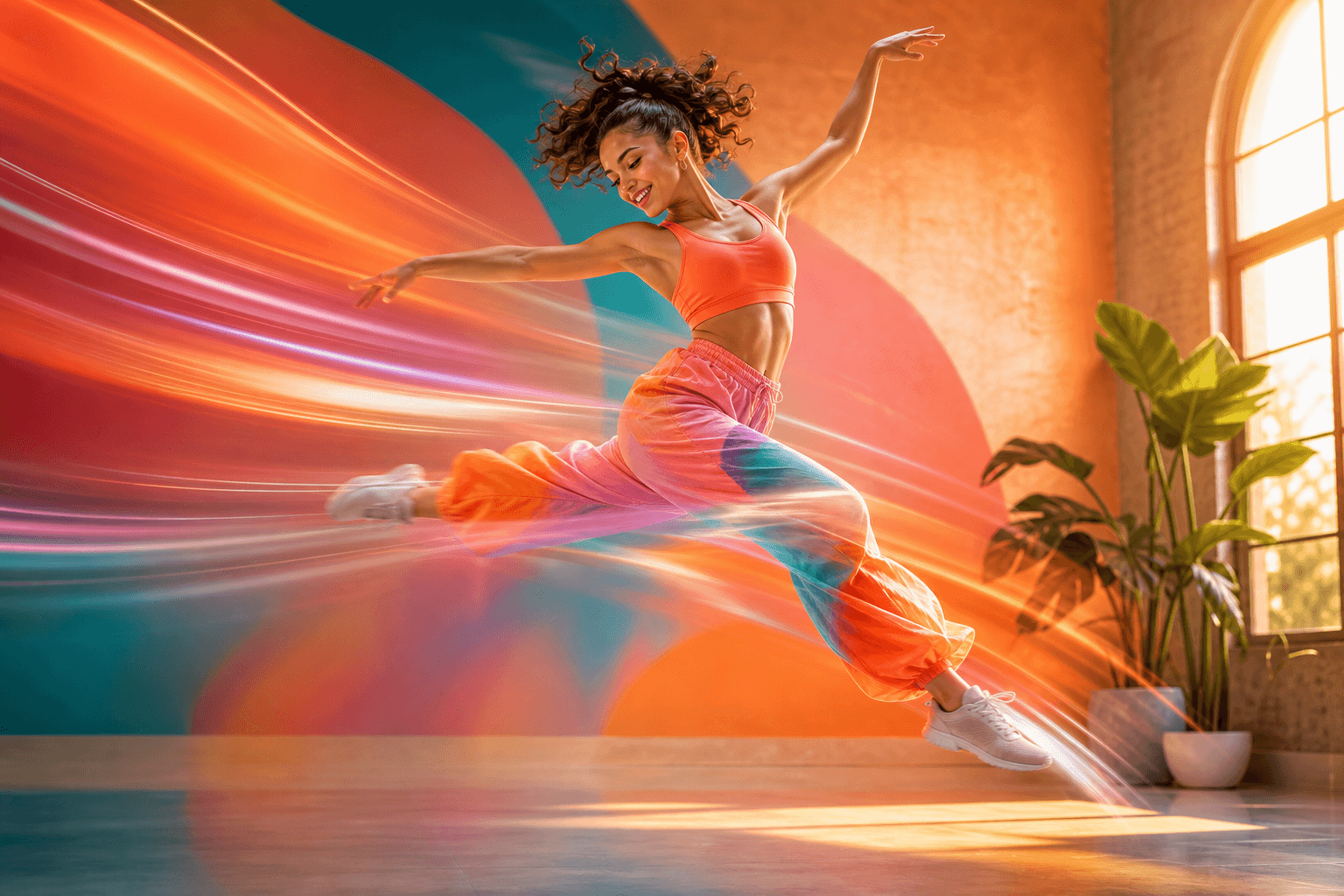
Smoother motion with real momentum
Action shots in Happy Horse 1.1 feel less sluggish. Characters move with weight, and fast scenes like running, jumping, fighting, or dancing keep their rhythm from start to finish.
Best for action beats in short drama, sports clips, dance videos, and product motion shots.
Upgrade 02
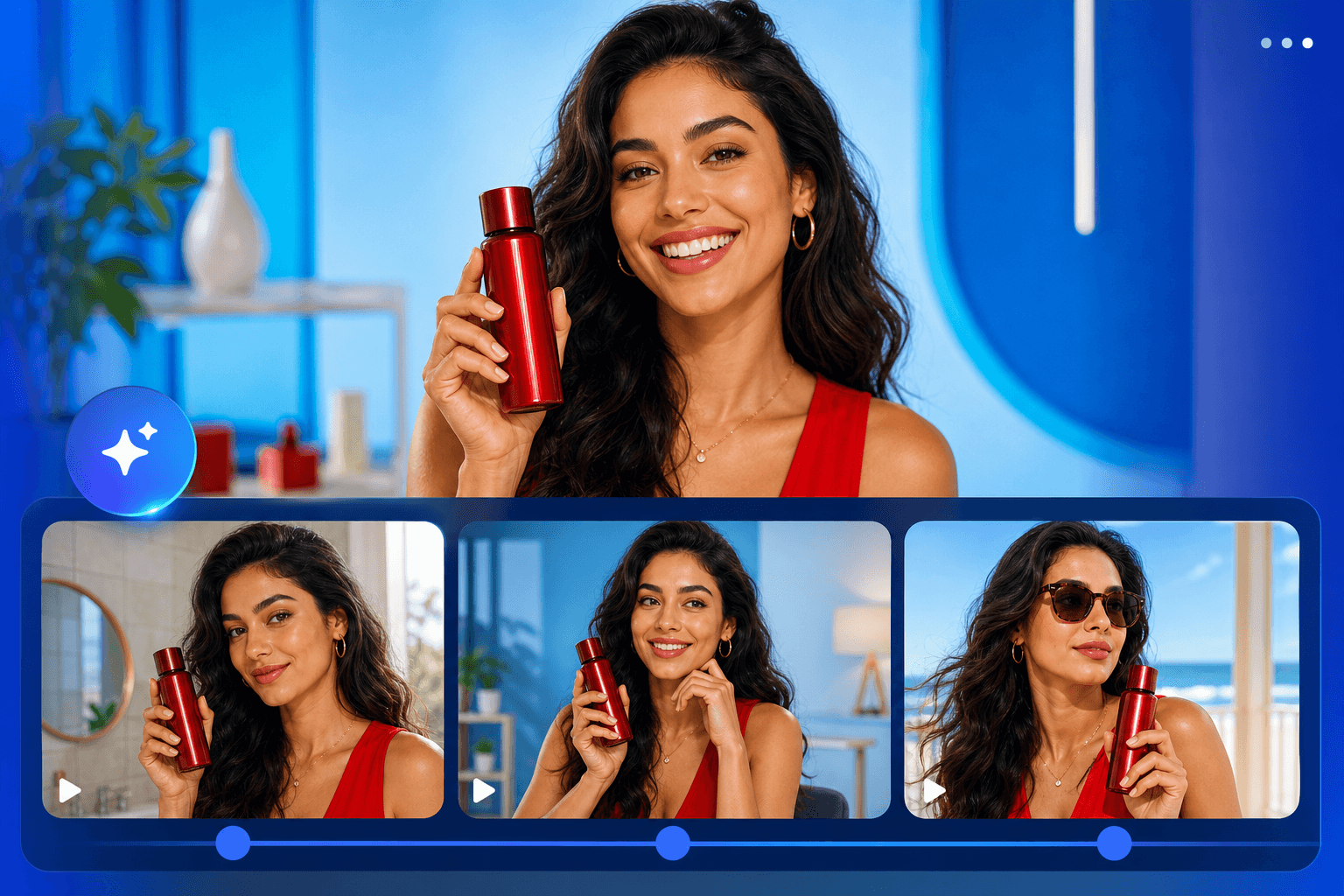
Same character, same product, every shot
Happy Horse 1.1 reads your reference images more carefully. Drop in a product photo, a character portrait, or a storyboard, and the model can reuse those details across the whole video.
Best for multi-shot ads, episodic short drama, and e-commerce product video.
Upgrade 03
Better at understanding what you actually wrote
Long prompts no longer get lost as easily. Happy Horse 1.1 follows multi-scene, multi-character scripts more reliably, so a short line or a full storyboard prompt can stay closer to what you pictured.
Best for storyboard-driven creators, narrative shorts, and complex brand briefs.
Upgrade 04
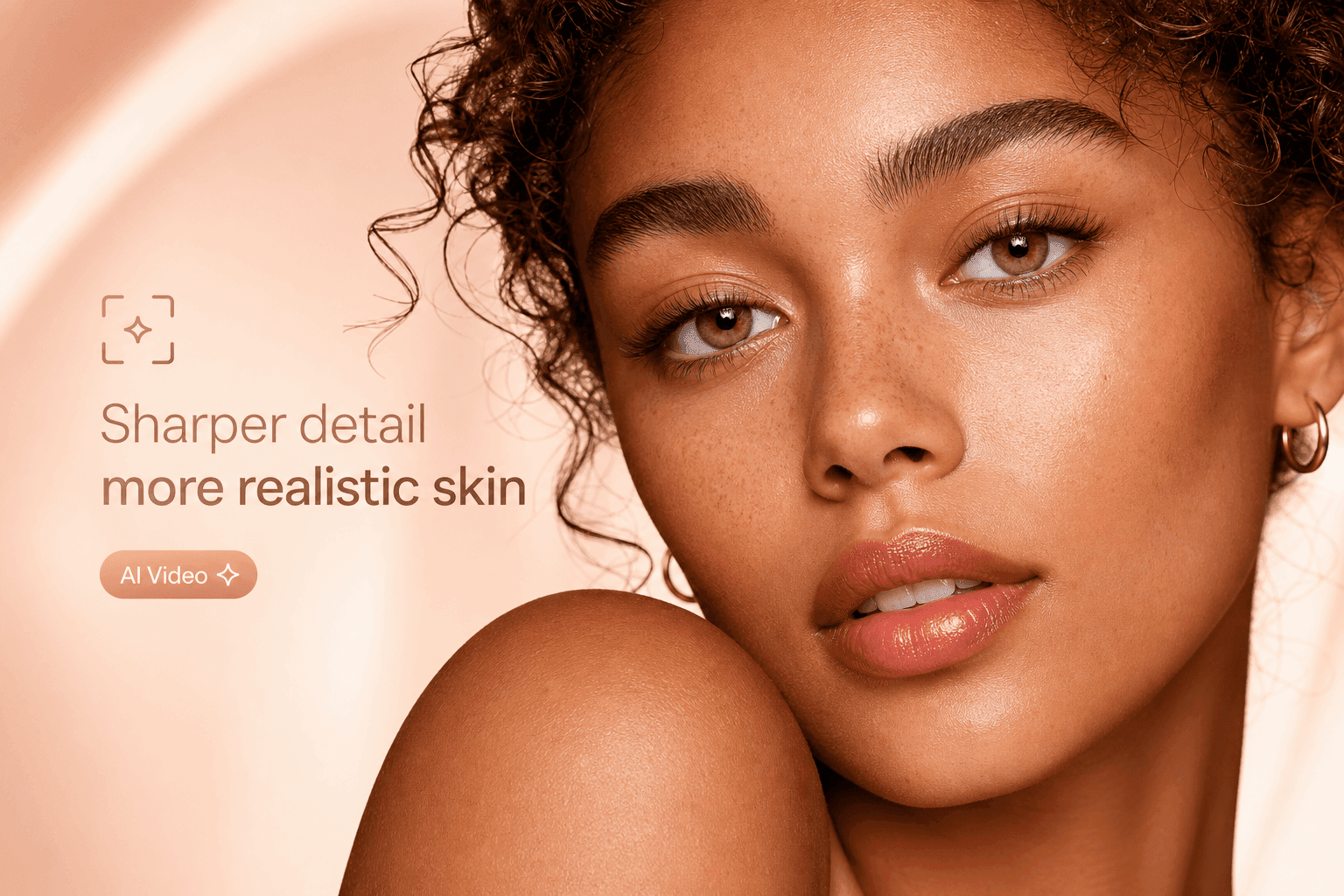
Sharper detail, more realistic skin
Close-up shots look more natural. Skin no longer feels overly smoothed, and details like pores, freckles, fine lines, materials, and lighting can remain readable without being exaggerated.
Best for beauty content, fashion visuals, character drama, and cinematic close-ups.
Upgrade 05
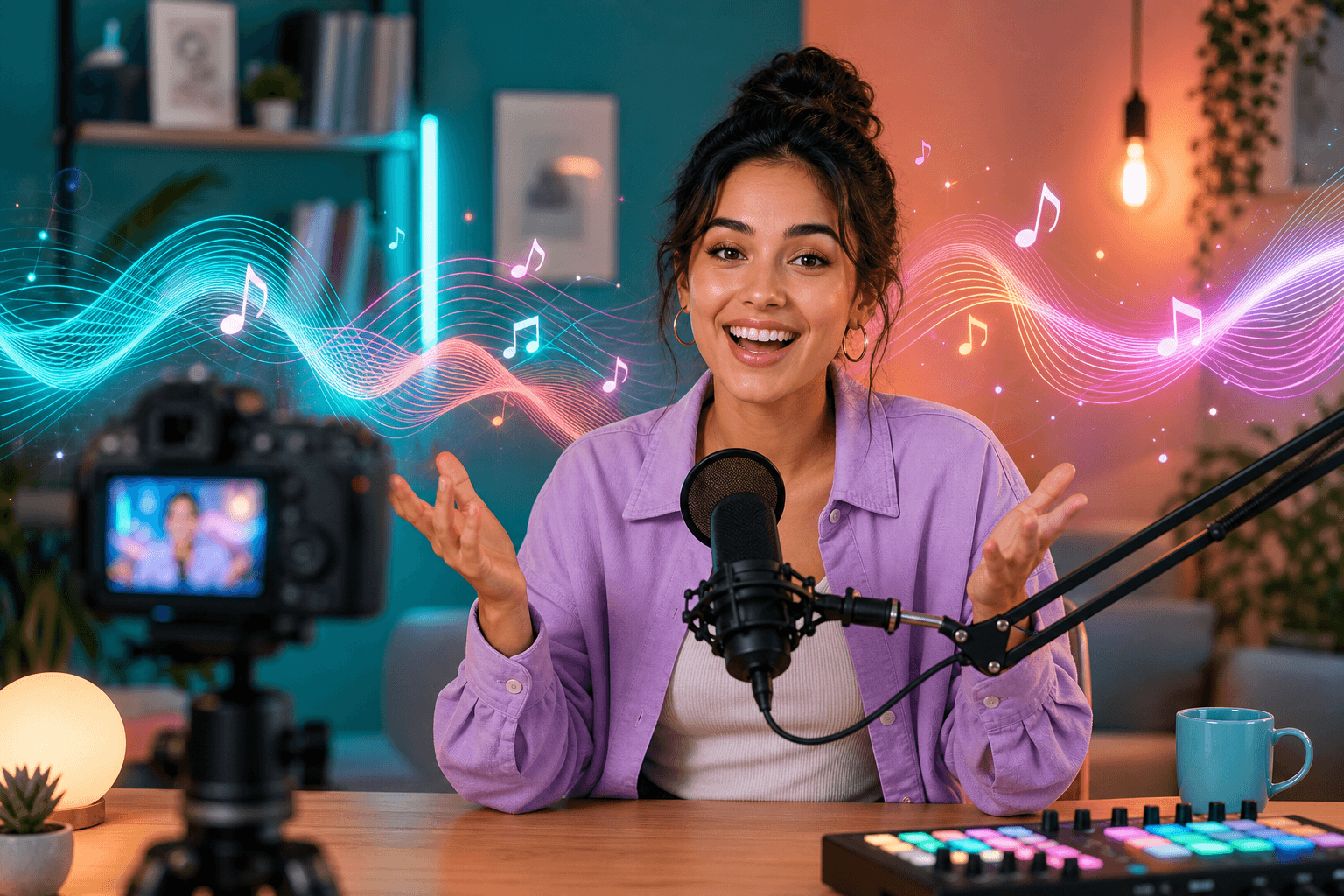
Sound that actually matches the picture
Dialogue, ambience, and background music can be generated together with the video. Prompt the scene sound, timing, and emotional shift so the audio feels connected to the picture.
Best for dialogue scenes, vlogs, ads with voiceover, and clips that need to feel share-ready.
Output gallery
See how different briefs translate to motion
Review portrait, landscape, square, character, product, and cinematic examples before choosing your own direction.
MotionPeopleProductsCinematic
Capabilities
What can you create with Happy Horse 1.1?
Happy Horse 1.1 supports Text-to-Video, Image-to-Video, and Reference-to-Video, with multi-image reference, flexible aspect ratios, and 720P or 1080P output. It is built for short drama, e-commerce ads, brand films, and CG-style content.
Text to Video
Type one line, get a finished clip.
Image to Video
Bring a single photo to life.
Reference to Video
Use multiple images as a visual brief.
Multi-image reference
Combine character, product, and scene direction in one prompt.
Flexible aspect ratios
Use 16:9 for YouTube, 9:16 for TikTok or Reels, and 1:1 for feed posts.
720P / 1080P output
Choose web-ready speed or sharper pitch-ready output.
Native audio
Guide voice, ambience, and music in one generation.
@ reference tags
Attach prompt instructions to specific uploaded images.
Use cases
Who is Happy Horse 1.1 for?
Happy Horse 1.1 is built for people who need finished video fast: short-drama creators, e-commerce sellers, ad teams, brand marketers, and CG artists. If your work involves shipping a lot of video without a film crew, 1.1 is the version you want.
USE 01
Short drama creators
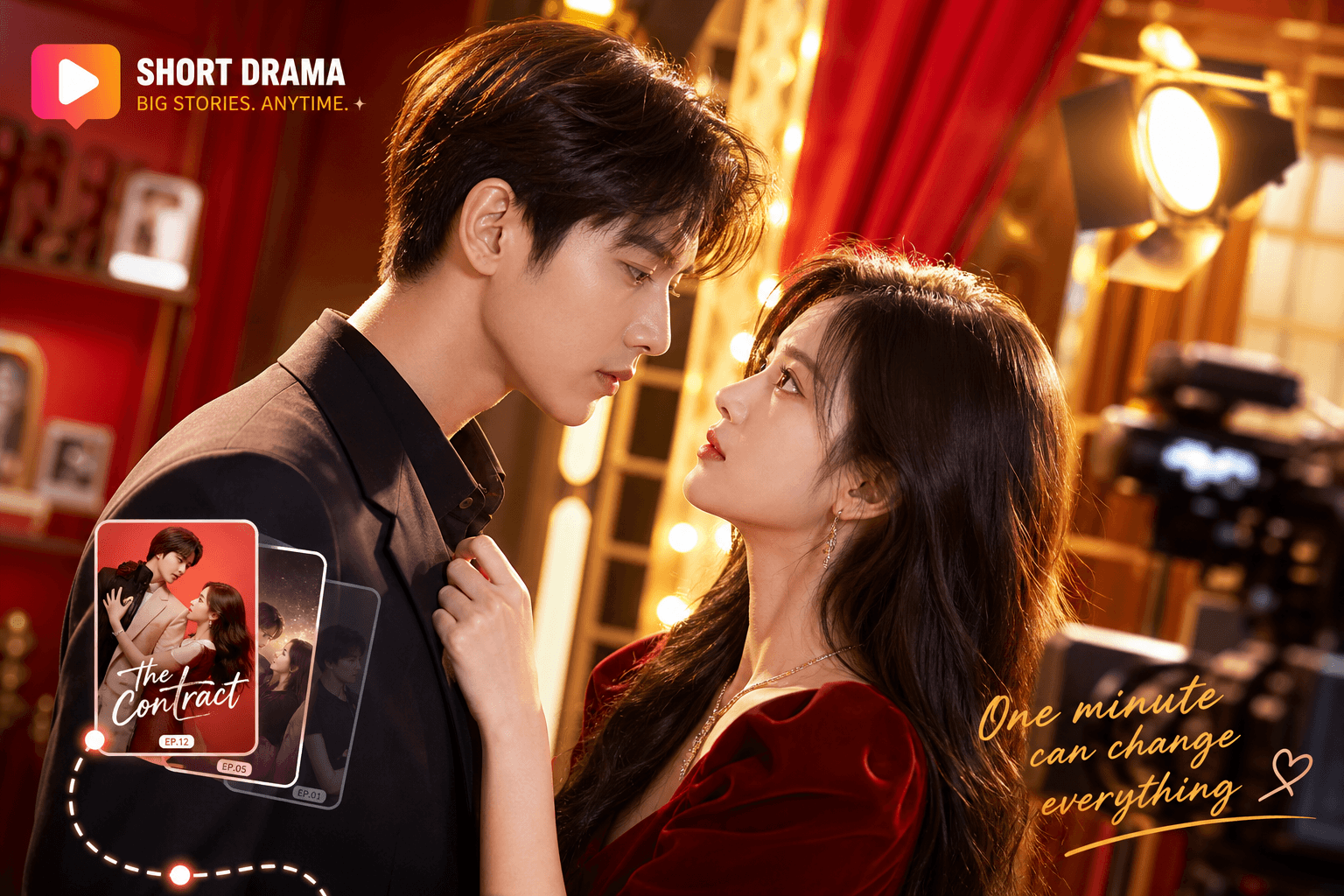
Generate 5-10 second beats with stable characters across the whole episode. Use Reference-to-Video to keep the same lead actor and wardrobe shot after shot.
USE 02
E-commerce sellers
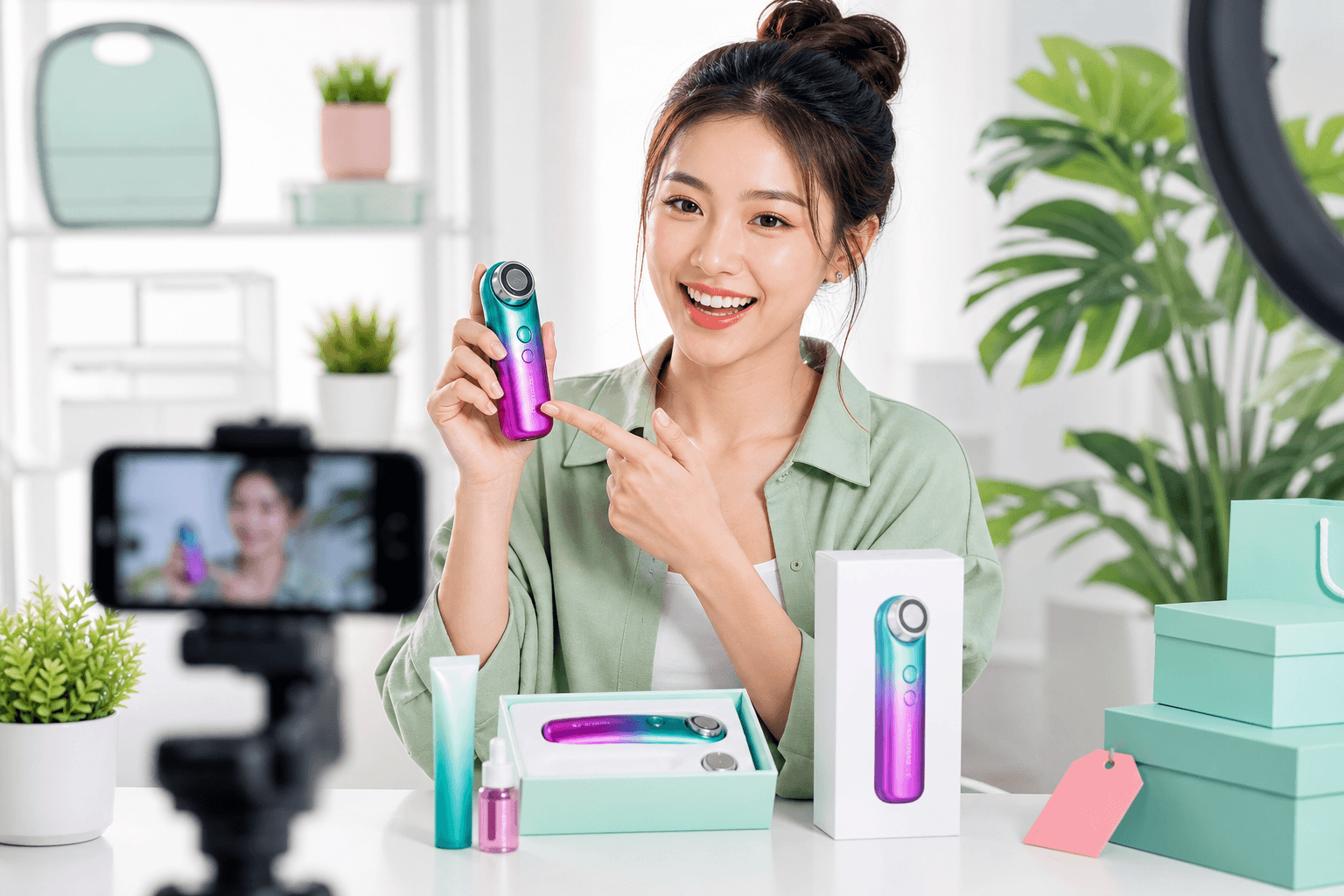
Drop in a product photo and turn it into a demo video where packaging, label, color, and product shape stay easier to recognize.
USE 03
Brand and marketing teams
Storyboard a compact ad from one prompt. Multi-shot consistency helps keep your spokesperson, logo, and color palette aligned across cuts.
USE 04
Filmmakers and CG artists
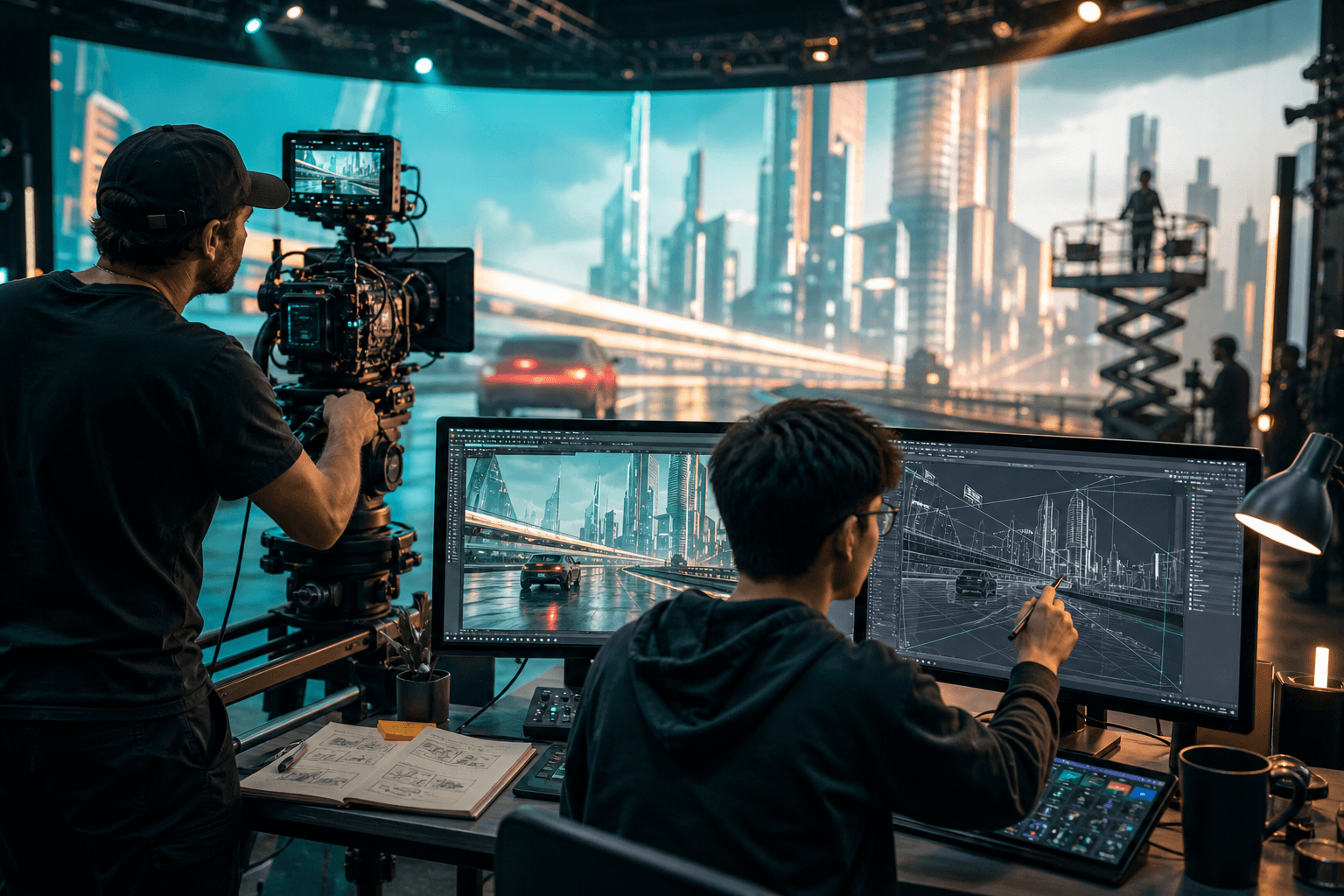
Test cinematic camera moves such as tracking, push-ins, and shot/reverse-shot without a real crew. Use 1.1 for previz or concept rendering.
Version guide
Happy Horse 1.1 vs Happy Horse 1.0: what actually changed?
Happy Horse 1.1 is a direct upgrade to Happy Horse 1.0. The biggest gains are in motion smoothness, multi-reference consistency, prompt accuracy, close-up realism, and audio-visual sync.
Motion in action shots
Readable, but can feel slow
Smoother, with stronger momentum
Character and product consistency
Good on single-reference guidance
More stable across multi-image references
Following long prompts
Solid on short prompts
Better across multi-scene scripts
Close-up skin and detail
Clean cinematic look
More realistic skin and less over-smoothing
Audio-visual sync
Available
Tighter prompt space for dialogue, ambience, and timing
Camera language
Standard shot direction
Shot/reverse-shot, tracking, and push-ins feel more natural
Workflow
How to generate a video with Happy Horse 1.1 in 3 steps
You can create your first Happy Horse 1.1 video quickly in XMK. Type a prompt or upload reference images, choose your aspect ratio and resolution, then generate and review the MP4 output.
01
Describe or upload
Write a short prompt, drag in one image, or upload multiple references for Reference-to-Video.
02
Set your output
Pick aspect ratio, duration, 720P or 1080P, and include audio direction when sound matters.
03
Generate and download
Generate the clip, review the result, then download or share the finished video.
Pricing
Happy Horse 1.1 pricing on XMK
Happy Horse 1.1 uses one-time XMK credits instead of a separate subscription for this page. The final cost depends on duration and resolution, so you can balance speed, quality, and budget before generation.
720P costs 30 credits per second
1080P costs 40 credits per second
Free voucher use follows 720P and 5 seconds
Reference mode supports up to nine images
FAQ
Happy Horse 1.1 - Frequently Asked Questions
Essential details about references, formats, pricing, output, sound, and the 1.1 upgrade.
What is Happy Horse 1.1?
Happy Horse 1.1 is the upgraded version of the Happy Horse AI video model. It generates 720P or 1080P video with synced sound from a text prompt, a single image, or multiple reference images. It improves on Happy Horse 1.0 in motion, consistency, and visual realism.
How is Happy Horse 1.1 different from Happy Horse 1.0?
Happy Horse 1.1 keeps everything 1.0 could do, then sharpens five areas: smoother motion, stronger character and product consistency across shots, better understanding of long prompts, more realistic close-ups, and tighter audio-visual sync.
How much does Happy Horse 1.1 cost on XMK?
Happy Horse 1.1 uses XMK credits based on duration and resolution. A 720P generation costs 30 credits per second, while a 1080P generation costs 40 credits per second. Free voucher use follows the existing 720P, 5-second rule.
Does Happy Horse 1.1 support image to video?
Yes. Happy Horse 1.1 supports Text-to-Video, Image-to-Video, and Reference-to-Video, including multi-image reference so you can combine a character, a product, and a scene in the same shot.
How does Happy Horse 1.1 Reference mode work?
Upload up to nine reference images, then type @ in the prompt or click @ Reference to insert an Image N tag. The selected tags make it clear which uploaded image should guide a character, product, outfit, logo, or scene detail.
Does Happy Horse 1.1 generate sound?
Yes. Happy Horse 1.1 can generate the video and the audio in the same pass, including dialogue cues, ambience, and background music. For better results, describe both the visible action and the sound you want.
What resolution does Happy Horse 1.1 output?
Happy Horse 1.1 supports 720P and 1080P output in common aspect ratios such as 16:9, 9:16, and 1:1, so you can create videos for YouTube, TikTok, Instagram Reels, product pages, or internal concept review.
What image formats can I upload to Happy Horse 1.1?
The XMK studio accepts JPEG, JPG, PNG, BMP, and WEBP images up to 20MB. Images must be between 240 and 8000 pixels on each side, and transparent PNG files are not supported.
What kind of content is Happy Horse 1.1 best for?
Happy Horse 1.1 is tuned for short drama, e-commerce product video, brand and ad creative, and CG-style storytelling. These are the scenarios where motion quality, prompt accuracy, character consistency, and sound timing matter most.
Generate a Happy Horse 1.1 video with sound
Bring a prompt, a photo, or several visual references. Use @ tags to connect your instructions to specific images, then create a smoother 720P or 1080P video in XMK.